A keg kicks.
The tap changes.
The price goes up.
Your menu stays exactly the same.
An outdated bar menu seems like a small problem until someone tries to order from it. Then your bartender has to explain that the beer on the screen is gone, the cocktail costs more than the printed menu says, or the website hasn't caught up with what is actually available.
None of these moments are catastrophic.
They're just annoying. And during a busy shift, annoying adds up fast.
An Outdated Menu Creates More Work for Your Staff
A guest sees an IPA on the menu and orders it.
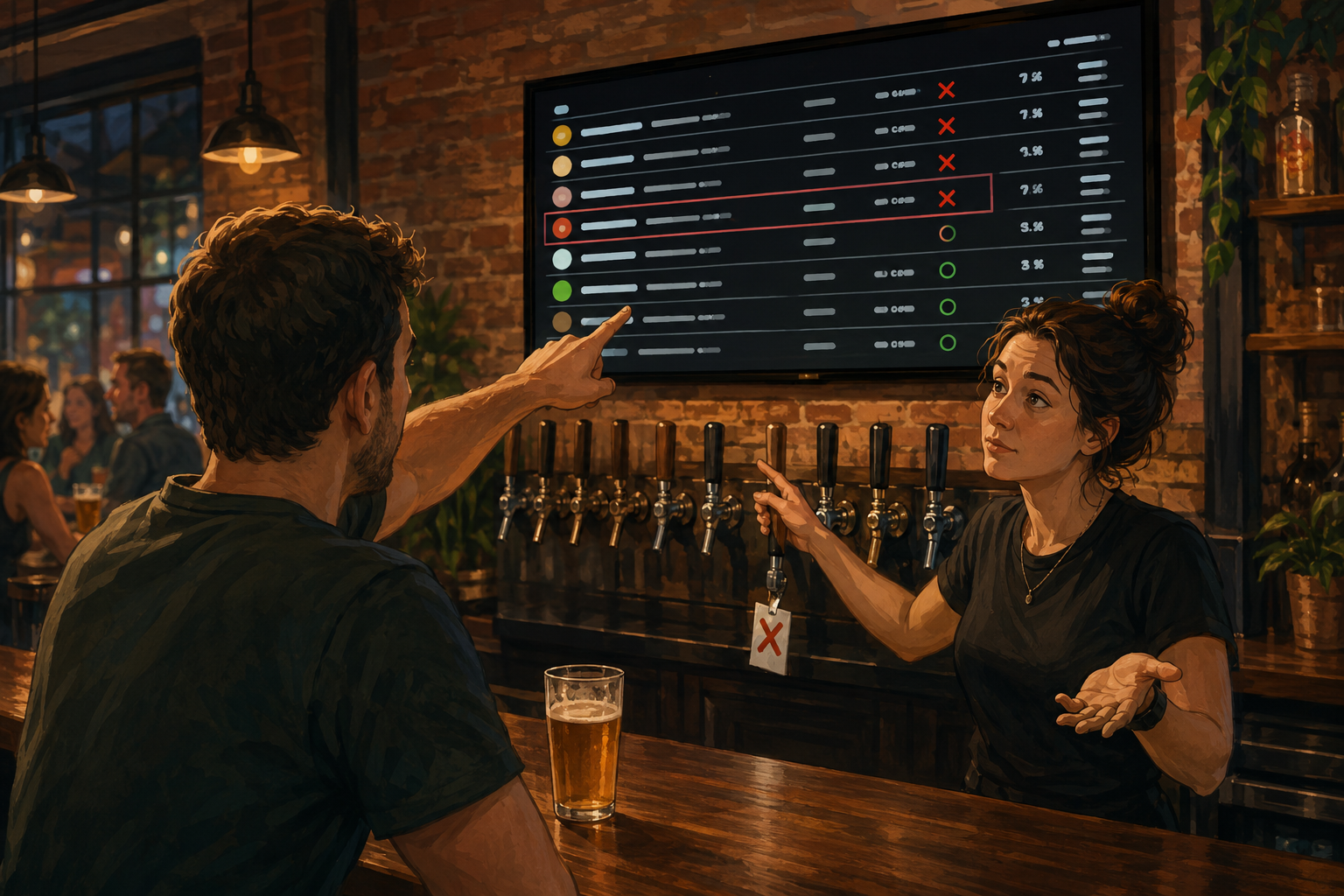
"We just kicked that."
They pick another beer.
That one is gone too.
Now your bartender isn't just taking an order. They're explaining the menu, suggesting alternatives, and trying to remember what is actually available.
Multiply that by a busy Friday night and an outdated menu becomes a staff problem.
Your menu should answer basic questions before a guest has to ask. What's available? How much does it cost? What can I order?
When the menu can't be trusted, your staff becomes the correction system.
Sold-Out Drinks Are Still Taking Orders
A kicked keg is probably the clearest example of an outdated tap list.
The beer is gone. The menu says it isn't.
Until someone updates the menu, guests can keep trying to order something you can't serve.
It gets more complicated when your beverage menu appears in several places.
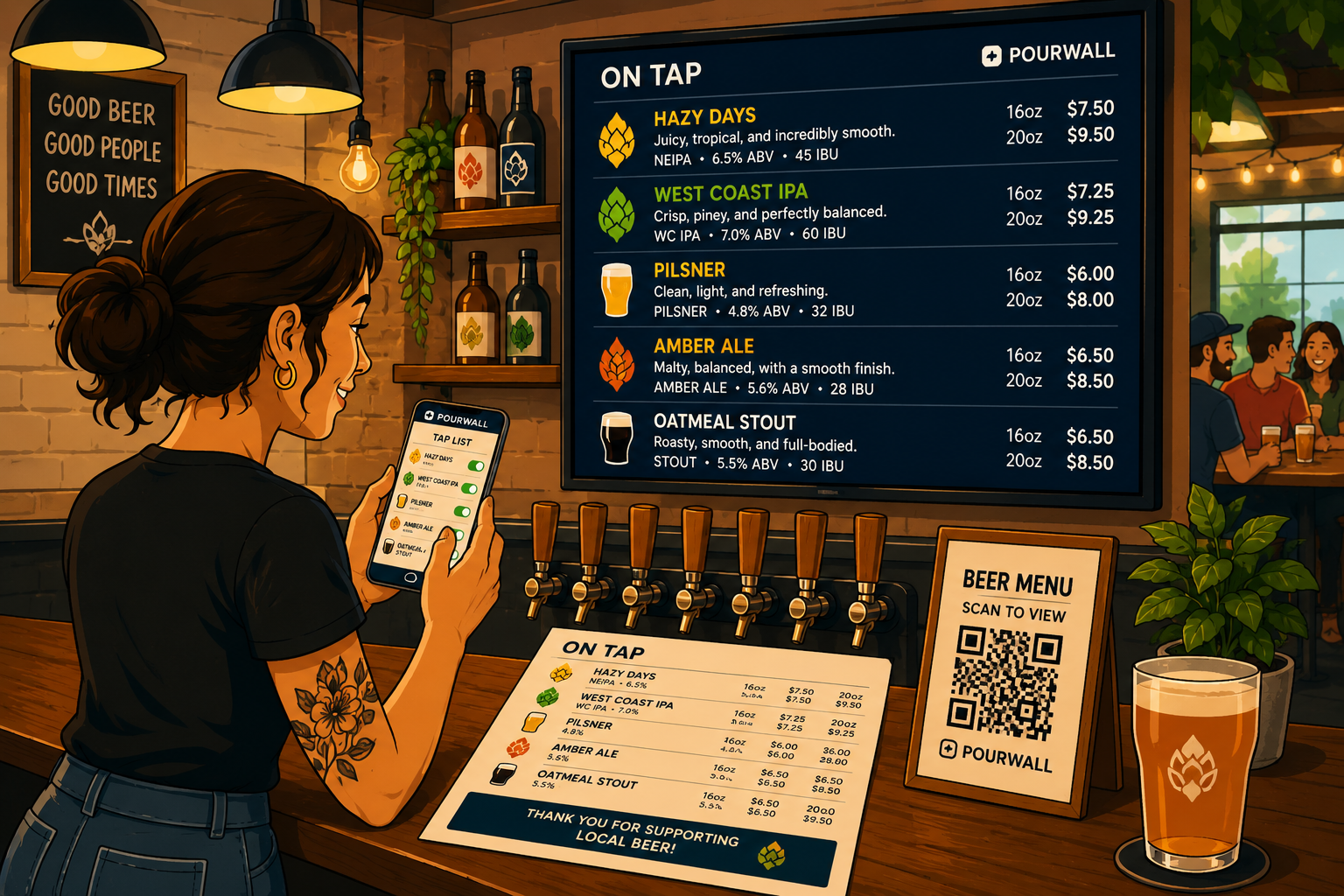
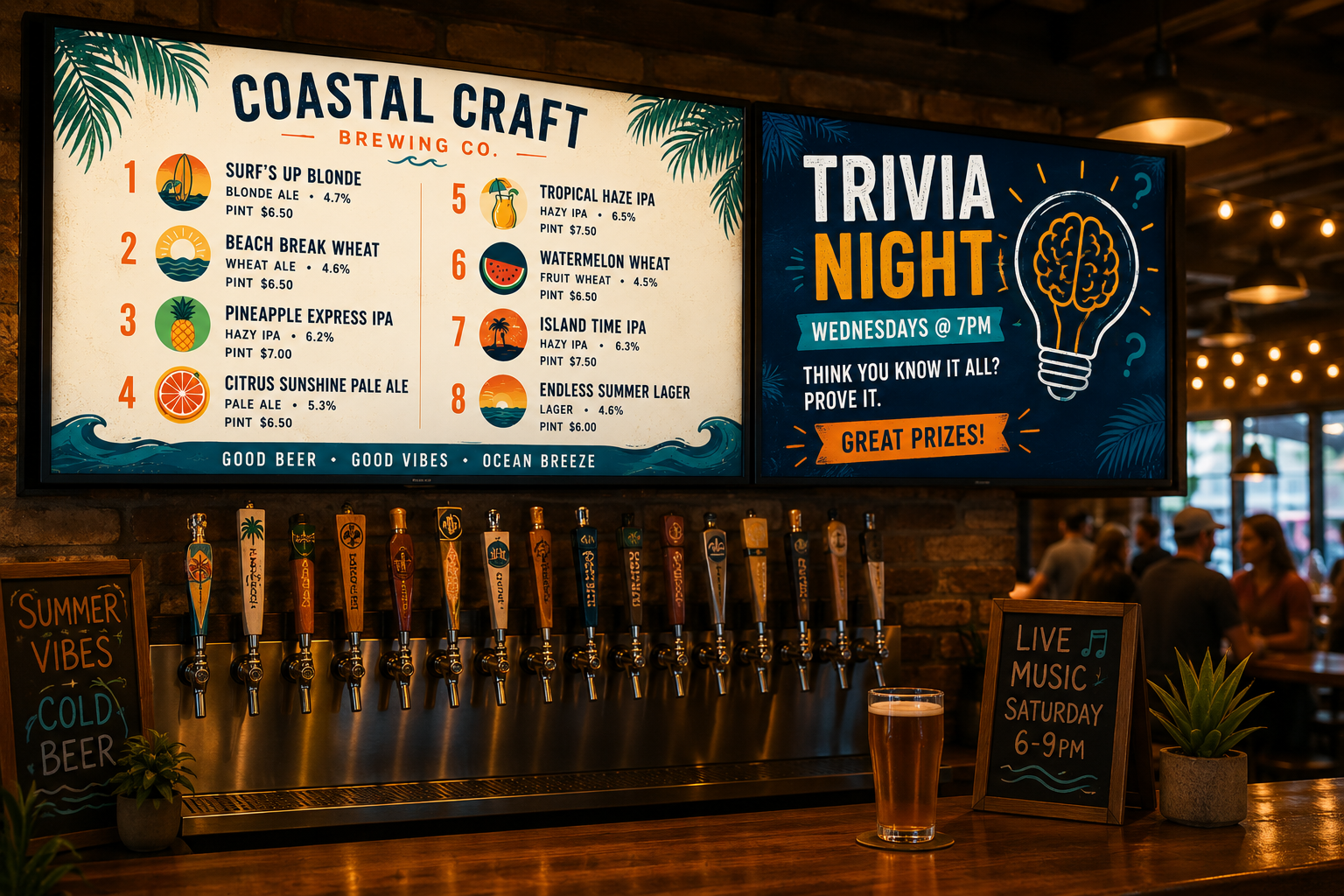
You might have a TV menu behind the bar, a printed menu on tables, a QR menu, and a tap list on your website.
If those are managed separately, one change can leave several outdated versions behind.
Now there isn't really one tap list.
There are four versions of it.
Wrong Prices Are Worse
An unavailable beer is usually easy to explain.
A price discrepancy is harder.
If your printed menu says a drink is $7 and the current price is $8, the guest saw $7. Your staff is now stuck explaining why the menu and the bill don't match.
The same problem can happen with serving sizes, descriptions, or other product details.
And the more places you display your menu, the more places there are to update.
Keeping every version accurate becomes its own job.
Guests Stop Trusting the Menu
One "sorry, we're out of that" isn't unusual at a bar.
After the second or third, the menu starts to feel unreliable.
Instead of using it to decide what they want, guests start asking your bartender what's actually available.
That defeats the point.
A good bar menu should make ordering easier. If guests have to confirm every choice with your staff, it's just decoration.
Accuracy matters because it makes the menu useful.
Your Staff May Not Know Which Version Is Right Either
Menus aren't only for guests.
They help staff keep track of what's currently available, especially when products rotate regularly or different employees work different shifts.
If the TV says one thing, the printed menu says another, and the website shows something else, which one is right?
Usually somebody knows.
Finding that somebody is the problem.
An accurate menu means less checking, less asking around, and fewer "I thought we still had that" conversations during service.
Multiple Menu Formats Make the Problem Easier to Miss
TV menus, printed menus, QR menus, and website tap lists are useful for different reasons.
The problem starts when every format has to be managed separately.
One beer rotation can mean editing a TV slide, changing a PDF, updating your website, and printing another menu.
Or, more realistically, you update three and forget the fourth.
The issue isn't that your staff doesn't care about keeping the menu accurate.
There are simply too many places to remember.
The Fix Isn't Updating Menus More Often
Nobody needs another task on the opening checklist.
The better solution is reducing how many separate updates have to happen in the first place.
With Pourwall, your products can be managed in one place and used across different menu formats.
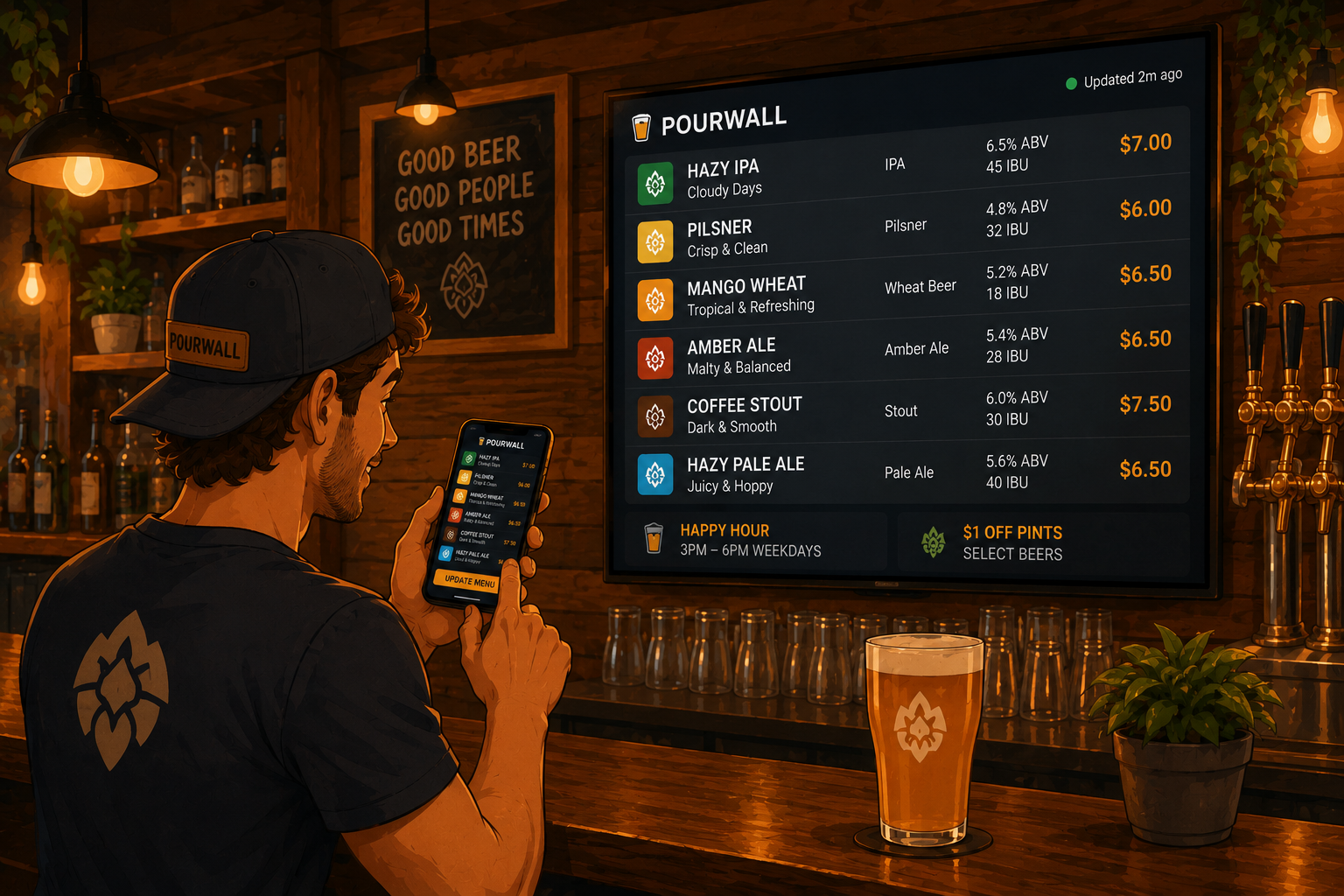
Changes to your digital menu can be pushed to your TV screens in real time. Pourwall Premium also supports QR menus, printed menus, website embeds, unlimited screens, team members, and multiple locations.
You can manage your menu from your phone, tablet, or computer. When something changes behind the bar, your TV menu can reflect that change right away.
Other menu formats can use the same product information instead of making you maintain separate versions in different tools.
One source is much easier to keep accurate than four.
Your Menu Should Match What's Actually Behind the Bar
If a beer is available, your menu should show it.
If the keg kicks, it should come off.
If a price changes, the menu should change with it.
The goal isn't to spend more time managing your menu. It's to make sure the menu does its job without your staff having to correct it all night.
Pourwall is built for exactly that. Keep your beverage menu current from one place, show it on the screens you already use, and spend less of the shift explaining why the menu is wrong.
Because "sorry, we just kicked that" is normal.
Saying it about three beers still listed on the menu doesn't have to be.