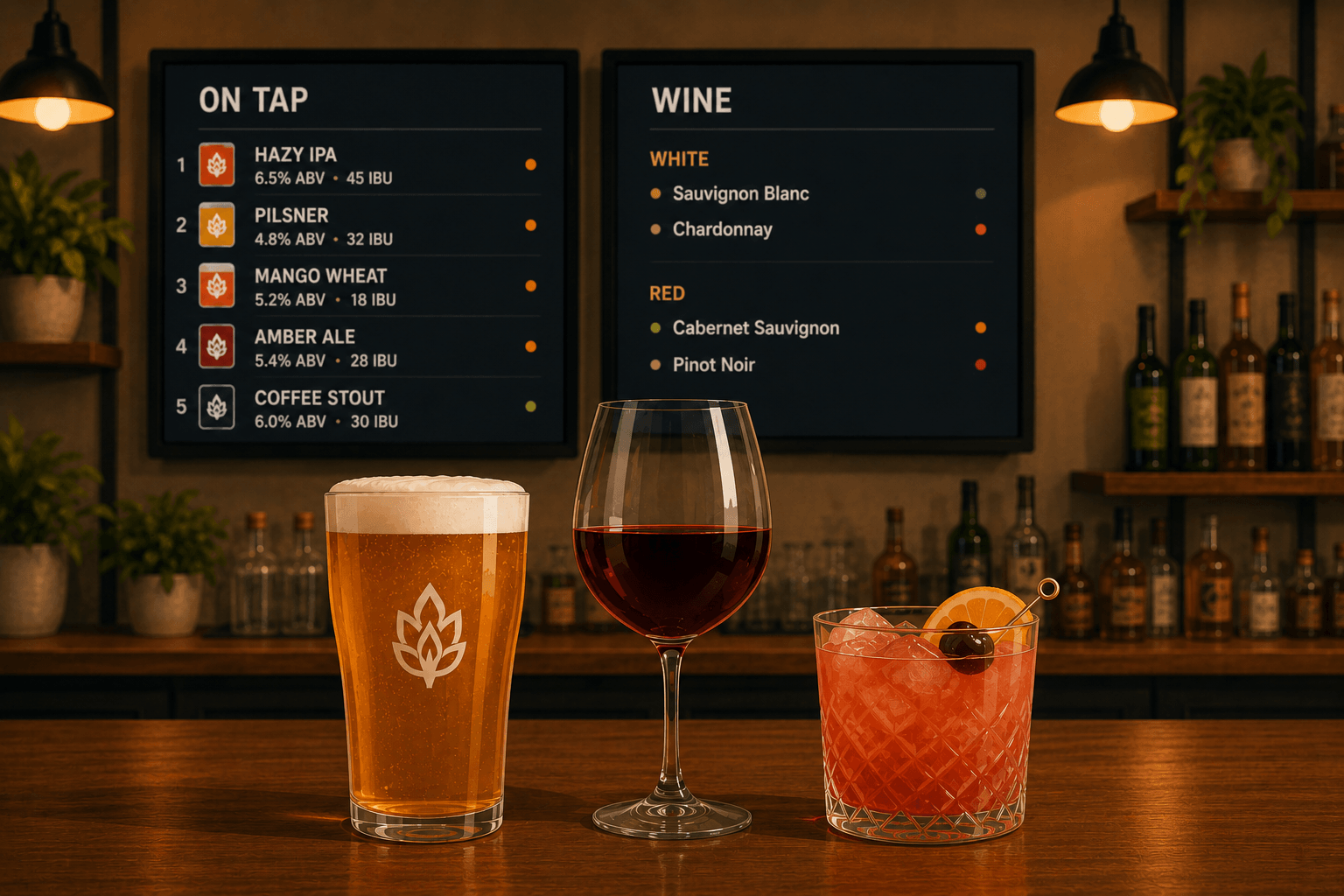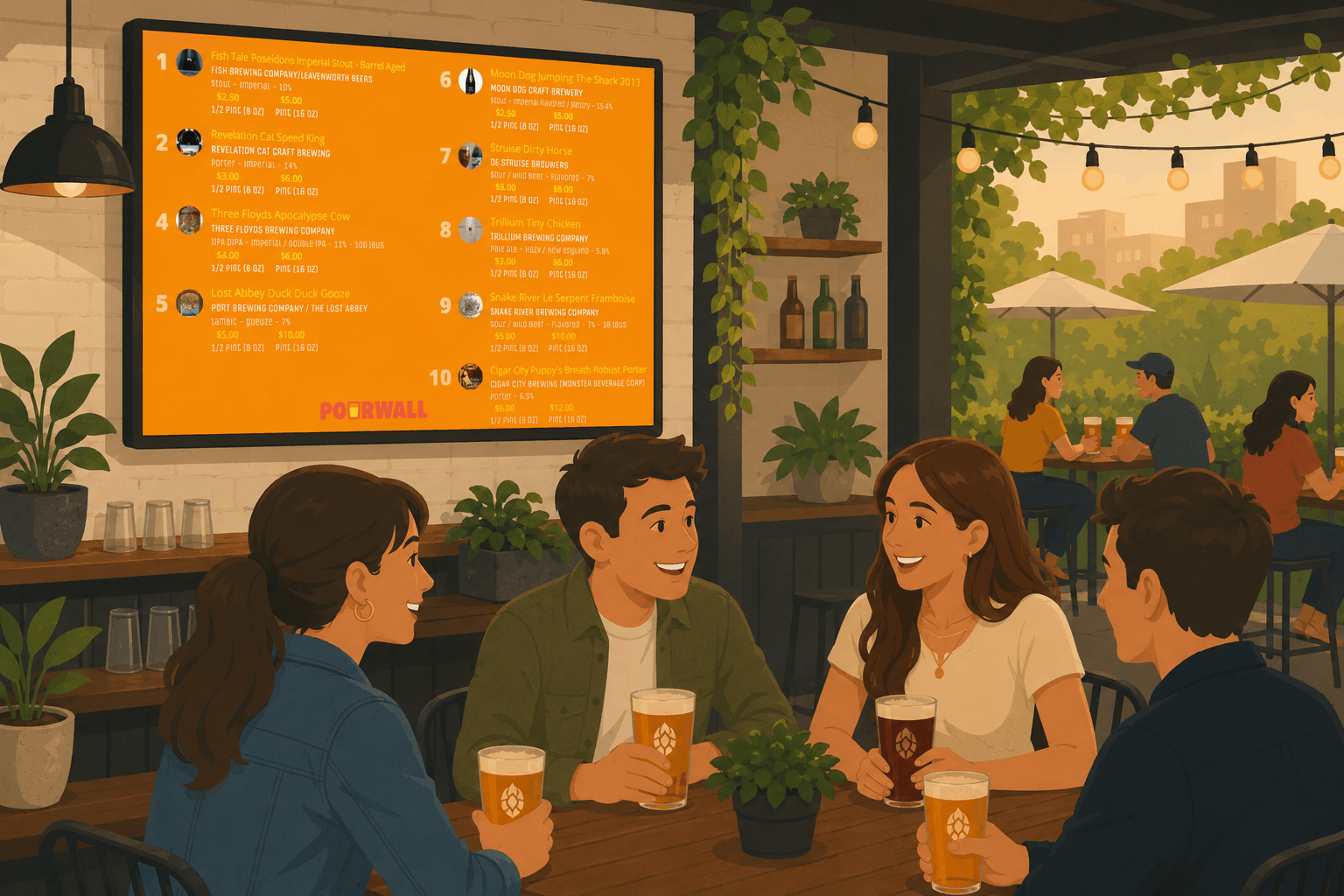
Every bar has TVs. Most of them are showing a cable news channel or a game nobody asked for. That same screen could be helping customers discover what you have on tap — and driving higher-margin orders in the process.
Digital menu boards have been a staple in quick-service restaurants for years. Behind the bar, there is still a lot of room to catch up.
Here is what works and how to put your screens to use.
Why Your Digital Tap List Belongs on the TV
When customers sit down, they look up. If your digital tap list is on the TV, they read it. If it is on a chalkboard at the far end of the bar, half your guests never see it. If it is on a paper menu that has not been updated since last week, they order the same thing they always order.
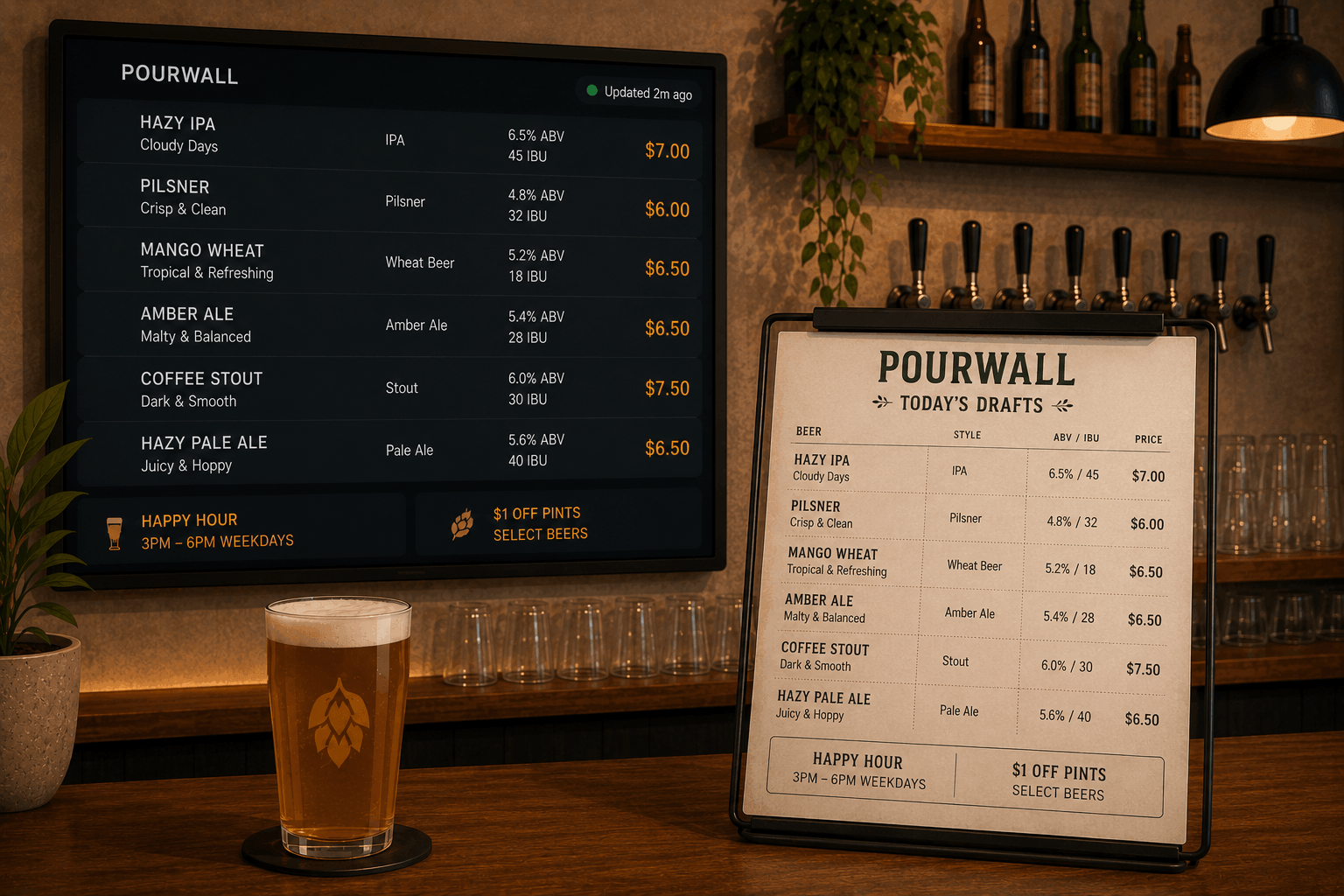
Digital menu boards work because they remove friction from the decision. The customer sees the full tap list — names, styles, ABV, descriptions — without having to ask the bartender, squint at a board, or flip through a menu.
That lowers the barrier to trying something new, and trying something new almost always means ordering something higher-margin.
The Upsell You Might Be Missing
A well-organized digital tap list does a lot of the selling for you. When a customer sees "Double IPA, tropical, juicy, 8.2% ABV, $9" on screen, they can make that decision on their own. No pitch required.
The same applies to seasonal taps, limited releases, and guest kegs. Put them on screen prominently and they tend to move faster. When they run out, update the menu from your laptop in about 15 seconds.
Real-Time Updates Change the Game
The biggest failure mode with any static menu — chalkboard, printed, or slide deck — is that it goes out of date and stays that way. Staff stop trusting it. Customers get disappointed when something listed is not available.
Pourwall updates across all your screens the instant you save a change. Mark a tap inactive and it disappears. Move a new keg to active and it appears. Do this from your laptop, at the bar, mid-shift.
When your menu is always accurate, customers trust it. When they trust it, they use it.
What to Put on Your Bar's Menu Board
A few things that consistently work well:
Show ABV. Customers making decisions about a third or fourth drink appreciate knowing what they are getting into. It also positions your high-ABV specialties as a premium choice.
Write short descriptions. Even one line — "Hazy pale ale, stone fruit and pine" — helps. You do not need full tasting notes. Just give people something to latch onto.
Use images when you have them. A clean beer label image next to a tap description looks professional and draws the eye to that item.
Highlight what's fresh. If a keg just landed, put it at the top of the list. Digital menus make this easy — just drag and reorder.
The Cost Math
One Chromecast is $30. One Fire TV Stick is $40. A Pourwall free account gets you a live digital tap list on one screen with unlimited taps and real-time updates at zero cost.
A table of friends ordering a couple of rounds of craft beers covers the cost of the hardware before the night is over.
Ready to set it up? Follow our 10-minute digital tap list setup guide and you will be live before your next shift. Or explore how to share your tap list beyond the TV — via QR codes, your website, and print.
Your TVs are already there. Put them to work. Try Pourwall free at pourwall.com