Why spring seasonal beers matter for breweries
Seasonal beers are part of the clockwork in brewery life. Spring calls for lighter, hoppier pours, so you see saisons, pilsners, floral IPAs, and fruit wheats on the board. They set the mood for shaking off winter. Your regulars spot them before you even say a word. For small breweries, a strong spring debut on the taps is make-or-break for early-year traffic. But that only works if drinkers know what’s pouring, right now.
Why is it tough to launch seasonal beers?
Rolling out a new beer at a bar or brewery is about more than picking which kegs go on next. There’s practical work to get new seasonals in front of customers:
- Swap out stubborn winter taps (unless you want to explain where that stout went)
- Update menus (paper, chalk, web, wherever people look)
- Let everyone know what’s new, not last month’s lineup
- Keep every list in sync, everywhere
If your menus live on paper or that old chalkboard, someone is always ready to ask for the beer that left yesterday. Or you’re burning an hour every week, fixing three menus, and still risking something being out of date by Friday night’s rush.
What are digital tap lists and how do they help with spring launches?
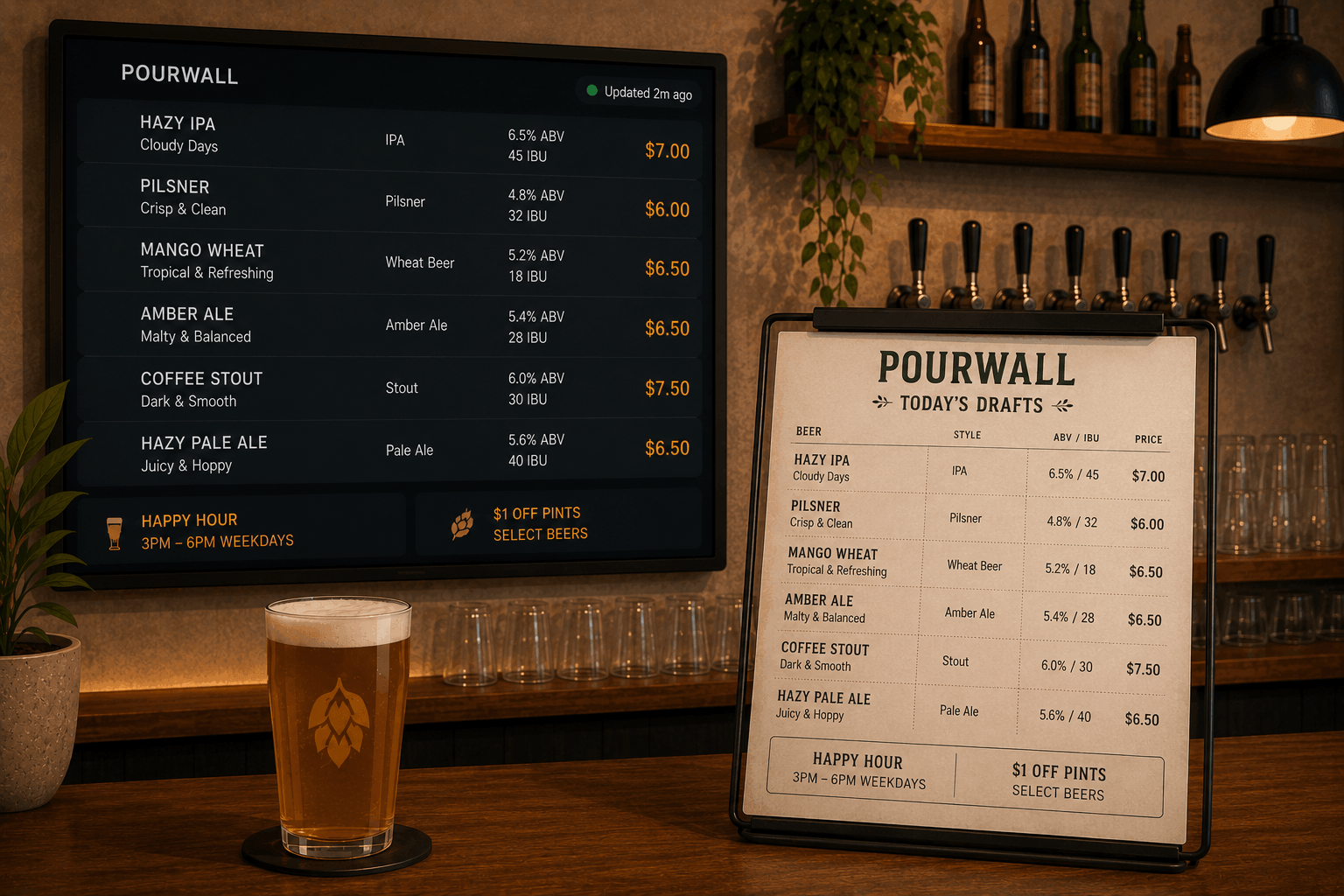
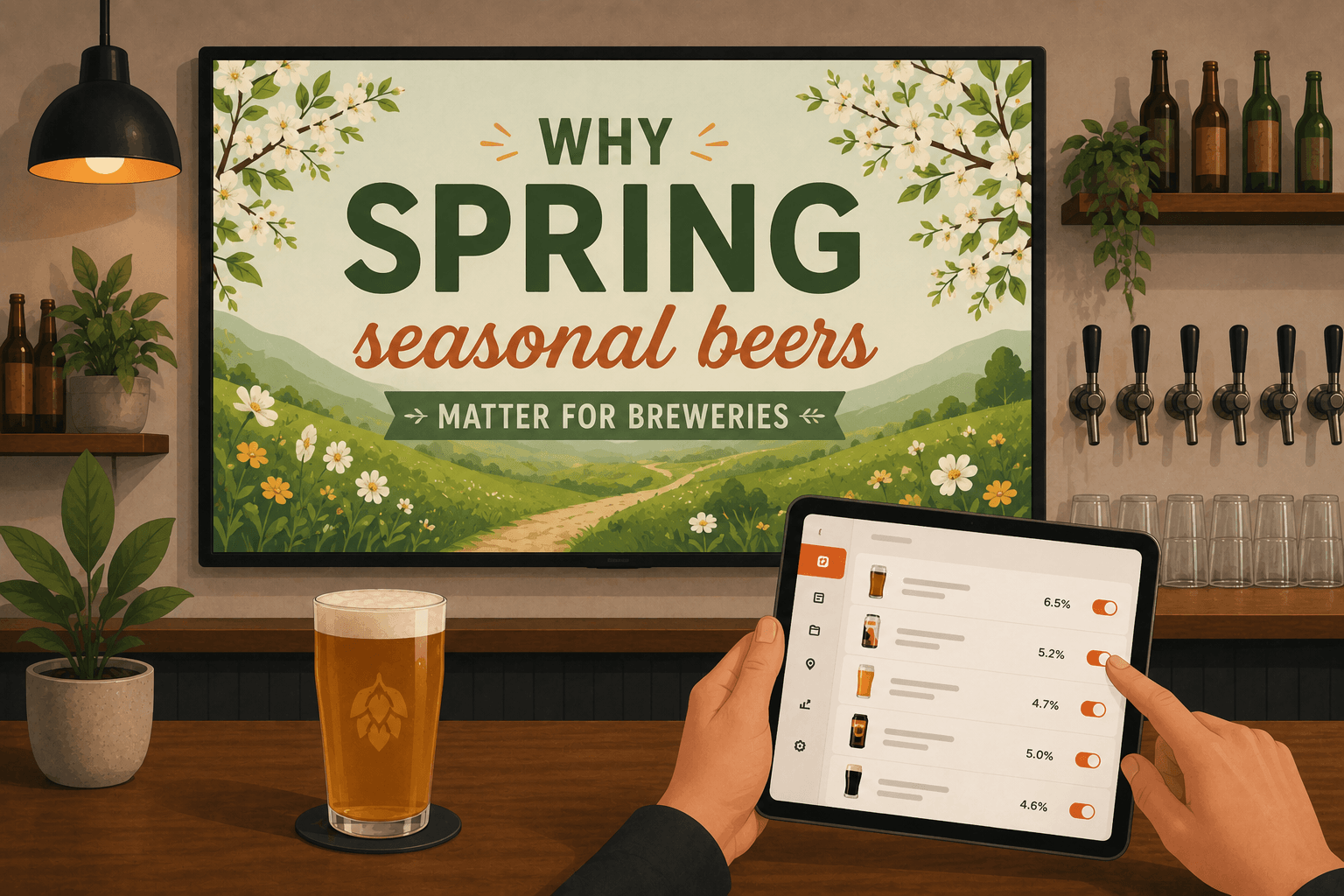
Digital tap lists are menus that don’t need chasing. Pop them up on a TV in your taproom. Edit your tap list from your phone or the office laptop. Beer kicks? Fresh keg ready? Change it once. Every menu on your TVs follows suit. With Pourwall, the update takes about 10 seconds. The taproom TV refreshes right away. You don’t have to touch a PDF or wrestle with Canva. The upshot:
- No more ghost beers haunting your menu
- Staff and owner always see the same list
- Customers can see the updated list as soon as they arrive
Wondering if this would actually help your spring rollout? See how Pourwall keeps every menu in line—free to start.
How to set up digital tap lists for spring releases
Setting up a digital tap list isn’t some project that’s going to eat your weekend. It’s a checklist. With Pourwall, here’s the short version:
- Create or update your tap list, making sure to highlight your spring specials at the top.
- Build or update your TV screen layouts for how you want the tap list to display.
- Change fonts and colors to match spring themes, if that fits your bar’s look.
- Plug an Amazon Fire TV Stick into any taproom TV (no custom gear needed) and cast your list to the screen.
Any staffer you trust can update the list. No gatekeepers. No “menu manager.” Takes about 10 minutes to set up the first time. After that? Updating is faster than kicking a keg.
Pourwall’s free to start, works with hardware you own, no credit card on file.
Why digital tap lists make seasonal beer promotion easier
Digital tap lists keep your menus current—on the bar, in the taproom. Spring rollout hits when you say it does, not when the old chalk dries up. No more juggling different versions or fielding “is this beer still on?” every ten minutes. Pourwall doesn’t need special equipment, updates in an instant, and starts free. If you want your spring seasonals to sell, and to spend more time pouring than posting, it's the fix that’s actually as simple as it sounds.
Ready to see digital tap lists catch up to your bar for once? Try Pourwall’s free plan. That’s all there is to it.