Keeping Bar Menus Consistent: What Actually Works
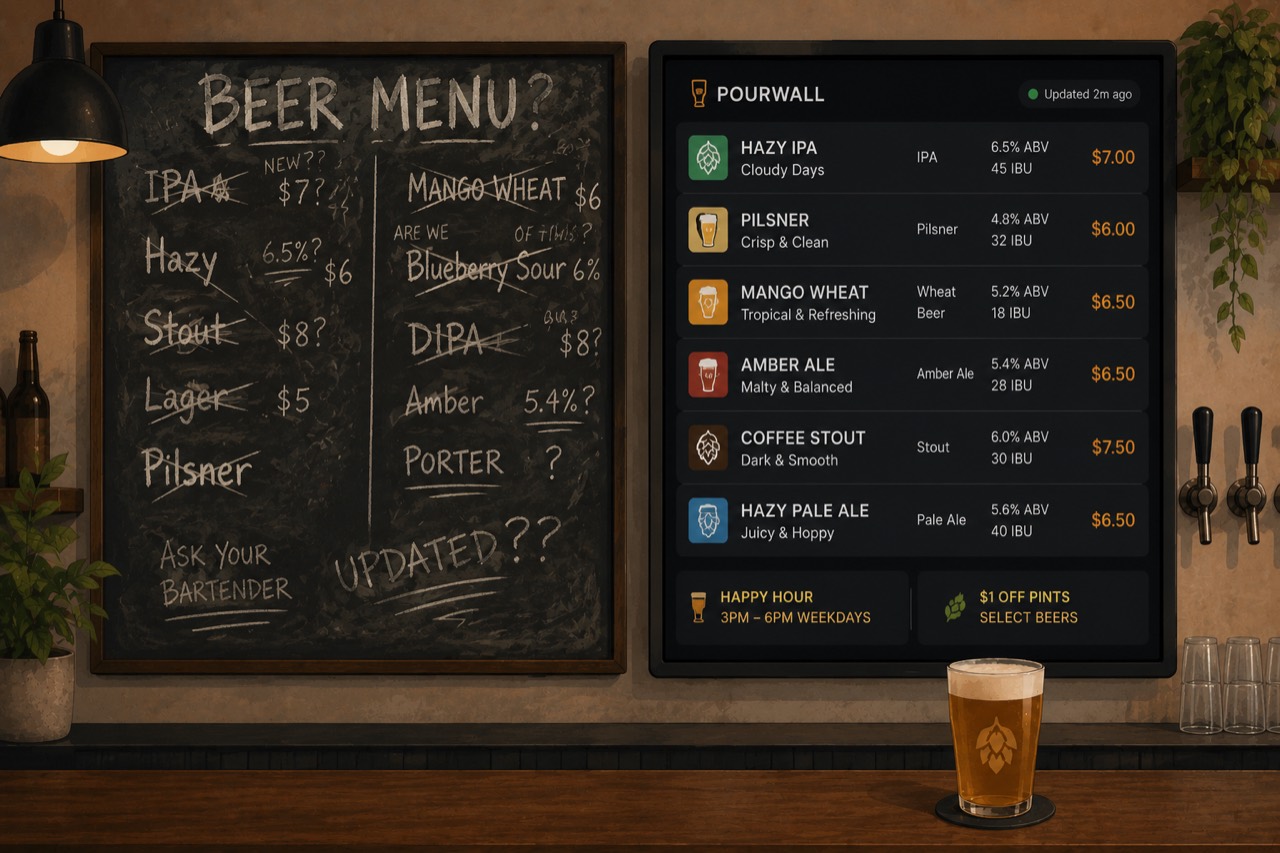
Keeping your bar's tap list consistent can be a real hassle. Kegs kick. Tap handles rotate. Guests expect the same menu whether they’re reading the TV, scanning a QR code, or picking up a printed sheet. Most days, you’re chasing updates: chalkboard, paper, screens. And someone still asks for an IPA that’s been kicked since noon.
The point is simple: every guest should see what’s actually on. This guide covers why menu consistency is hard for bars, how digital tap lists help, when printed menus still work, and how to handle both without spending your whole shift fixing menus.
What is menu consistency in a bar?
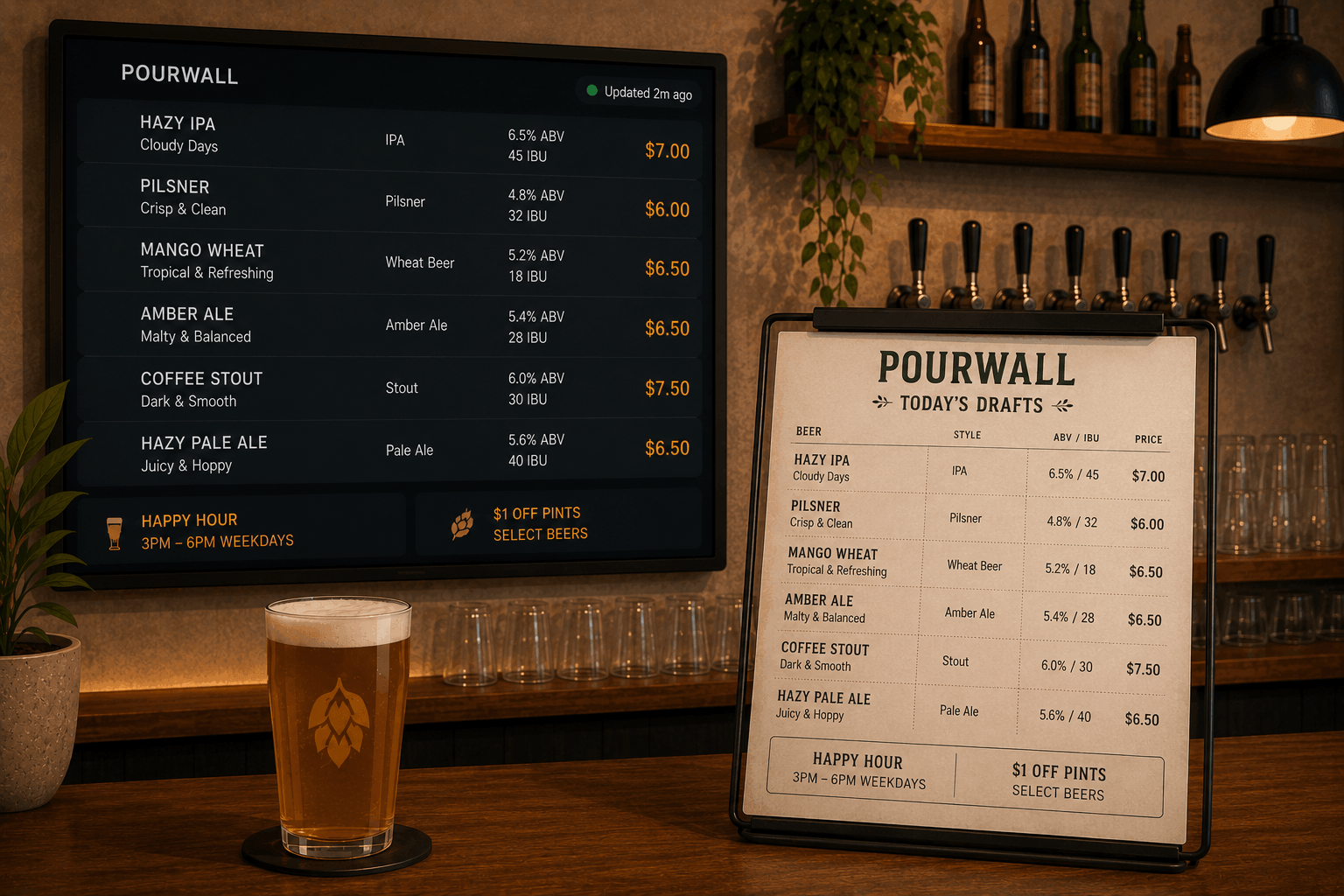
Menu consistency means your tap list matches across every TV and printed menu. If it’s on the board, it’s on paper. If it’s on the printed menu, it’s what’s actually pouring. Your team works off one live list. Guests and staff all know exactly what’s available.
Why does menu consistency matter for bars and breweries?
Consistent tap lists keep service fast and clear. If a guest orders something you don’t have, everyone loses time. Your staff doesn’t need to explain what’s out or what’s switched. Consistency means fewer misfires and a smoother guest experience. Specials are obvious when everything matches. It matters for speed, trust, and upselling drinks that are actually in stock.
What do digital menus fix for bars?
Digital menus let you update your tap list from your laptop or phone and sync changes instantly to your TV screens. For printed menus, you generate a new PDF after making a tap list change. This only takes about a minute with Pourwall. TV menus reflect the latest update right away, while print menus are easy to export again whenever something changes. The update process is fast and direct.
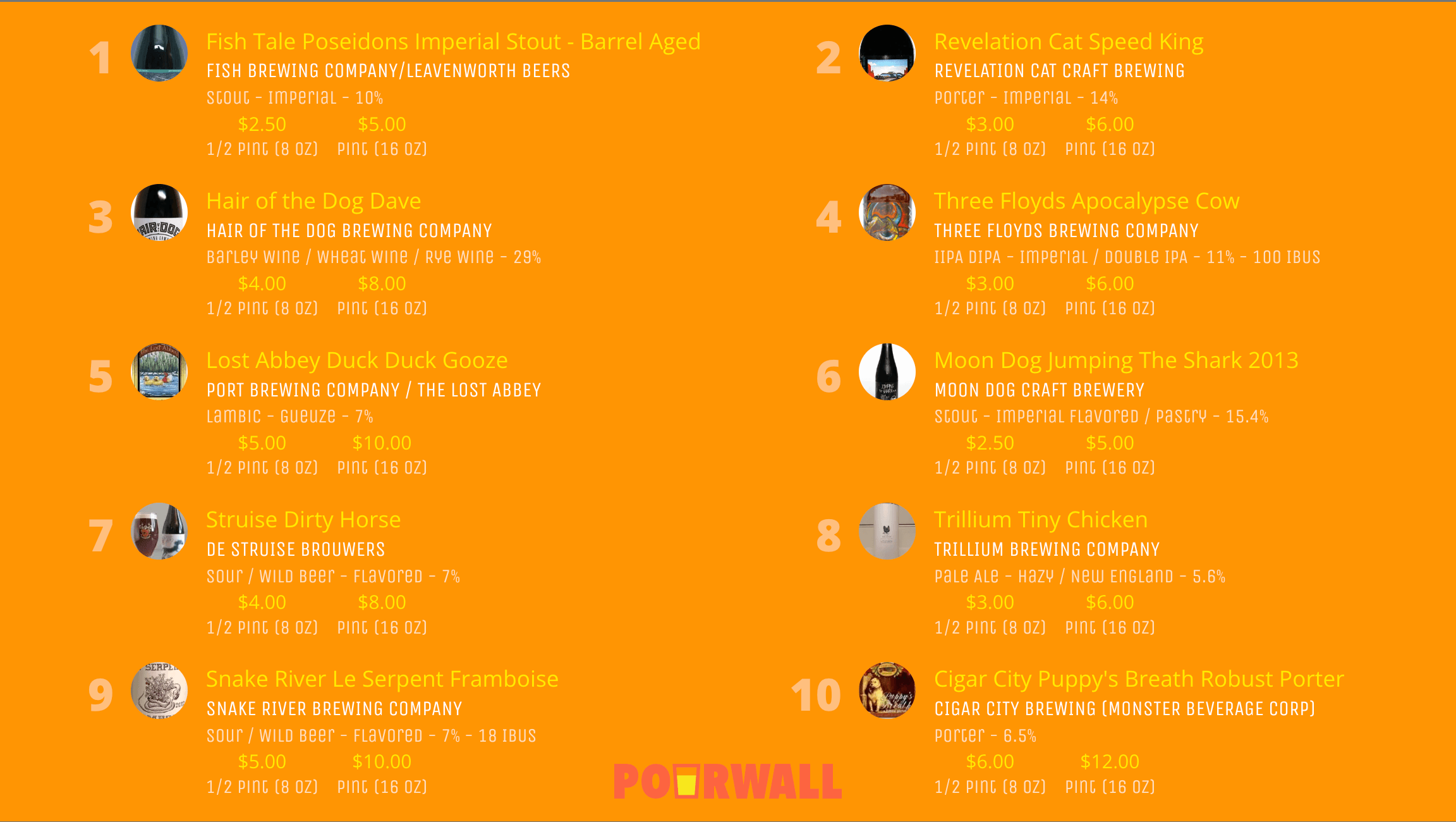
What are the limitations of digital menus?
Digital tap lists depend on gear and internet. If the Wi-Fi drops, guests can’t use a QR code. Some guests want something they can hold. Depending on state regs or contracts, you might be required to keep hard copies behind the bar. Digital menus move faster, but don’t cover every guest or situation.
When is a printed menu the right move?
Printed menus work when your internet isn’t reliable, or you want a menu guests can hold at the table. They’re useful at in-person events or on busy nights when you want to flag specials or doodle on the menu. A printed menu should fit your bar’s style. It’s more than just a list. It is part of your brand and how you want guests to feel about your taproom.
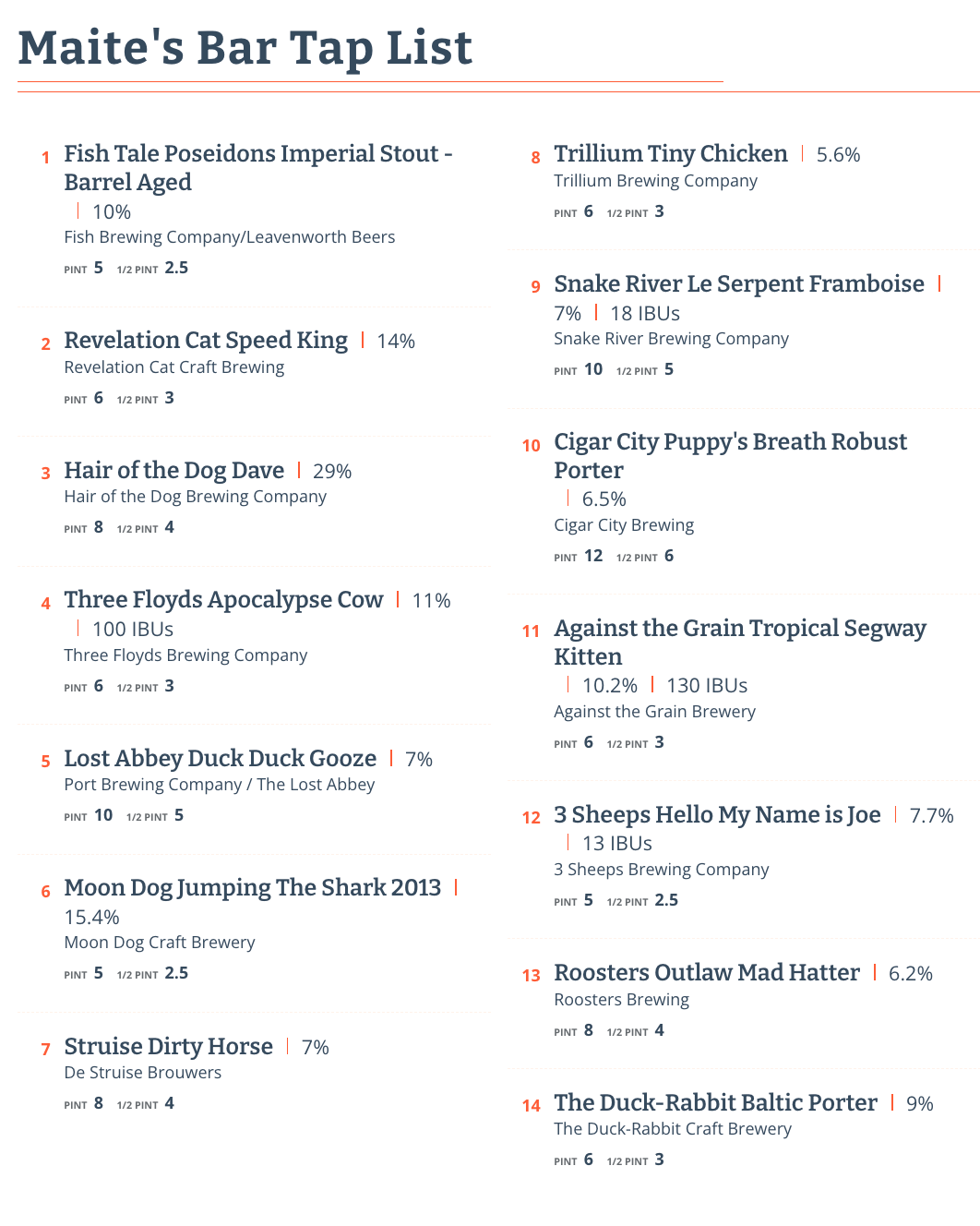
How should bars manage digital and printed menus together?
Trying to update TV and paper menus separately leads to mistakes. You need a single source of truth. With Pourwall, you update your tap list from your laptop or phone. TV menus update instantly. For print, export a PDF and print it as needed. Anyone on your team can do it. No special skills required. Most bars update menus every week (sometimes every night), but with a proper system, you update once and every menu stays in sync.
What matters in bar menu design and content?
Menus should be easy to read. If your staff squints, guests will too. Use clear fonts. Put hits and house cocktails at the top. Use your bar’s normal voice. Highlight specials: up front on TV, bold or boxed in print. Match your actual branding. Your look and voice are the brand, not just your logo or a template everyone else uses.
What should your bar do next?
If you’re fixing tap lists more than pouring beer, move to a single menu system that covers everything. Update your tap list once and it goes to TV and print, no double work. Want to try it? Pourwall’s free tier covers TV screen menus. If you want to generate matching print menus, you’ll need a Premium account ($30 a month or $290 a year, with a 7-day free trial). Setup takes 10 minutes. No more “sorry, that’s out” conversations.
FAQs
Do I need special equipment to use Pourwall’s digital menus?
Probably not. Pourwall works with the gear most bars already have: a Fire TV Stick for the TV menus and any laptop or phone for updates. No need to buy new hardware.
Should I still use printed menus if I have Pourwall?
A lot of bars keep printed menus for guests who want them, for private events, or to stay above board with licensing. Pourwall makes it easy to export a print menu that matches your current tap list at any time (print menu export requires a Premium account).
How much does Pourwall cost?
Pourwall is free to start. TV menus are included in the free tier. If you want to try or use print menus, a Premium account is $30 a month or $290 a year, and includes a 7-day free trial. For the latest details, check Pourwall’s pricing page.