How Bars Can Keep Beer, Wine, and Cocktail Menus Current Without Extra Work
Drink menus change constantly. A keg kicks. A seasonal cocktail sells out. A new wine by the glass starts tonight. If your TV menu, QR code, website, and printed menu each need separate edits, the menu falls behind fast and staff end up explaining what is wrong.
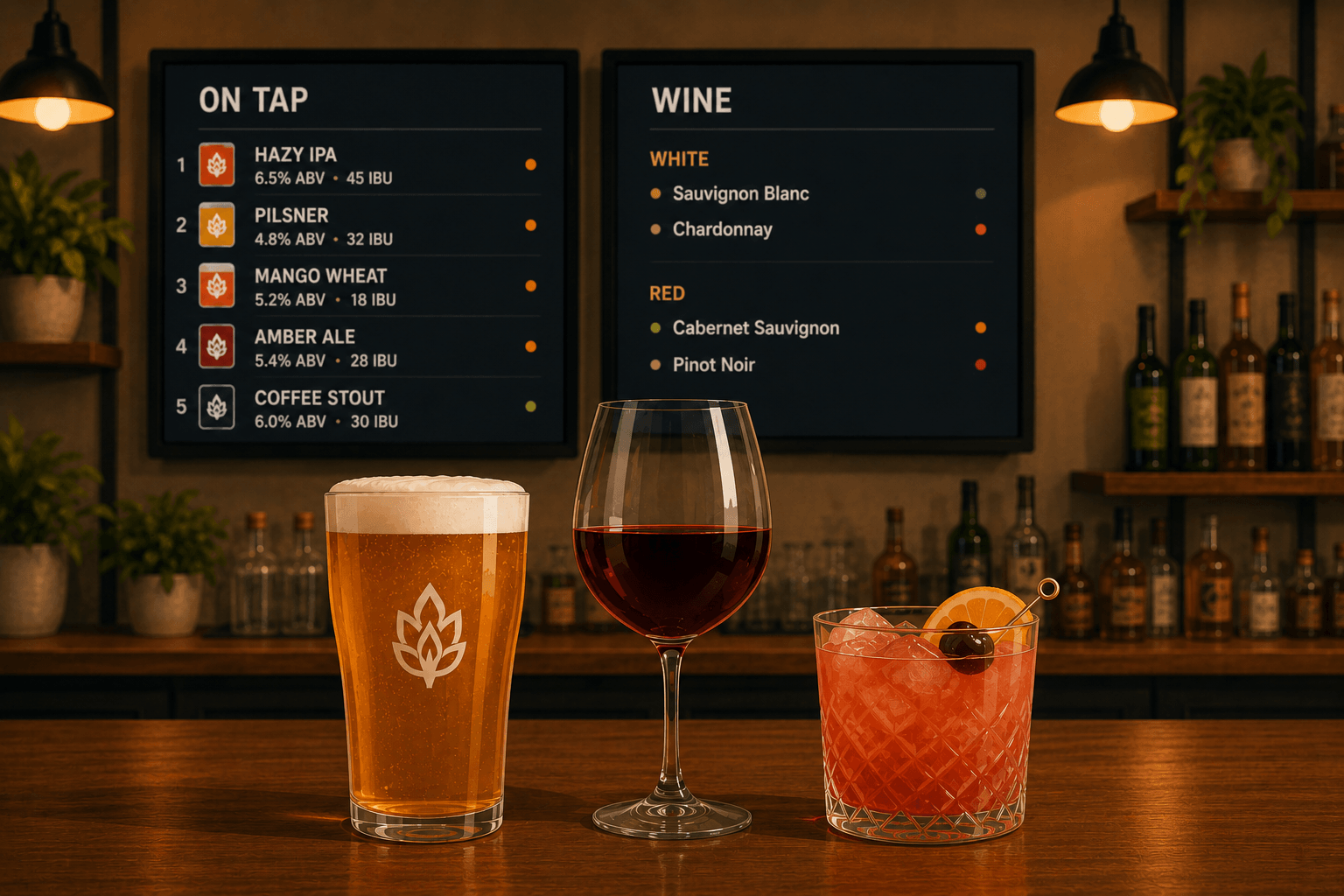
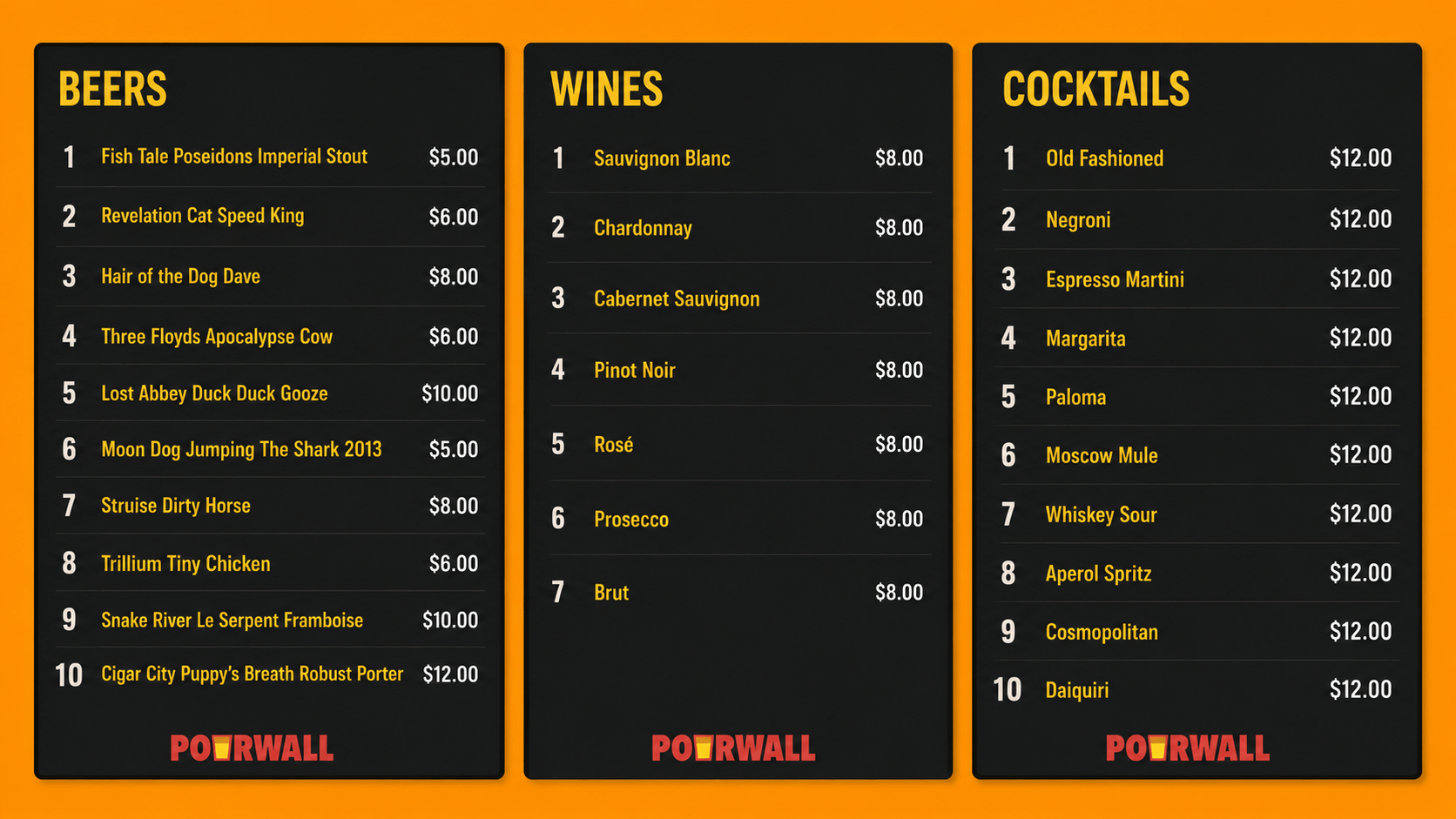
Pourwall gives bars one place to manage beer, wine, and cocktail menus. Update the list once from a phone or computer, and the live menu can stay accurate across the screens and menu formats guests actually use.
Why does menu accuracy matter across every screen?
Guests order from what they can see. When the TV says a beer is still pouring but the keg is gone, bartenders have to correct the menu out loud. When the website shows last week’s cocktail list, guests arrive with the wrong expectations. When printed menus do not match the live list, tables ask for drinks that are already unavailable.
Accurate menus reduce repeat questions, wrong orders, and awkward substitutions. They also help staff move faster because the menu is no longer another thing to check during a busy shift.
What is Pourwall?
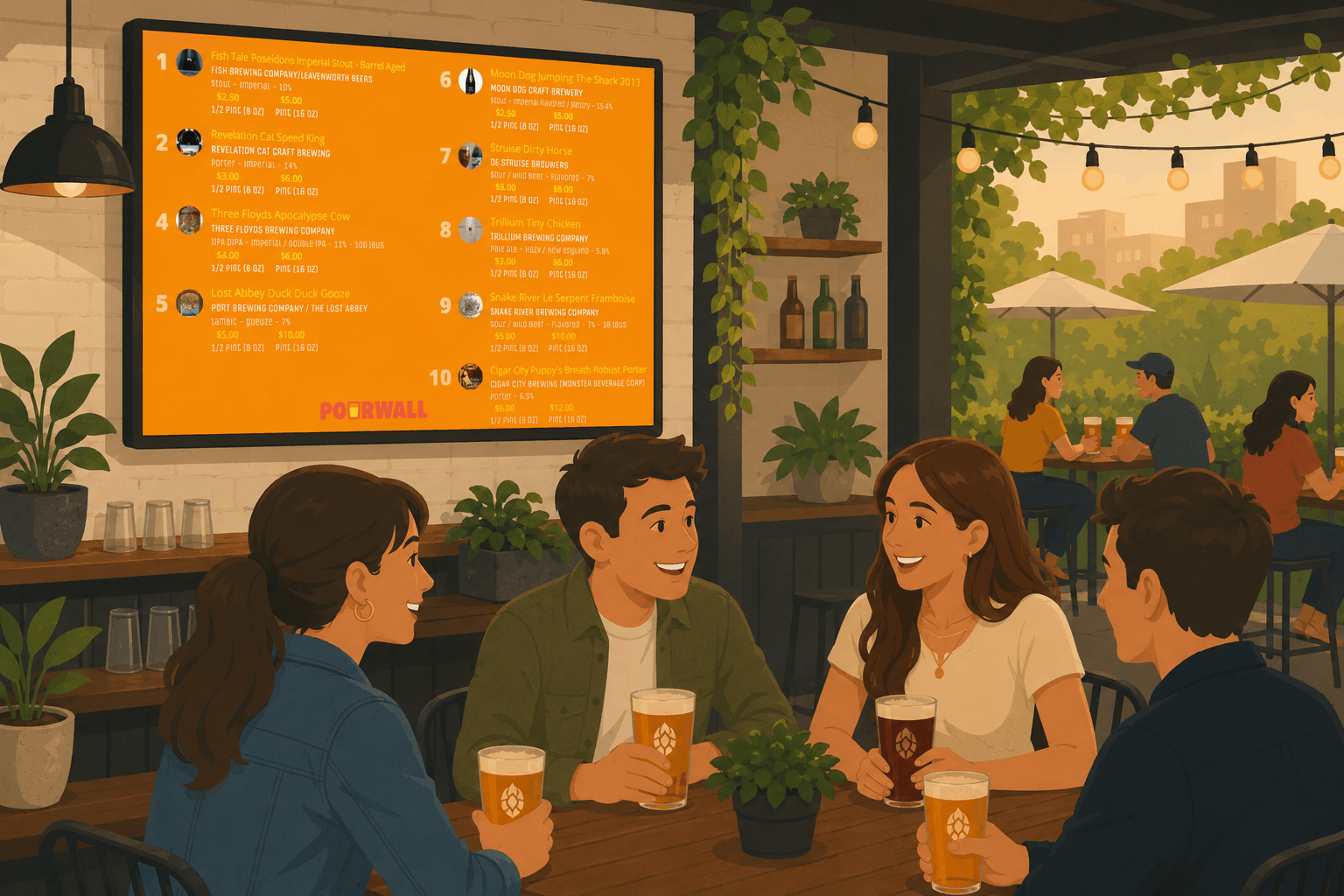
Pourwall is a digital menu platform for bars, breweries, taprooms, wineries, and restaurants. It is built around a live tap list that can display beer, wine, cocktails, and other beverages on TV screens.
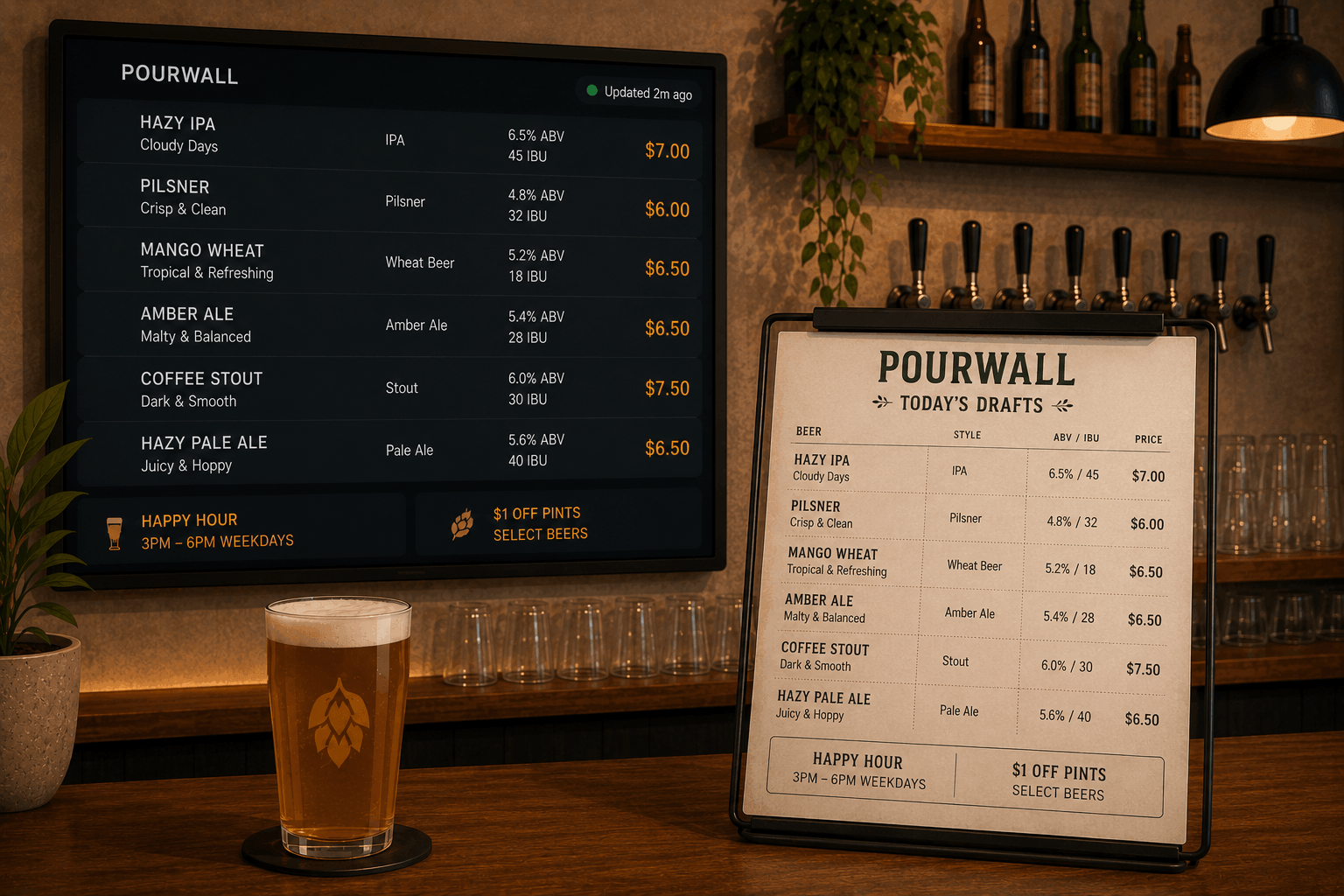
Staff can update the menu from any device. Paired screens refresh in real time, so the menu behind the bar reflects what is actually available. Premium tools also let venues share that same managed menu through QR code menus, website embeds, and printed menu formats.
How does Pourwall work for beer, wine, and cocktail menus?
Pourwall starts with the beverage list. Add each drink with the details guests need, such as name, style, ABV, description, serving size, and price. Beer can be entered with help from Pourwall’s beverage data, while wine and cocktail entries can be added manually.
From there, you decide how the menu appears:
- Show beer, wine, and cocktails together on one screen.
- Split categories across multiple screens or pages.
- Group similar drinks together by arranging them in consecutive tap positions.
- Customize colors, type, density, and layout to match the bar.
- Hide unavailable items or move upcoming items into an on-deck state.
When something changes, staff update the item once. The paired TV screens refresh within seconds, and premium menu formats can stay aligned with the same source of truth.
How do multiple screens help bars organize different drink menus?
Not every menu belongs on one TV. A beer-heavy taproom might use one screen for draft beer and another for seasonal releases. A cocktail bar might keep signature drinks on the main screen and reserve a second page for wine, happy hour, or event specials.
Pourwall lets each screen have its own configuration. You can choose which range of drinks appears on a screen, how dense the layout should be, and whether pages rotate. That gives the bar a clean way to separate beer, wine, and cocktails without maintaining separate menu files.
Example: Updating the menu when a drink sells out
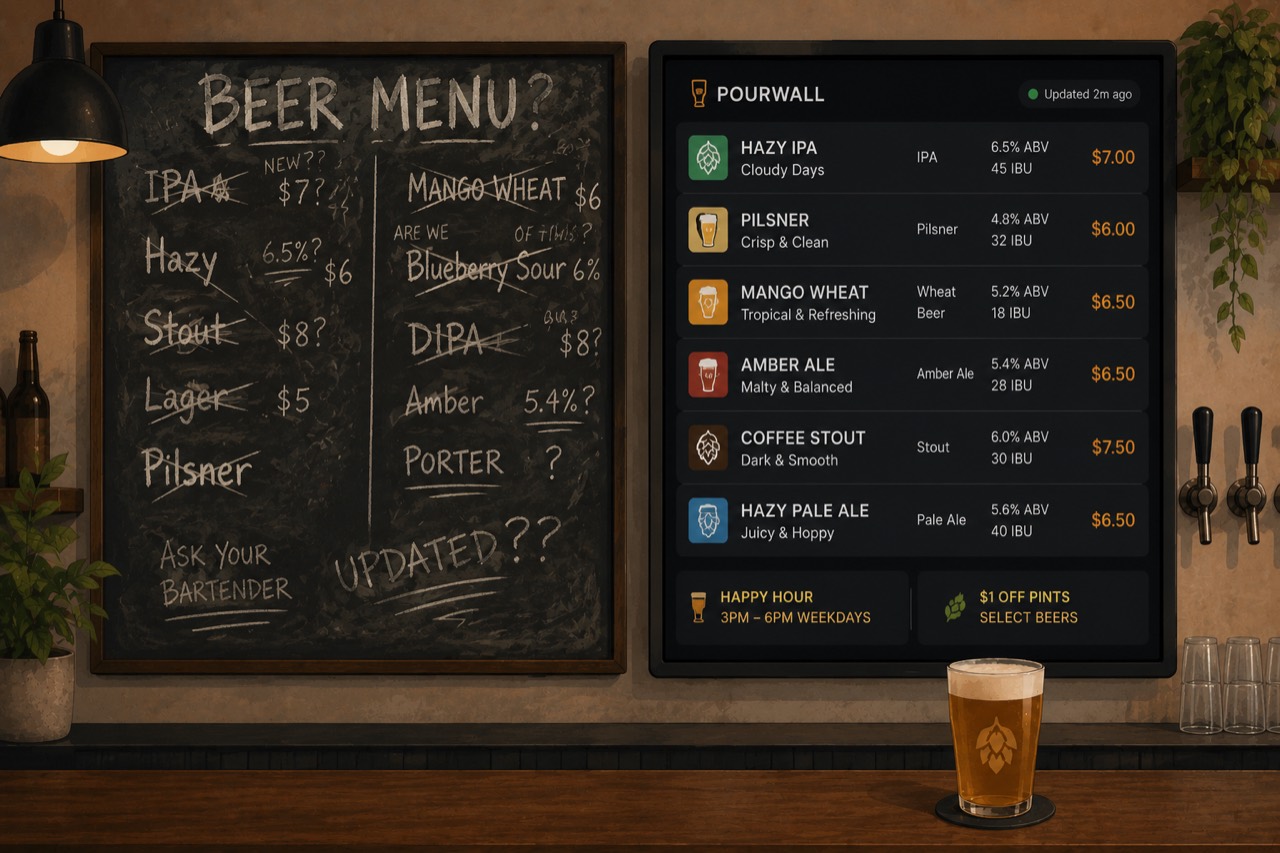
A bartender sells the last pour of a stout during the dinner rush. Instead of crossing it off a chalkboard or asking someone to edit a design file, they open Pourwall, mark the item unavailable, and save. The TV menu updates right away. Guests stop seeing the stout as an option, and staff stop repeating the same correction.
The same workflow works for adding a new cocktail, changing a wine price, updating a serving size, or moving an upcoming beer onto the active list.
What devices do bars need?
Most venues already have enough hardware. Pourwall works with common TV setups that can run a compatible browser or streaming device, including Android TV, Fire TV Stick, and Chromecast-based displays.
The basic setup is straightforward:
- Sign up at pourwall.com.
- Add the beer, wine, and cocktail list.
- Create and customize the screen layout.
- Open the Pourwall display on the TV or streaming device.
- Pair the screen and keep updating the menu from a phone or computer.
There is no need to buy specialized menu-board hardware just to keep a drink list current.
What should bar owners do next?
If your beer, wine, and cocktail menus are spread across TVs, paper, QR codes, and website pages, the first step is making one live list authoritative. Pourwall’s free plan lets you run one TV menu without a credit card. Paid plans add more screens and menu formats for venues that need the same list everywhere guests look.
FAQs
Can Pourwall manage beer, wine, and cocktails in one menu?
Yes. Pourwall can display beer, wine, cocktails, and other beverages together, or separate them into different screens and pages.
Can staff update the menu from a phone?
Yes. Staff can update the menu from a phone or computer, and paired TV screens refresh in real time.
Does Pourwall work for more than one TV?
Yes. Pourwall supports multiple screens on paid plans, so a venue can show different menu views across the bar, patio, taproom, or dining room.
Can the same menu be used for QR codes, websites, and printed menus?
Yes. Premium Pourwall tools let venues use the same managed beverage list for QR code menus, website embeds, and print-ready menus.