If you update your tap list regularly, your website menu should stay updated too.
But many bars and restaurants still manage menus in multiple places:
- the in-venue display
- the website
- printed menus
- QR menus
That’s how menus drift out of sync.
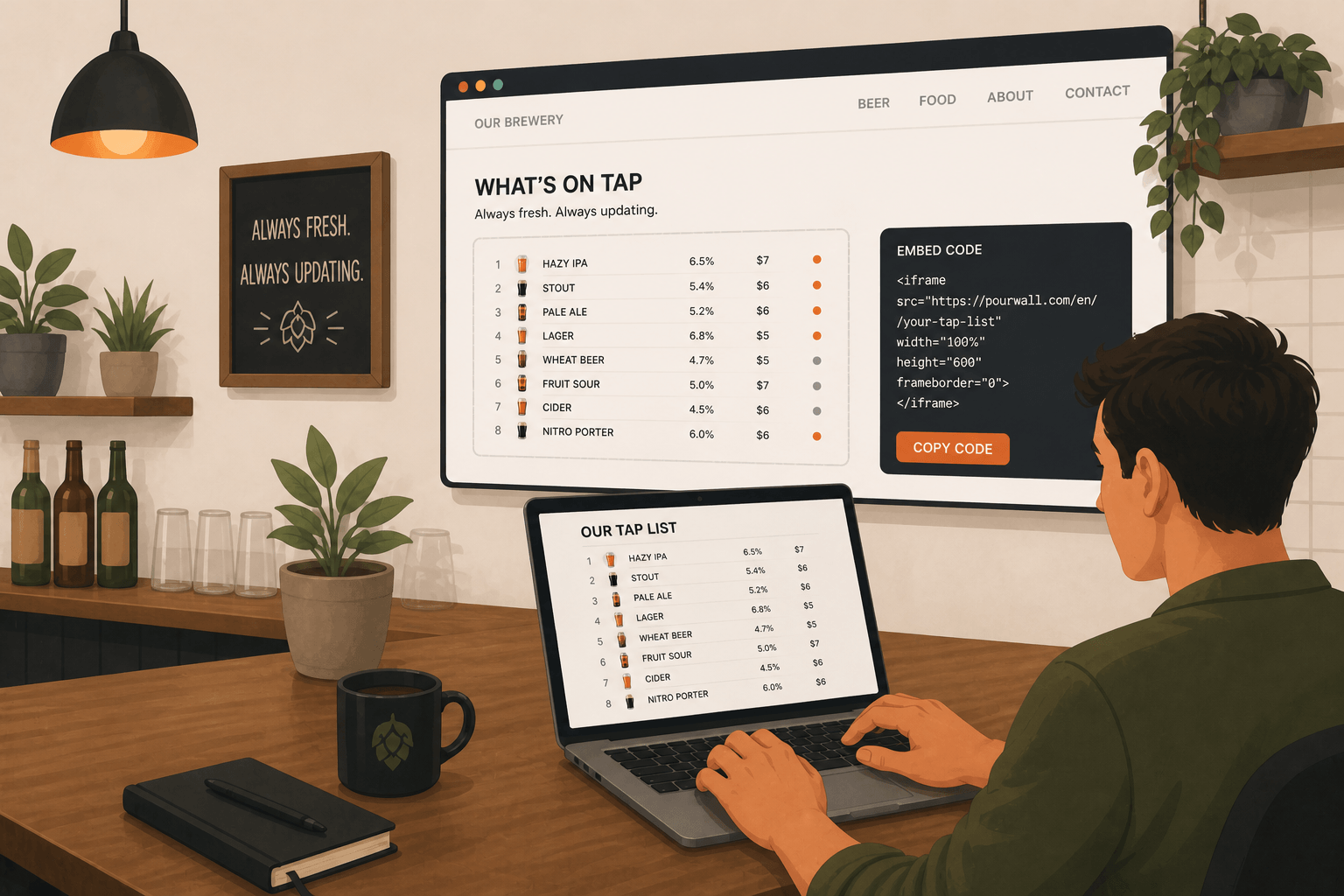
With Pourwall, you can generate an Embedded Menu for your website using the same live tap list you already manage in your dashboard.
One Tap List Across Every Display
Pourwall is designed to help you manage your tap list from a single dashboard while controlling how it appears across:
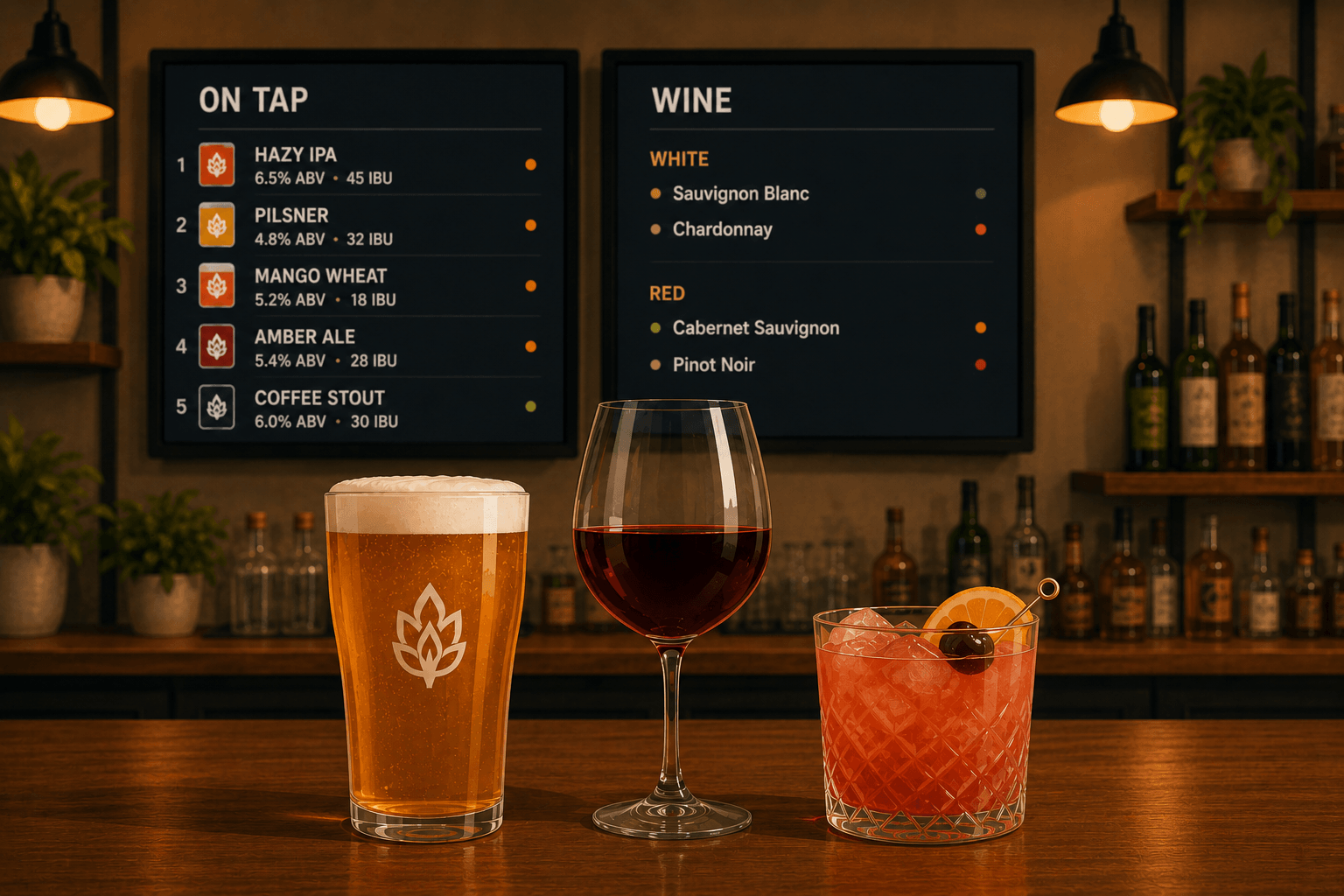
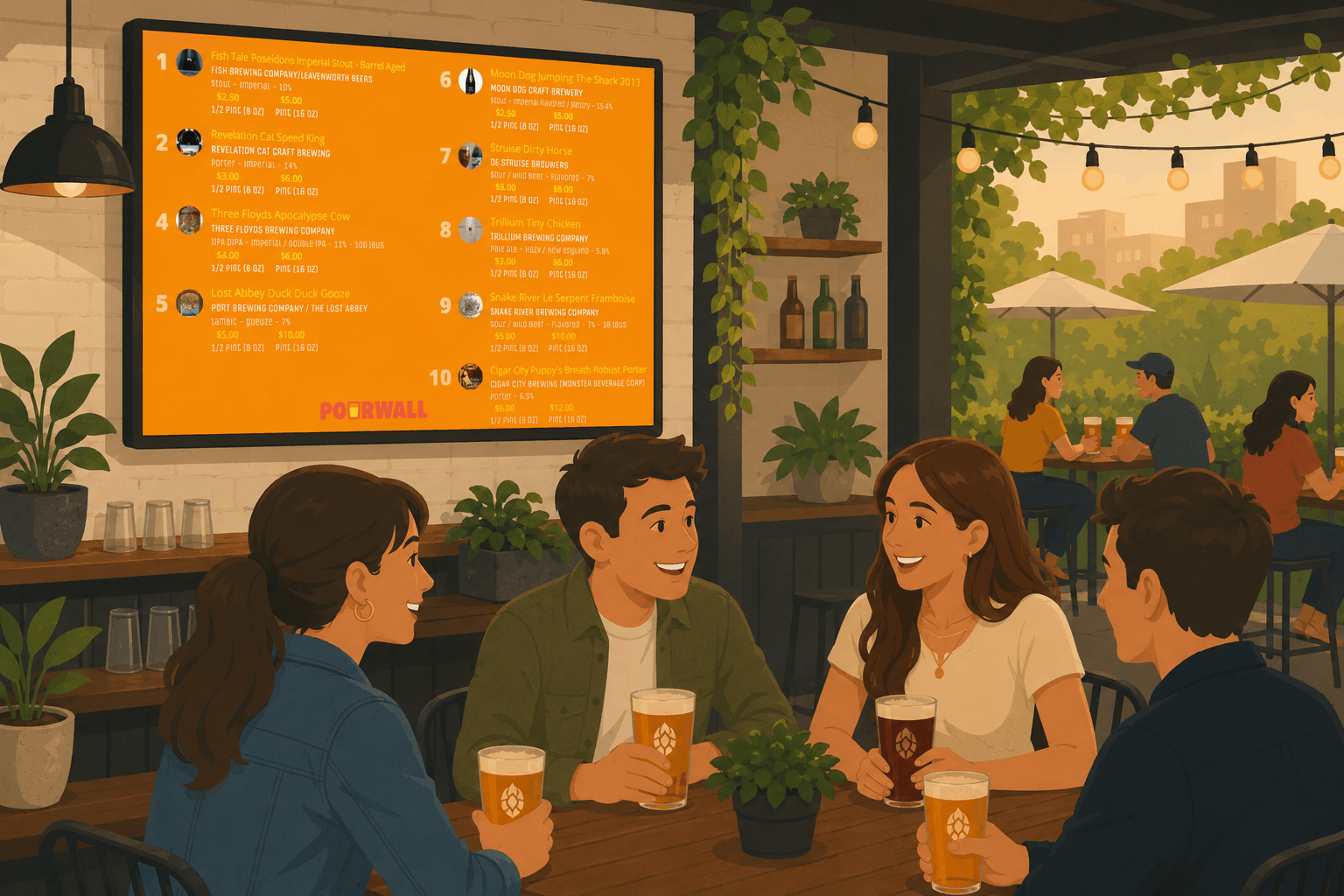
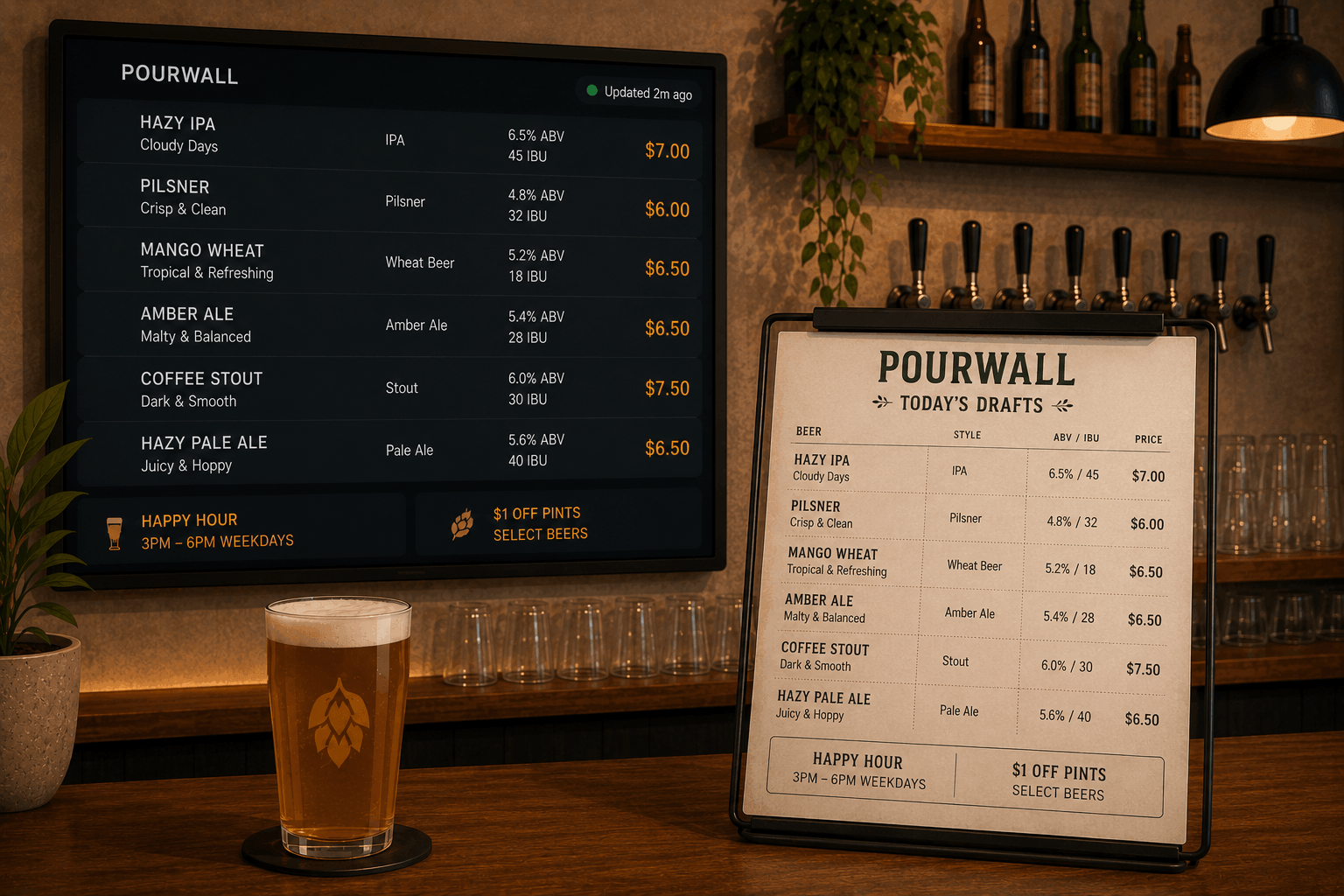
- TV displays
- websites
- QR menus
- printable menus
When you update your tap list in Pourwall, those changes automatically appear everywhere your menu is displayed.
🔒 Embedded Menus are available on Pourwall Premium.
Step 1: Build Your Tap List
Start by creating your tap list in Pourwall:
- Add beer, wine, cocktails, cider, or non-alcoholic beverages
- Customize details like ABV, pricing, descriptions, and categories
- Arrange items however you want them displayed
This becomes your live beverage menu source across your displays and online menus.
Step 2: Create an Embedded Menu
With Pourwall Premium, you can generate an Embedded Menu for your website.
Pourwall creates HTML embed code you can paste into most website builders and CMS platforms.
You can also customize how the embedded menu appears:
- group items by brewery, category, or style
- sort beverages by handle number, ABV, brewery, or name
- choose which taps to display
- customize colors, fonts, and text sizing
- show or hide menu details
Before publishing, you can preview how the embedded menu will appear on your website.
Step 3: Add the Embed Code to Your Website
Copy the generated HTML embed code and paste it into your website builder or CMS.
Once your Embedded Menu is live:
- updates made in Pourwall automatically appear on your website
- your online menu stays aligned with your in-house display
- you avoid manually updating multiple menus
Why Embedded Menus Matter
Customers often check your website before visiting.
If your online menu is outdated:
- they may expect beverages you no longer have
- they may miss new arrivals or rotating taps
- your menu can appear less active than it actually is
An Embedded Menu helps ensure your website reflects your current beverage selection automatically.
Start Simple, Then Expand
You can start with Pourwall for free and upgrade to Premium when you're ready to expand your menu system across:
- Embedded Menus
- QR menus
- printable menus
- multiple displays
This allows you to manage your beverage menu across different customer touchpoints from the same platform.
Final Thoughts
Your website menu shouldn’t require separate manual updates.
With Pourwall Embedded Menus, your tap list becomes a centralized source for your digital displays, website menus, QR experiences, and printable menus, which helps keep your beverage information consistent everywhere customers see it.