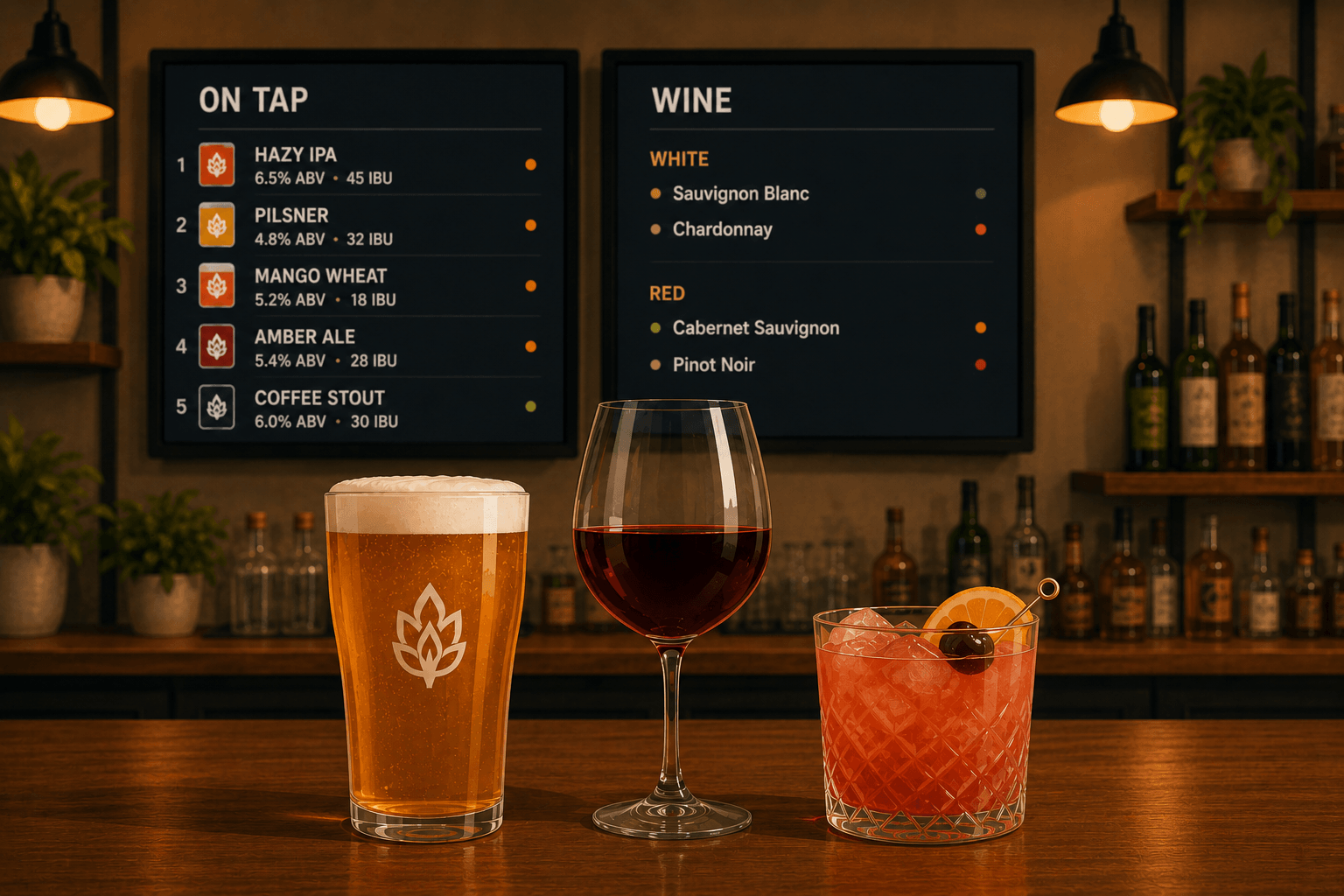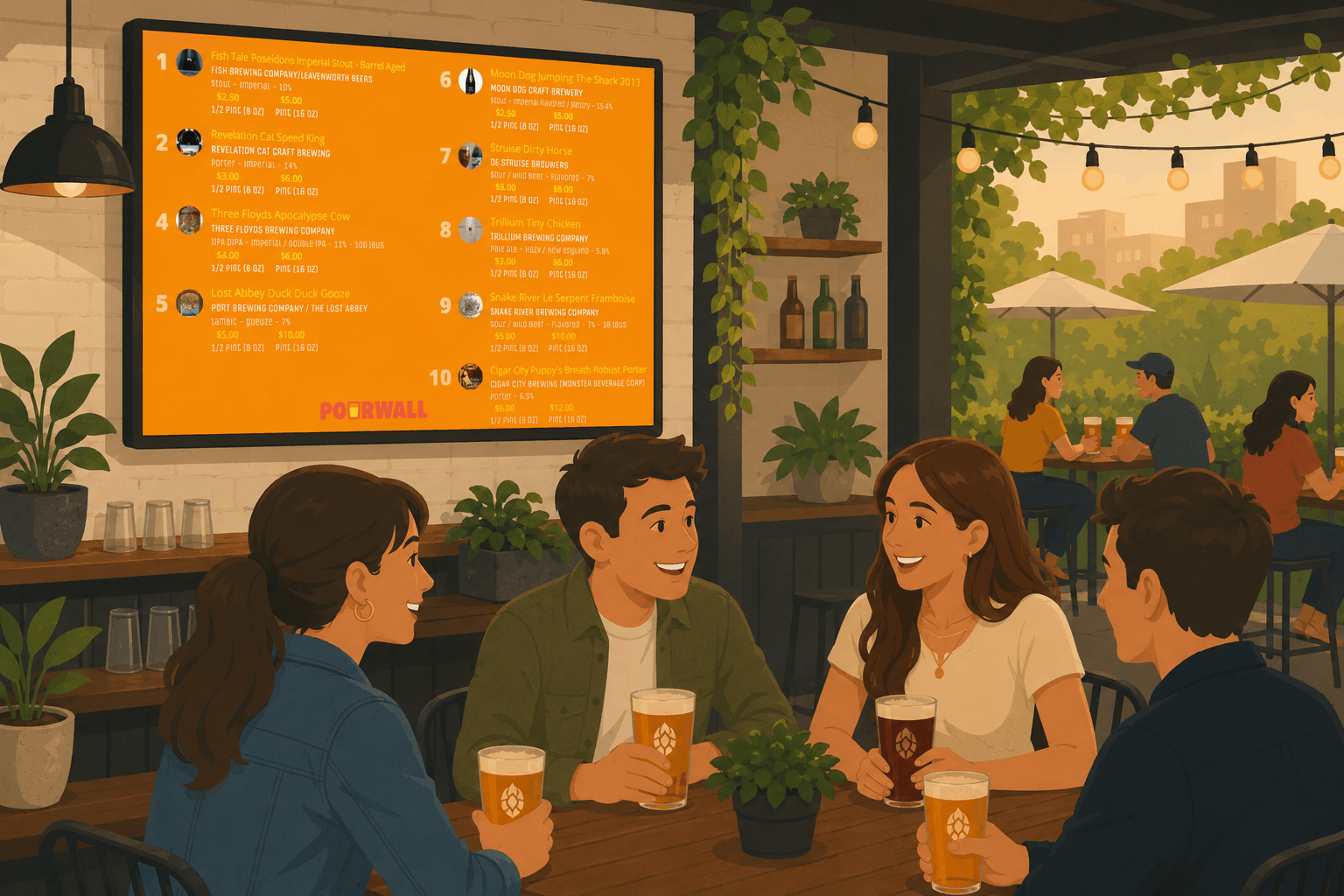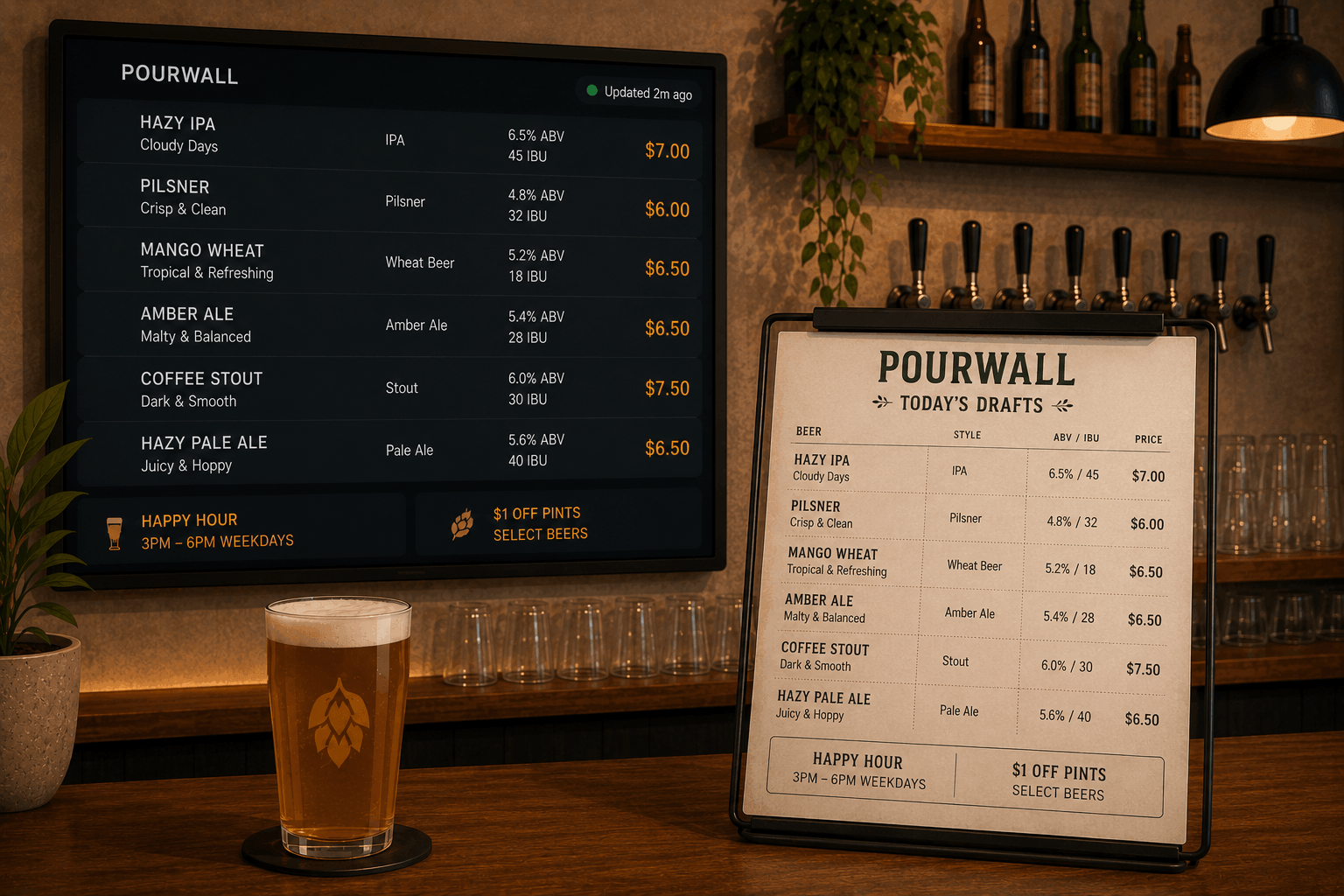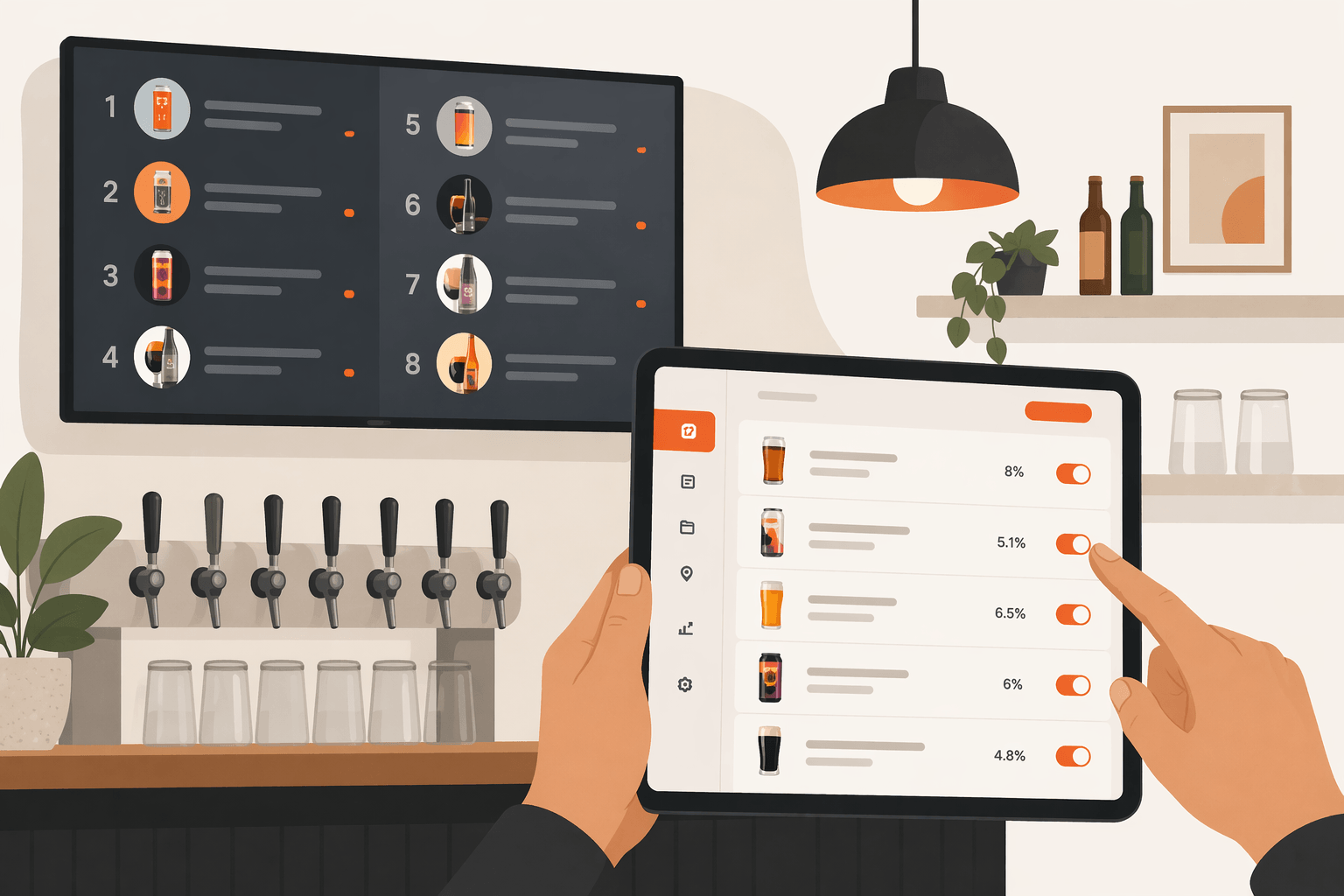
If you have more than one display in your venue, keeping every menu screen updated can quickly become difficult.
Menus change often, and updating each display manually during service takes time.
With Pourwall, you can manage your tap list once and display it across multiple screens from the same live menu.
One Tap List Across Multiple Displays
Pourwall is designed to help you manage your beverage menu from one dashboard while displaying it across different parts of your venue.
That includes:
- one or more displays
- QR code menus
- Printable Menus
- Embedded Menus for websites
When you update your tap list in Pourwall, those updates can also appear across your connected displays and menu formats.
🔒 Multiple displays are available on Pourwall Premium.
Step 1: Set Up Your First Display
You can start with Pourwall by setting up a single display.
This gives you:
- a live digital beverage menu
- automatic menu updates
- a shared menu reference for staff and customers
Your display stays connected to your current tap list as your menu changes.
Step 2: Add More Displays
With Pourwall Premium, you can expand your setup to multiple displays across your venue.
This allows you to:
- show menus in different areas such as bars, seating areas, patios, or taprooms
- keep displays aligned with the same current tap list
- avoid updating each screen individually
Because each display references the same beverage menu, updates can stay more consistent throughout your space.
Step 3: Customize Your Display Setup
Once you have multiple displays connected, you can adjust how your menus appear across different areas of your venue.
You can:
- use similar layouts across displays
- position displays where customers can easily view them
- configure displays for different viewing distances or spaces
All connected displays continue referencing the same live beverage menu.
Why Multiple Displays Matter
In busy bars, breweries, and restaurants, customers should be able to view the menu without searching for it.
Multiple displays can help:
- improve menu visibility throughout your venue
- reduce repeated menu questions during service
- help customers browse beverages more easily
- keep beverage information more consistent across screens
This creates a smoother experience for both customers and staff.
Keep Your Beverage Information Consistent
Managing separate screens manually can create unnecessary work.
When displays are updated independently:
- beverage availability can become inconsistent
- pricing may not match across screens
- seasonal items may stay listed too long
- staff and customers may reference different menus
Using the same tap list across every display helps reduce those inconsistencies.
Start Simple, Then Expand
You can start with Pourwall for free and upgrade to Premium when you are ready to expand across:
- multiple displays
- QR code menus
- Embedded Menus for websites
- Printable Menus
This allows you to manage beverage information across displays, mobile menus, websites, and printed menus from the same platform.
Final Thoughts
Your beverage menu should be easy to see from anywhere in your venue.
With Pourwall, you can scale from a single display to multiple connected screens while keeping your beverage information aligned across every customer-facing menu experience.