Keeping your staff aligned with your current tap list can be harder than it sounds.
When menus change frequently, staff often rely on:
- memory
- verbal updates
- outdated printed sheets
That is when mistakes happen.
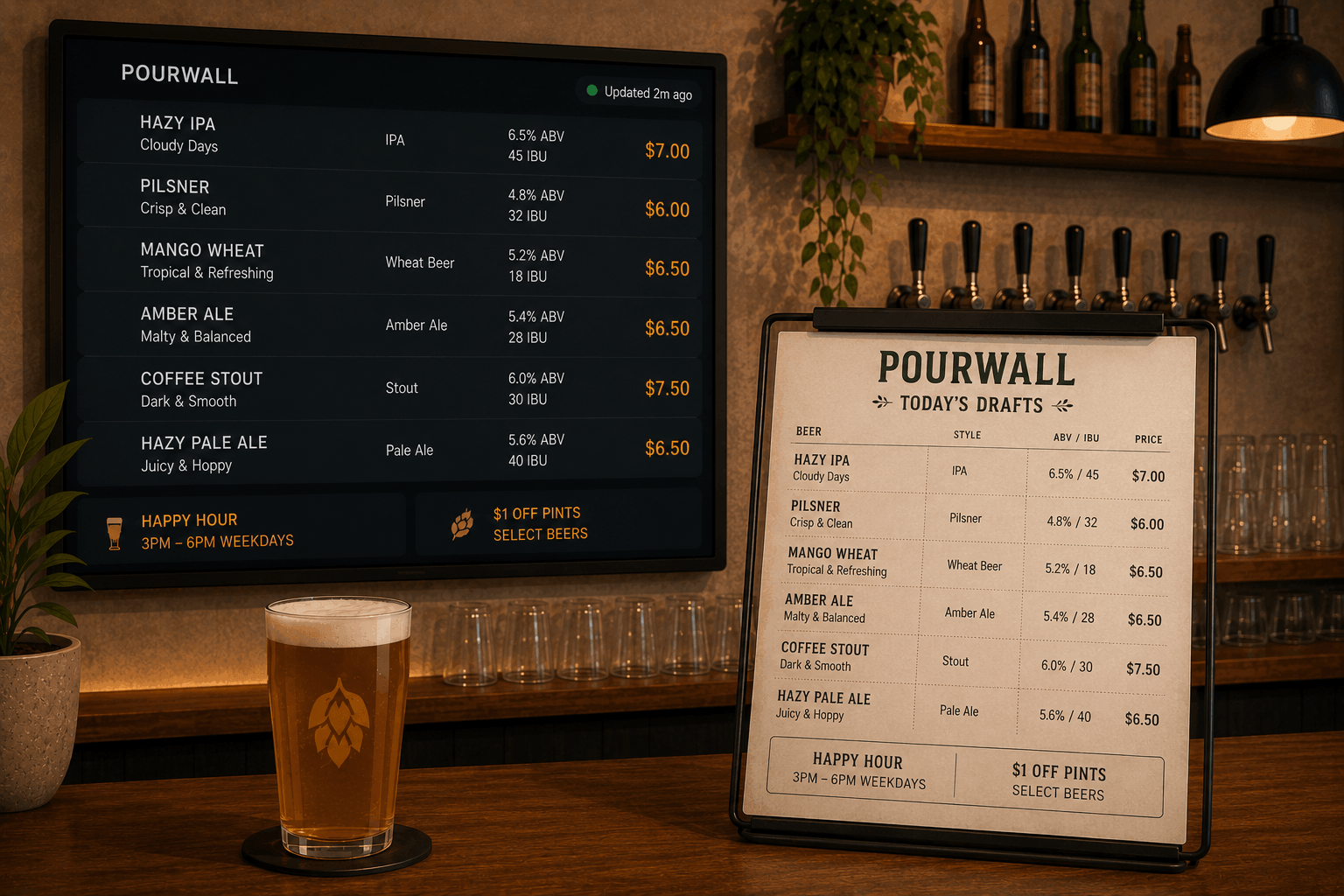
With Pourwall, your staff can reference the same live beverage menu your customers see.
One Tap List Shared Across Your Team
Pourwall is designed around a live tap list that can be used across your displays and staff workflows.
That means:
- your display reflects the current menu
- staff can reference the same beverage information
- menu updates automatically appear across your displays
- your team spends less time confirming what is currently available
This helps reduce confusion during service and keeps beverage information more consistent.
🔒 Team member access is available on Pourwall Premium.
Step 1: Keep Your Tap List Updated
Start by maintaining your beverage menu in Pourwall:
- add or remove beverages as inventory changes
- update pricing, ABV, and descriptions
- reorder items however you want them displayed
When your tap list changes in Pourwall, those updates automatically appear across your connected displays and menus.
Step 2: Invite Team Members
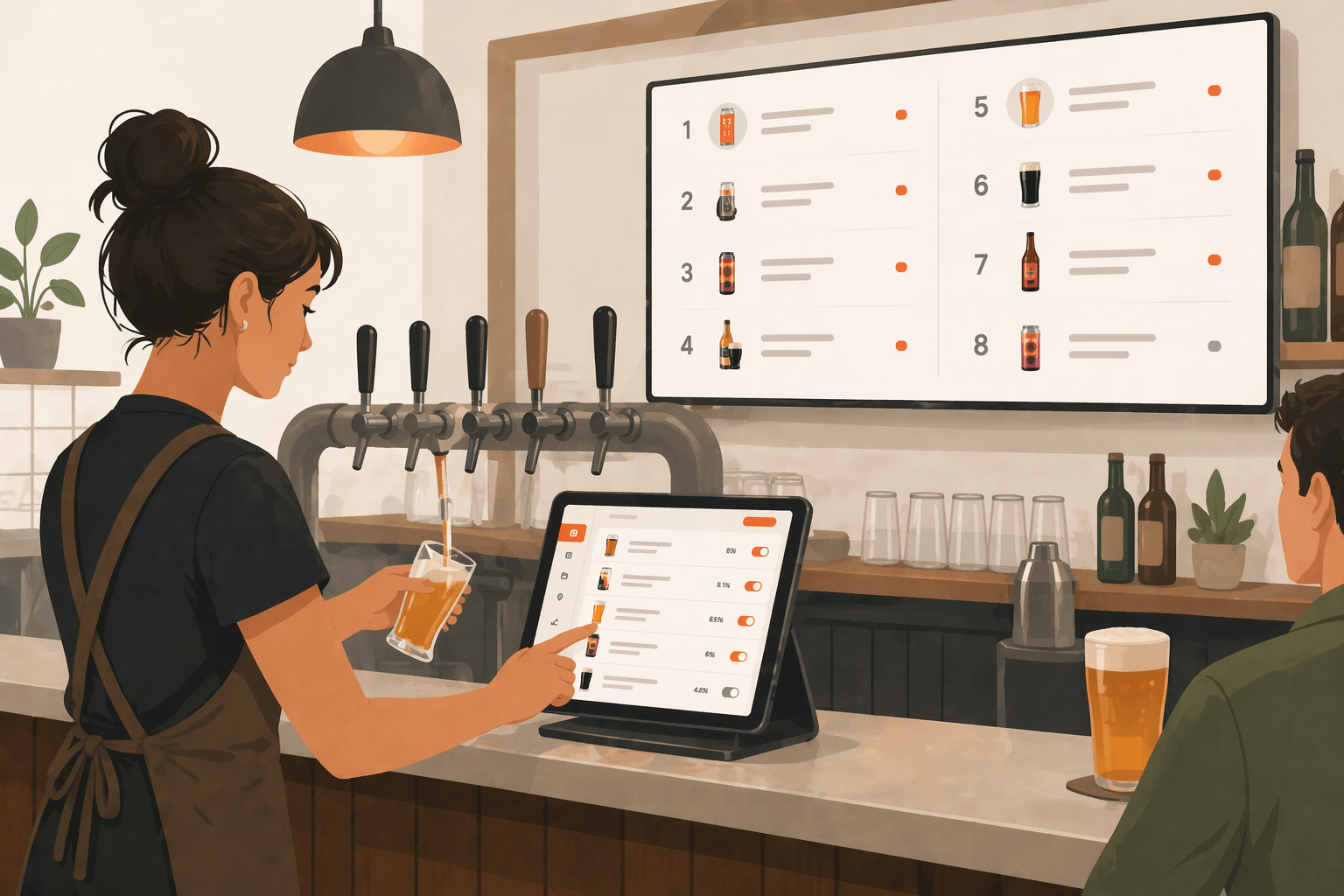
With Pourwall Premium, you can invite team members to access and help manage your tap list.
This allows staff to:
- reference the latest menu information
- help update beverages when needed
- stay aligned without relying entirely on verbal communication
Access permissions can help your team work from the same current menu information throughout service.
Step 3: Use Your Display as a Shared Reference
Even without direct dashboard access, staff can still use your Pourwall display as a live reference during service.
Because the display stays current:
- staff can quickly confirm beverage availability
- new team members can learn the menu more easily
- bartenders and servers can stay aligned during busy shifts
This creates a more consistent experience for both staff and customers.
Why Staff Alignment Matters
When staff are not working from the same current menu:
- orders can be delayed
- customers may receive incorrect information
- unavailable beverages may still be recommended
- service becomes less consistent
A shared live tap list helps reduce those issues by giving staff a reliable menu reference.
Start Simple, Then Expand
You can start with Pourwall for free and upgrade to Premium when you are ready to expand across:
- team member access
- multiple displays
- QR menus
- Embedded Menus for websites
- Printable Menus
This allows you to manage beverage information across staff tools and customer-facing displays from the same platform.
Final Thoughts
Your staff should not have to guess what is currently on tap.
With Pourwall, bartenders, servers, and managers can reference the same live beverage menu, helping keep service faster, more accurate, and more consistent across every shift.