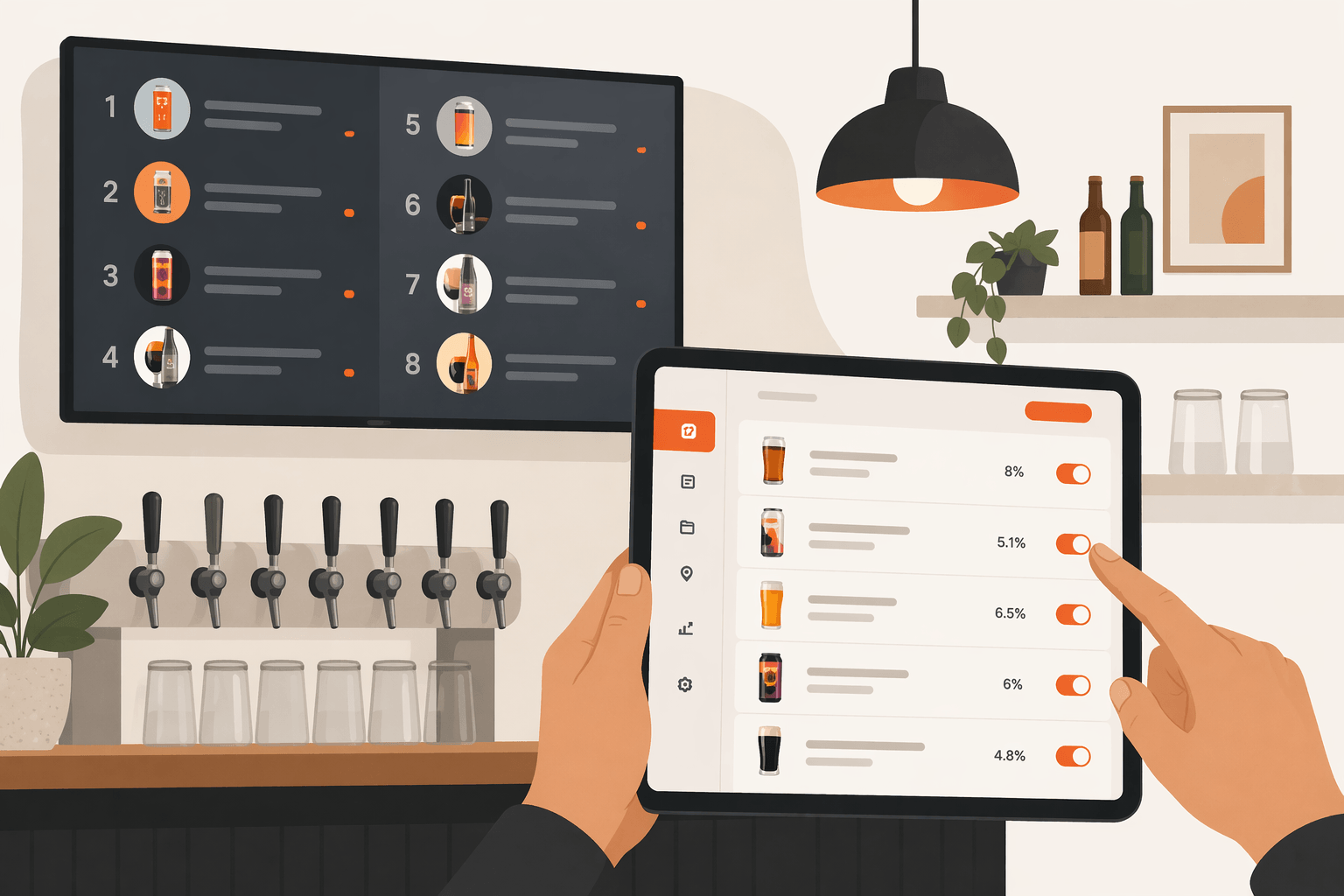
Still updating your tap list with chalk? Texting photos to regulars? Paying someone to tweak a slide deck every time a keg kicks?
There is a faster way.
You can have a live digital tap list on your bar's TV screen in about 10 minutes. No special hardware. No tech team. No upfront cost.
What You Need to Get Started
- A TV with an HDMI port
- A streaming stick such as Fire TV Stick, Chromecast, Apple TV, or Android TV
- A laptop or phone to manage your menu
- A free Pourwall account
That's it.
Step 1: Create Your Free Pourwall Account
Go to pourwall.com and sign up. Add your location name and you are ready to go. No credit card required.
Step 2: Add Your Taps
Click Add a Tap and enter your current draft list. For each tap you can include:
- Beverage name and style
- Brewery and origin
- ABV and IBU
- Description and image
- Serving sizes and prices
You do not need to fill in everything right away. Even just the name and style looks clean and professional on screen. You can always add more detail later.
Step 3: Connect Your TV Screen
Download the Pourwall app on your Fire TV Stick, Chromecast, Apple TV, or Android TV. Follow the on-screen instructions to finish setup. Your digital tap list will appear automatically.
Every change you make updates the screen in real time — no refreshing, no restarting, no waiting.
Step 4: Customize Your Digital Menu Board
Adjust the background, text color, font size, layout, and the information displayed such as ABV, IBU, and serving sizes. Match it to your brand in minutes. No code required.
The Free Plan Is Genuinely Free
One screen. Unlimited taps. Real-time updates. No credit card required.
If you run a single location with one screen, you may never need more.
If you ever need QR code menus, multiple screens, or website embedding, check out our guide on how to share your tap list everywhere — QR codes, your website, and print. Premium unlocks all of that for $30 per month per location.
Your chalkboard is costing you time every week. Plug in a streaming stick and try Pourwall today. Sign up free at pourwall.com