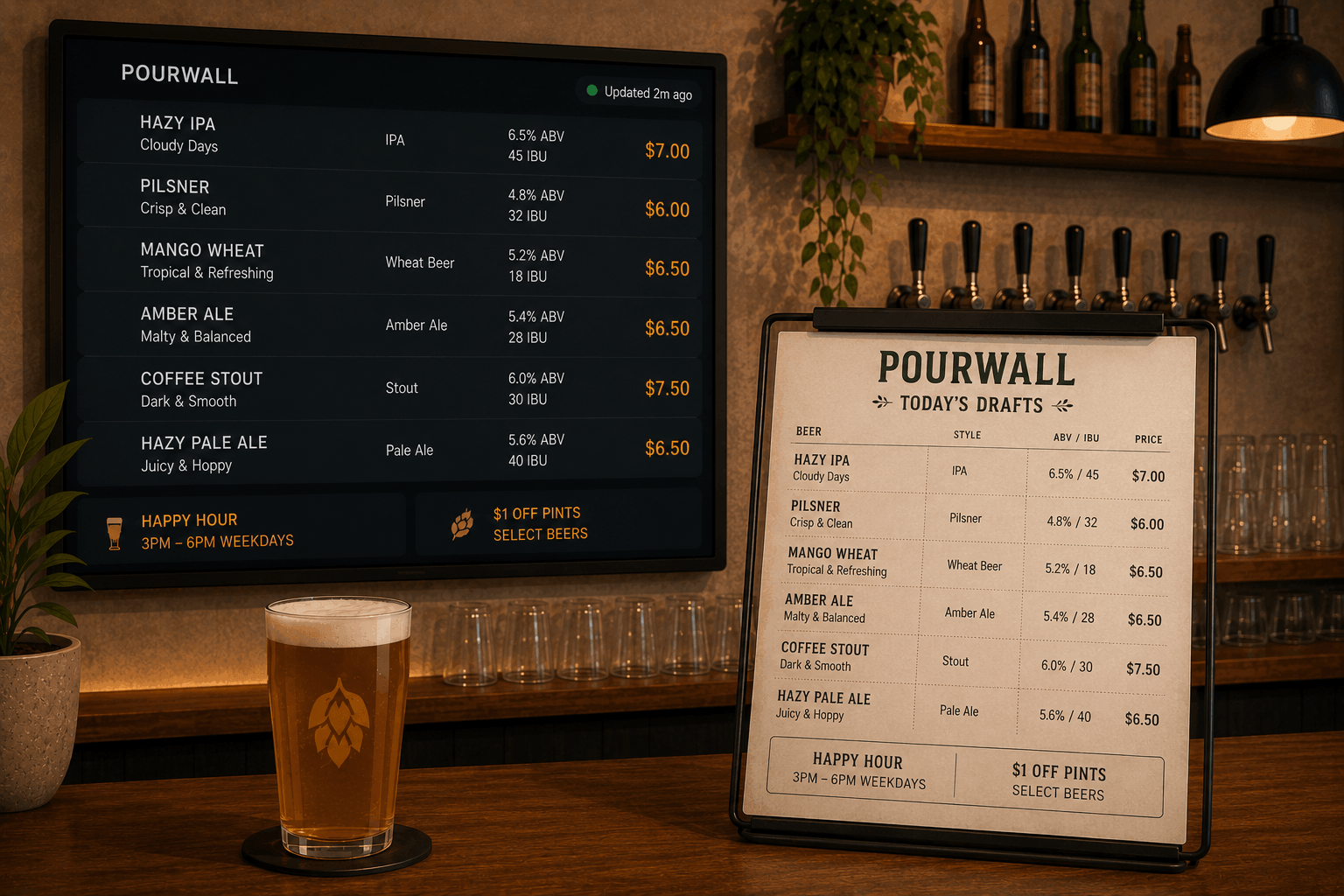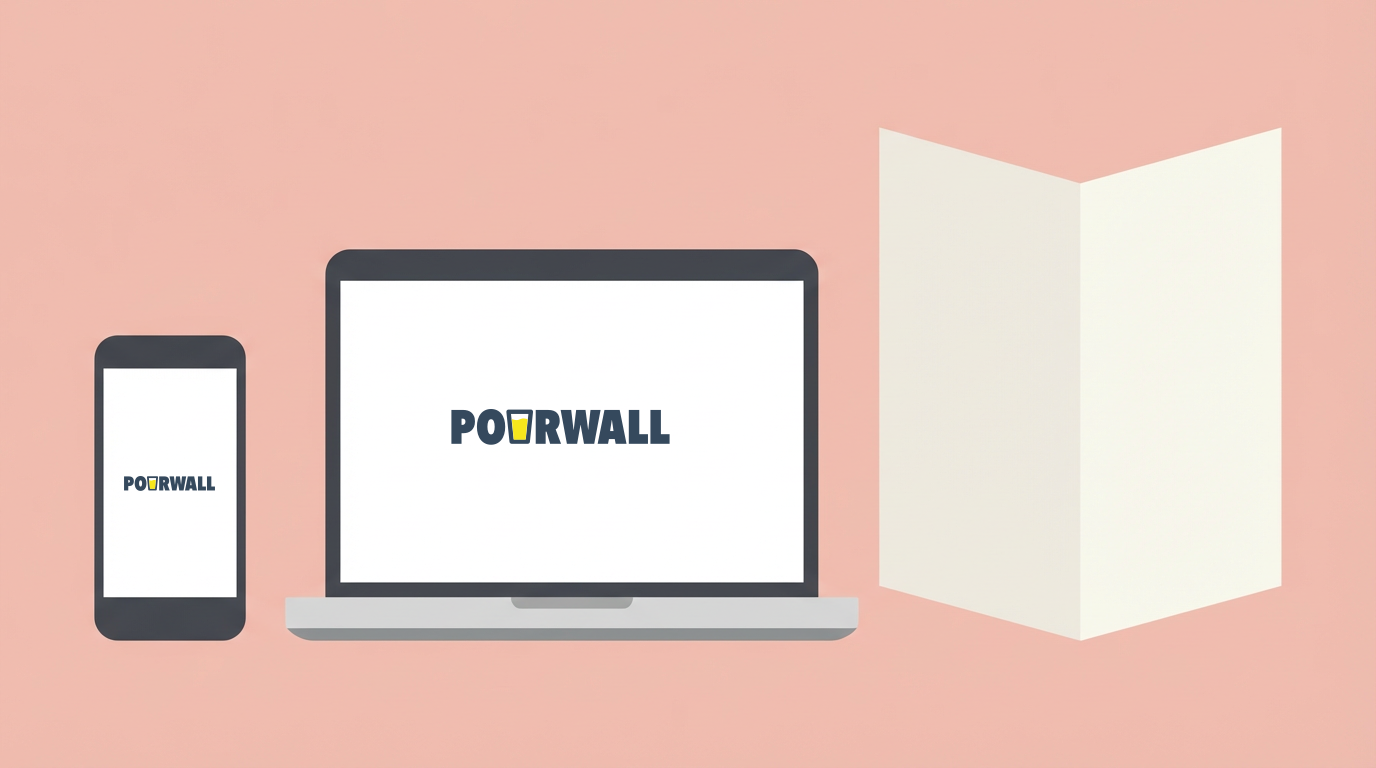
The digital tap list you manage in Pourwall does not have to stop at your TV screen. Every tap you have added, every description you have written, every price you have set — that data can also live on your website, get handed to customers via QR code, and become a printed menu for table service.
The problem with most setups? These are treated as three separate jobs. You update the screen, then someone updates the website, then someone reprints the menus — and they still do not match.
With Pourwall, it is one source of truth. Update your tap list once and it flows everywhere.
QR Code Menus for Bars and Breweries
Pourwall generates a QR code that links directly to your live tap list. Print it on a coaster, a table tent, or tape it to a wall. Customers scan and see exactly what you have on.
This is especially useful for:
- High-turnover tap lists where what is on changes week to week
- Taprooms where customers want to explore the list on their phones while they wait
- Events and pop-ups where you are serving somewhere without a TV setup
- Table service where handing a paper menu to every table is not practical
The QR code can be customized with your branding and downloaded in print-ready quality from your Pourwall dashboard.
Embed Your Tap List on Your Website
Pourwall generates an embed code — a simple snippet you or your web person pastes into your site. Once it is in, your live tap list appears on your website automatically.
No more fielding messages asking what is on tap tonight. It is on your website, pulled from the same list you already manage in Pourwall.
For breweries with taprooms, this is especially valuable. People check your website before deciding whether to come in. Showing a live list of what is pouring — with ABV, descriptions, and pricing — gives those visitors a reason to show up.
Print-Ready Menus
Sometimes you need paper. Pourwall's print layout pulls your current tap list into a clean, formatted document ready to print from any printer you already have.
Use it for cocktail and wine lists at tables, menus for private events or buyouts, or something to hand to reps or buyers who ask what you are running.
One Tap List, Managed in One Place
Many bars end up with their menu scattered across a chalkboard, a website nobody updates, a PDF attached to a Google review, and a TV showing something different from all of them.
Pourwall makes it one thing. You manage it in one place and decide where it surfaces — TV screens, QR codes, your website, printed paper.
Not yet on Pourwall? Start with the free 10-minute setup guide and get your tap list on screen today.
The TV display is free. QR codes, website embeds, multi-location, and print layouts are part of the Premium plan at $30 per month per location, or $290 per year with a 20% discount.
Stop managing the same list in four different places. Start free at pourwall.com