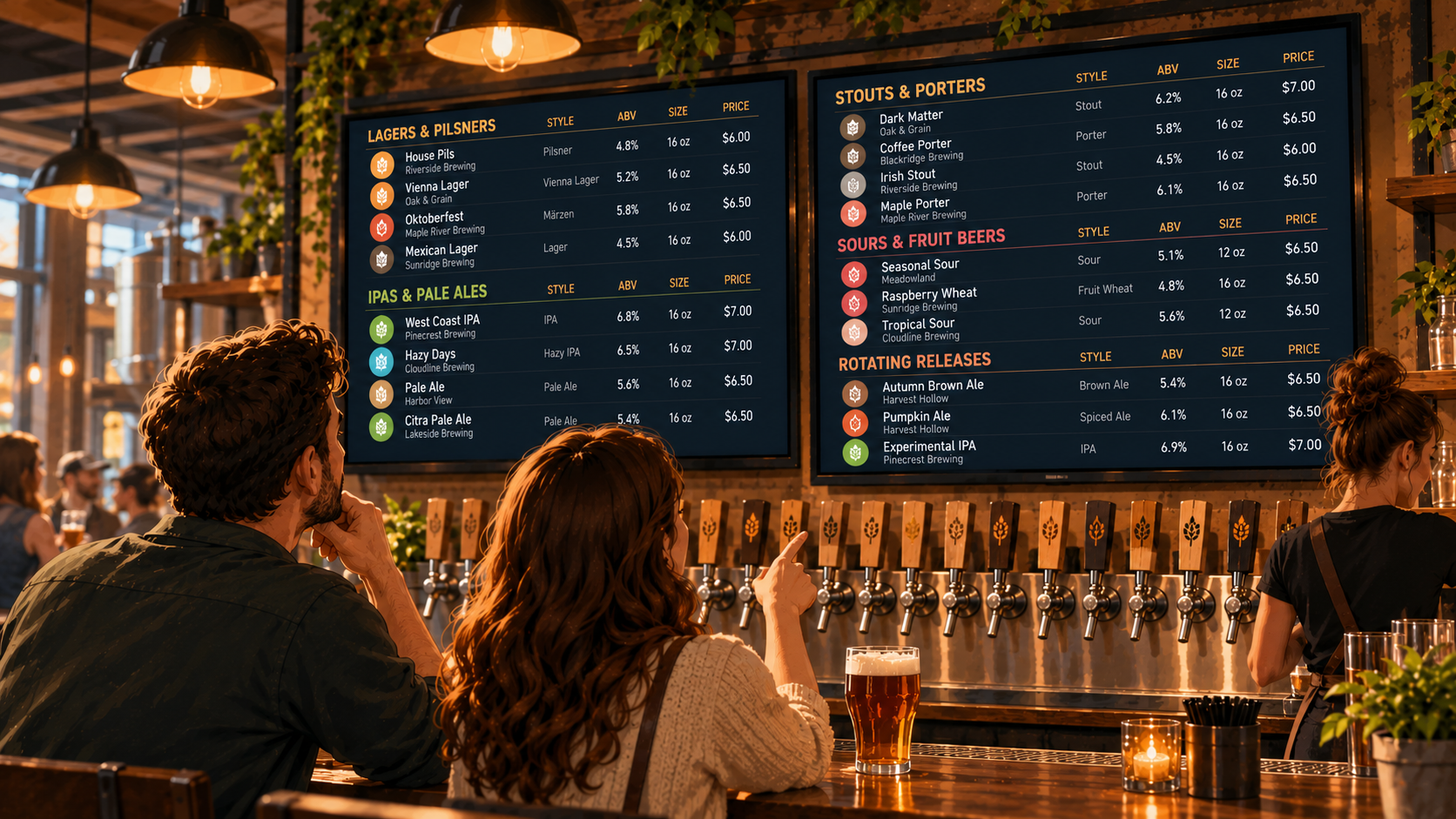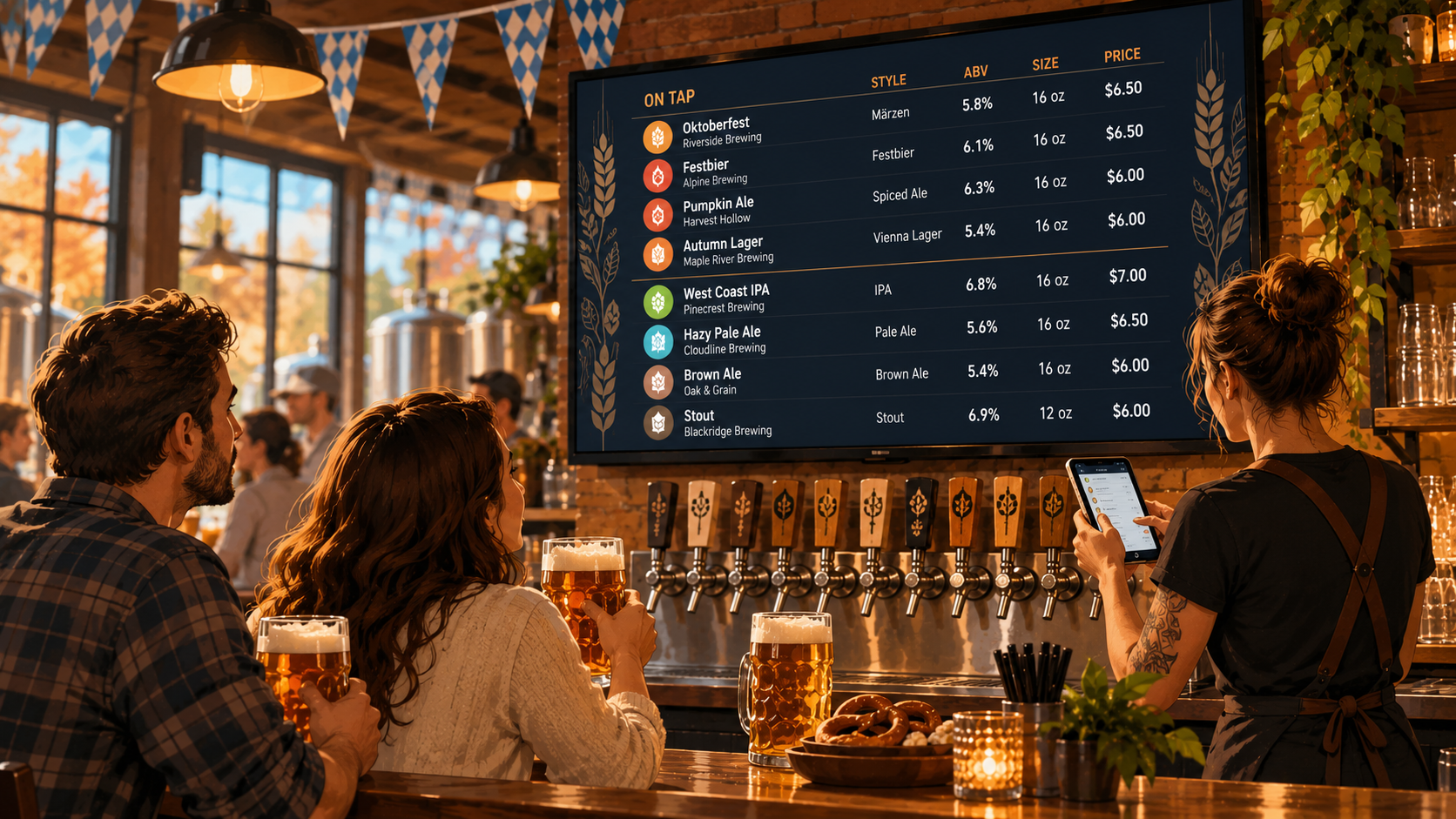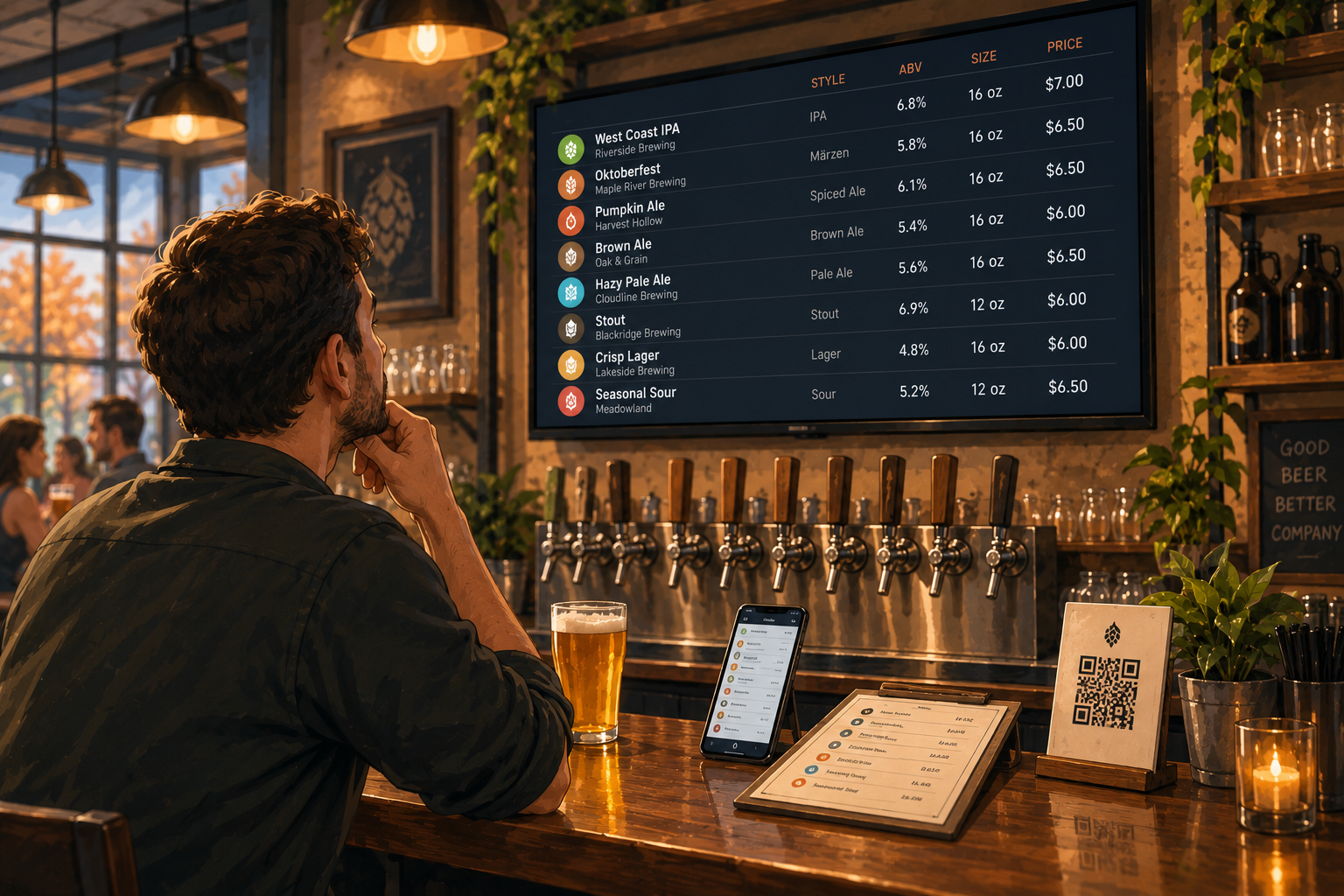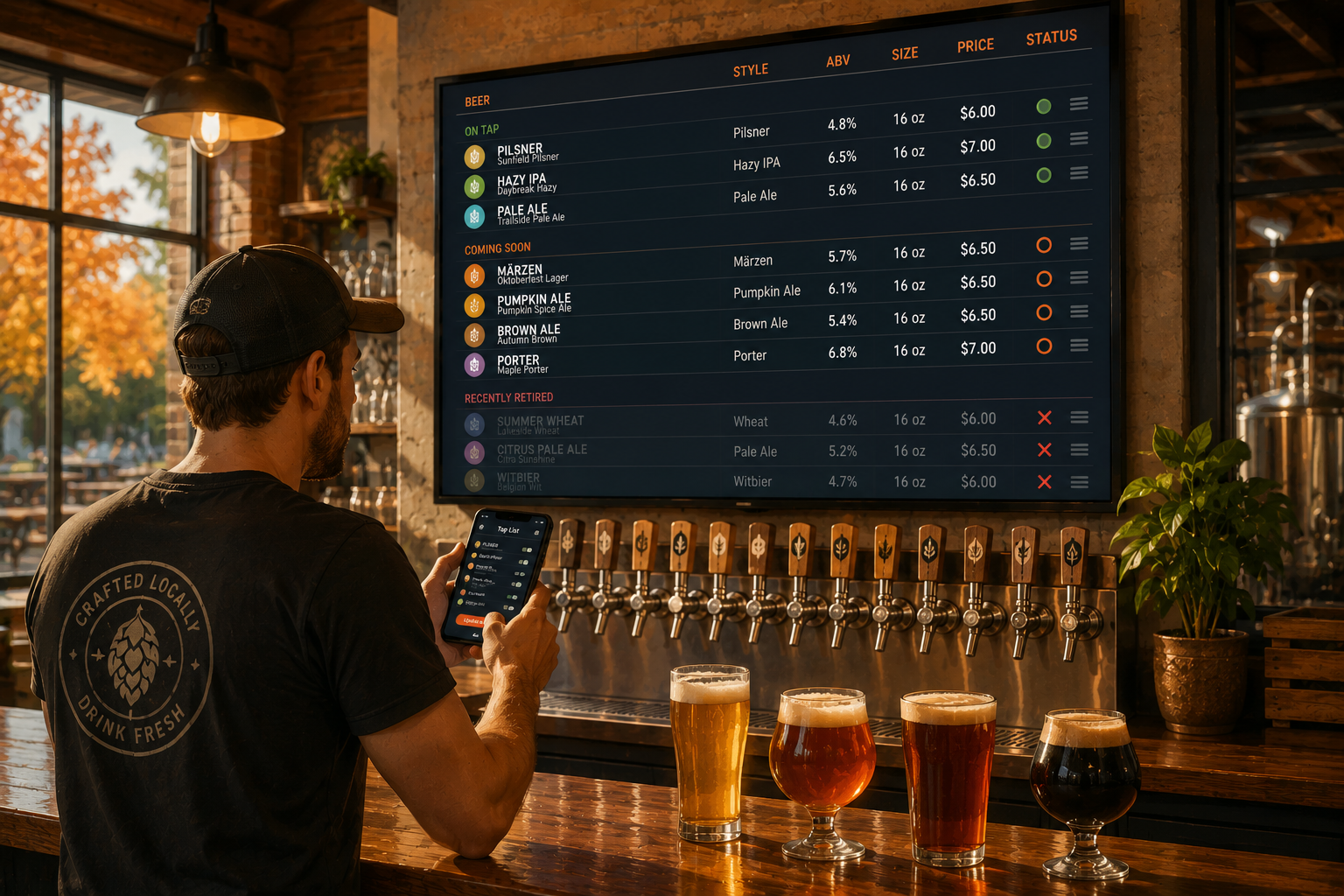
Fall is a great time to have a brewery tap list.
It's also a great time to completely lose track of it.
Summer releases are winding down. Oktoberfest beers arrive. Märzens, pumpkin ales, brown ales, porters, and other cooler-weather releases start taking over taps.
Some stick around for months.
Others are gone in a weekend.
For the person managing the menu, every rotation creates another update. And if your beer list lives on a TV, printed menu, QR code, and website, one keg change can turn into four separate jobs.
Seasonal beer rotations are normal.
Rebuilding your menus every time shouldn't be.
Fall Beer Changes Tend to Come in Waves
Seasonal transitions rarely happen all at once.
You don't finish your entire summer lineup on Friday and replace it with the fall lineup on Saturday.
One keg kicks.
A seasonal release takes its place.
Another beer runs out a few days later.
A limited batch lasts less time than expected.
Meanwhile, a few core beers stay exactly where they were.
Your tap list is changing piece by piece.
That's what makes seasonal rotations annoying to manage. The problem isn't creating a fall menu once.
It's keeping that menu accurate while the lineup keeps moving.
Don't Treat Every Rotation Like a New Menu
If your tap list is built as a static graphic, changing one beer can mean opening the original design file, finding the right text, adjusting the layout, exporting a new version, and putting it back on the screen.
That's a lot of work to say:
"The Oktoberfest is on tap now."
The same problem happens with printed menus and PDFs. A small product change turns into a design project.
Your beer lineup is supposed to change.
Your menu system should expect that.
Instead of treating the entire menu as one finished graphic, think of it as a collection of individual beers that can come and go.
Then a rotation is just a rotation.
Not a rebuild.
Keep Your Core Beers Separate From Seasonal Rotations
Most brewery tap lists aren't changing from top to bottom.
You probably have core beers that stay available regularly, plus a smaller group of rotating or seasonal releases.
Treat them differently.
Your year-round lager doesn't need to be recreated every time you add a fall porter.
Keeping your core lineup stable makes it easier to focus on the products that actually change.
When a seasonal beer arrives, add it.
When it kicks, remove it.
Leave everything else alone.
Simple is useful here.
Have the Beer Information Ready Before It Hits the Tap
The easiest menu update is the one you've already prepared for.
Before a seasonal beer goes on tap, make sure you have the information guests will need.
That might include:
- Beer name
- Brewery name, when relevant
- Style
- ABV
- Serving size
- Price
- A short description, if it actually helps
Then when the beer is ready to pour, you aren't looking for the ABV or asking someone what the 10 oz pour costs.
You're just making the beer available on the menu.
This becomes especially useful during fall, when several seasonal releases may be waiting to replace whatever kicks next.
One Beer Change Shouldn't Mean Four Menu Changes
The real operational headache starts when your brewery has several versions of the same tap list.
There's the TV behind the bar.
The QR menu on the table.
The printed menu someone made last week.
The tap list on your website.
If each one is managed separately, every fall beer rotation creates a checklist.
Update the TV.
Update the QR menu.
Update the website.
Update the printed menu.
And hope nobody forgets one.
This is exactly the kind of problem Pourwall is built to reduce. Pourwall is designed around keeping beverage menus current across TVs, QR codes, websites, and print instead of treating each one as a completely separate menu.
One update is much easier to manage than four.
Update the Tap List When the Tap Changes
There is a dangerous phrase in brewery operations:
"I'll update it later."
Later usually means after the rush.
Then somebody needs help in the cooler.
Then a delivery arrives.
Then it's closing time.
And your website is still advertising the beer that kicked six hours ago.
The closer your menu update is to the actual tap change, the easier it is to keep everything accurate.
With Pourwall, you can manage your menu from your phone, tablet, or computer, and changes to your digital menu can appear on your TV in real time.
So when one fall beer replaces another, the menu doesn't have to wait until somebody has time to rebuild a slide.
Change the beer.
Update the menu.
Move on.
Seasonal Doesn't Have to Mean Temporary-Looking
There's another reason not to rebuild your menu around every seasonal release.
Your brewery still has a brand.
The beers may change every week, but the tap list doesn't need to look like a completely different menu every time they do.
Keeping a consistent menu structure gives seasonal beers room to change without making the entire presentation feel temporary.
The fall lineup can look like your brewery.
So can the winter lineup.
And the spring lineup after that.
The products rotate. The menu doesn't need an identity crisis every season.
Plan for What's Next, Not Just What's On Now
Fall beer rotations get easier when you know what's coming.
If a seasonal beer is almost ready to replace another tap, having its details prepared means less scrambling when the change happens.
Pourwall Premium also includes an On Deck feature, which gives breweries a way to keep upcoming products ready before they become part of the active lineup.
That fits the way breweries actually rotate beer.
You know what's pouring now.
You know what's probably coming next.
When the tap changes, the menu can follow.
Let Fall Be Busy for Better Reasons
Fall can be a busy season for a brewery.
New releases. Oktoberfest events. Cooler weekends. Guests coming in specifically to see what's new.
Your tap list is going to change.
That's the point.
The goal isn't to slow down those rotations because updating the menu is annoying. It's to make the menu easy enough to manage that the rotations don't create extra work every time.
Keep your beer information organized.
Prepare upcoming releases before they hit the tap.
Update the lineup when it changes.
And avoid rebuilding the same menu over and over just because one beer is different.
Your fall beer lineup can change constantly.
Your menu workflow doesn't have to.