Halloween is a good excuse to do something different with your drink menu.
A few themed cocktails. A seasonal beer release. Maybe a costume party or a weekend special.
Nothing too complicated.
Until you try to fit all of it onto the menu.
Your regular beer list is already full. The cocktail menu has enough information on it. And now you're trying to squeeze in three Halloween drinks, an event announcement, and a limited-time promotion.
Before long, the menu looks more like a party flyer than something people can actually order from.
Halloween specials should be easy to notice.
They shouldn't make everything else harder to find.
Here's how to promote seasonal drinks and events without turning your bar menu into a mess.
1. Give Halloween Specials Their Own Space
The easiest way to make seasonal drinks stand out is to stop mixing them into everything else.
If your regular cocktail menu already has 12 drinks, adding four Halloween cocktails throughout the list makes it harder for guests to identify what's new.
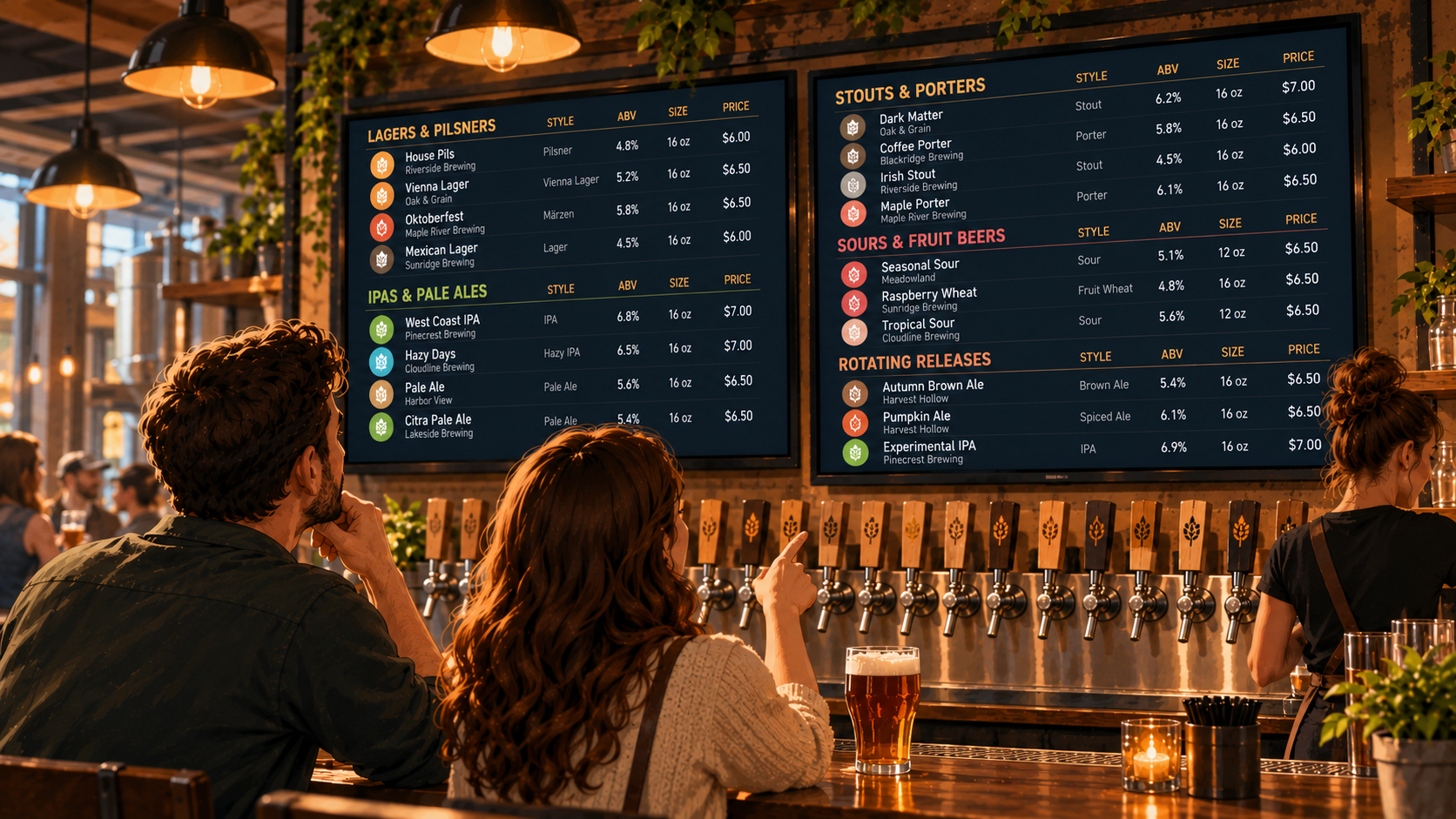
Instead, give the seasonal drinks a clear section.
For example:
HALLOWEEN SPECIALS
- Witch's Brew | Vodka, blackberry, lemon | $12
- Spiced Paloma | Tequila, grapefruit, chili | $13
- Midnight Espresso | Vodka, espresso, coffee liqueur | $14
Illustrative menu example.
Now guests can immediately see which drinks are part of the Halloween promotion.
Your regular cocktails stay where they are.
And when Halloween ends, you can remove the temporary section without reorganizing the entire menu.
This works for seasonal beers too.
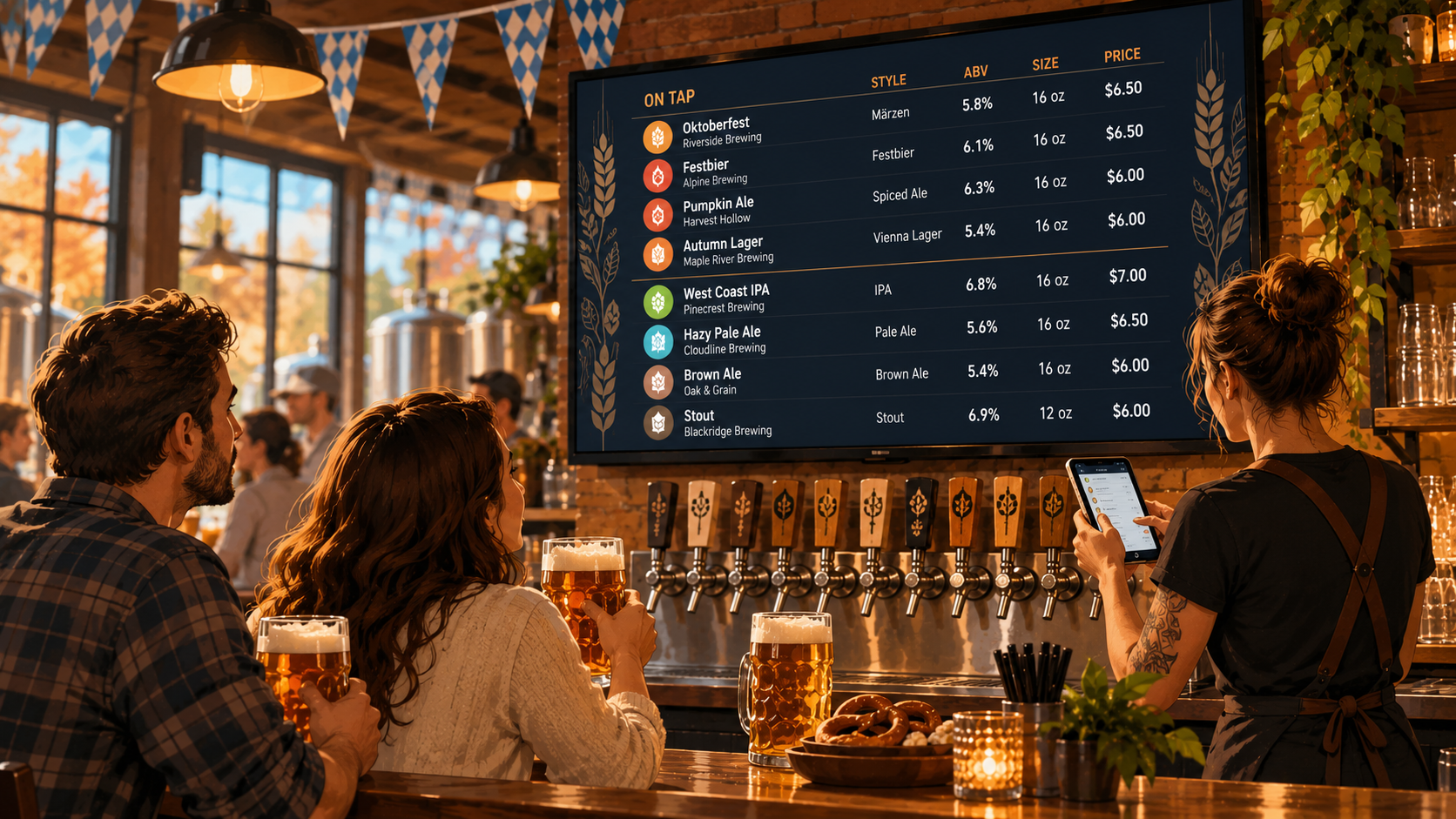
If you're bringing in a pumpkin ale, a dark stout, or a limited-release sour, consider grouping those beers together rather than scattering them across your regular tap list.
The goal is to make the specials noticeable without making the rest of the menu confusing.
2. Keep the Descriptions Short
Halloween cocktails tend to have creative names.
That's part of the fun.
But a drink called "Witch's Brew" doesn't tell someone much about what's actually in the glass.
A short ingredient description solves that problem.
For example:
Witch's Brew Vodka, blackberry, lemon $12
That's enough information for most guests to understand what they're ordering.
You don't need a paragraph about the drink's inspiration, a full ingredient list, or an elaborate Halloween story.
The same goes for seasonal beers.
A beer name, style, ABV, serving size, and price will usually tell guests what they need to know.
Save the longer descriptions for your website or wherever guests have more time to read.
On a TV menu, shorter is usually better.
3. Don't Let Decorations Take Over the Menu
Halloween gives you plenty of visual options.
Pumpkins. Bats. Spiderwebs. Orange and purple colors.
But your menu still has a job to do.
Guests need to read it.
A few seasonal touches can make the menu feel festive without making the text harder to see.
If you use a digital menu, consider keeping your usual layout and adding subtle Halloween elements around it.
You don't need to turn every beer name orange or put a spiderweb behind the prices.
The same rule applies to fonts.
A decorative Halloween font might look great on an event poster.
It's probably not the best choice for a list of 20 beers that people need to read from across the room.
Keep the important information clear.
Let the decorations support the menu instead of competing with it.
4. Keep Event Announcements Separate From Drink Information
Maybe your bar is hosting a Halloween costume contest.
Maybe there's live music on Friday.
Maybe you're running a special cocktail promotion all weekend.
Those are worth promoting.
But they don't necessarily belong between your beer names and prices.
A drink menu and an event announcement serve different purposes.
The menu helps someone decide what to order.
The event announcement tells them what's happening.
Trying to combine both into one crowded screen can make each less useful.
If you have multiple screens, consider using one for your regular beverage menu and another for event information or seasonal promotions.
If you're working with one screen, keep any event message brief and make sure it doesn't interfere with the drink list.
You can also promote event details through your website, social media, or printed materials around the venue.
Your TV menu doesn't need to explain the entire costume contest.
It just needs to help guests order a drink.
5. Make Limited-Time Pricing Easy to Understand
Halloween specials often come with temporary prices.
Maybe you're offering a discounted seasonal cocktail.
Maybe a pumpkin ale is available at a special price for the weekend.
Maybe you're offering a drink flight featuring several seasonal beers.
Whatever the promotion is, guests should understand the price before ordering.
For example:
HALLOWEEN WEEKEND SPECIALS
Spiced Paloma | $11
Pumpkin Ale | 16 oz | $6
Seasonal Beer Flight | $14
Illustrative prices.
Keep the serving sizes and prices clear.
And make sure the price on your menu matches what your staff will charge.
A discounted cocktail isn't much of a promotion if the bartender has to explain why the menu and the bill don't match.
Before the event, confirm when the special pricing starts and ends.
Then make sure someone is responsible for updating the menu when the promotion is over.
Your Halloween prices shouldn't still be showing up in November.
6. Make Seasonal Changes Without Rebuilding Your Entire Menu
This is where temporary promotions can become annoying.
You create a special Halloween menu.
You adjust the layout to fit the extra cocktails.
You export a new version for the TV.
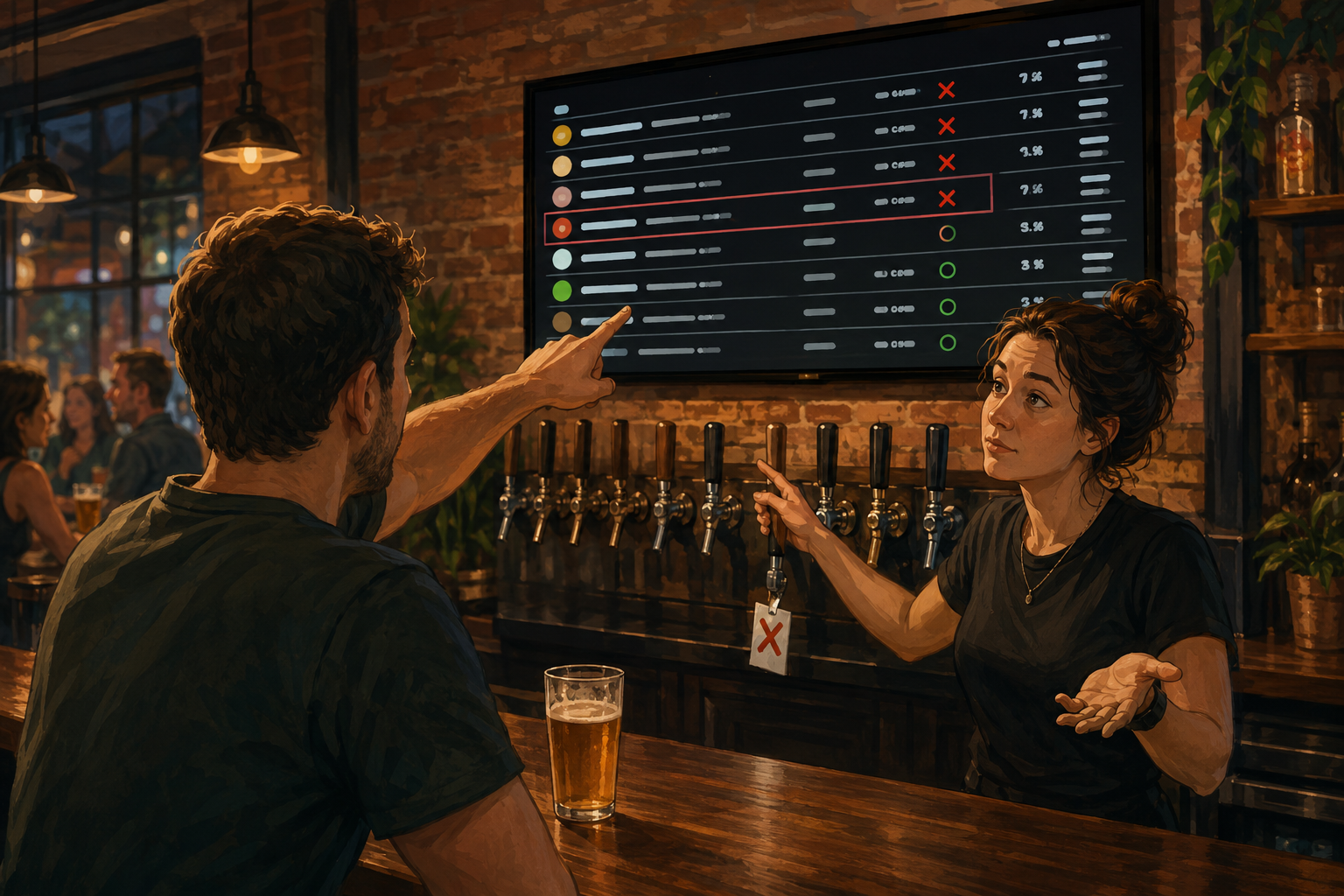
Then one seasonal beer sells out.
Now you have to edit the design again.
A few hours later, another drink changes.
Another edit.
And after Halloween, you have to put everything back the way it was.
That's a lot of work for a promotion that might only last a weekend.
A better approach is to keep your regular menu structure and update the individual drinks that change.
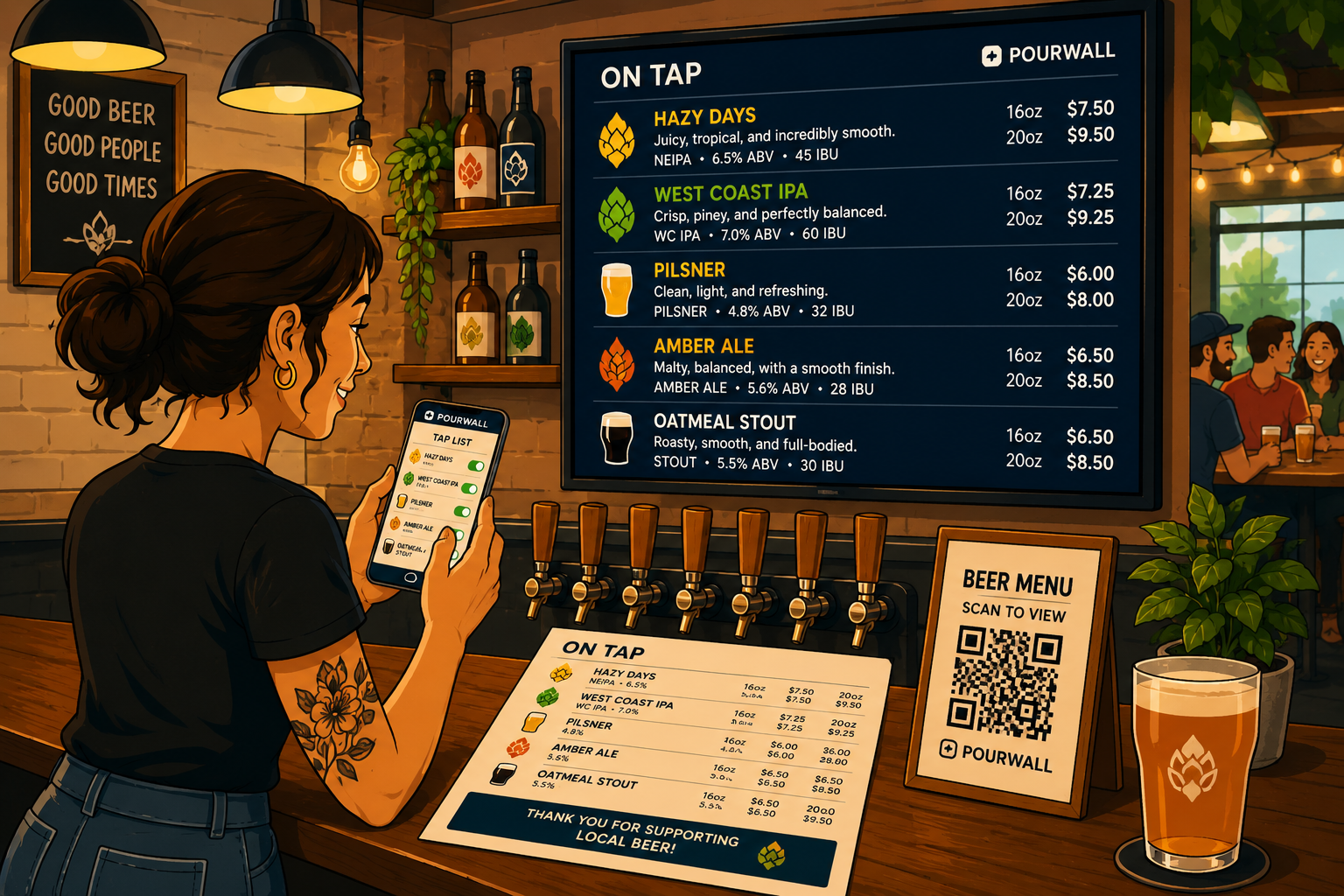
With Pourwall, you can manage your beverage list from your phone, tablet, or computer. Changes to your digital menu appear on connected TV screens in real time.
That means adding a seasonal beer or removing a sold-out drink doesn't have to involve rebuilding a presentation slide.
Your regular menu can stay familiar while the products change.
7. Keep Your TV, QR, and Printed Menus Consistent
Your Halloween specials might appear in several places.
There's the TV behind the bar.
The printed cocktail menu on the table.
The QR menu guests open on their phones.
Maybe your website also lists the current drinks.
If those menus are managed separately, temporary promotions create extra work.
You add the Halloween cocktail to the TV but forget the printed menu.
You change the event price but the website still shows the regular one.
Or a seasonal beer sells out and stays listed somewhere guests can still order from.
Pourwall Premium supports TV menus, QR menus, printed menus, and website embeds using the same beverage information.
That helps reduce the need to recreate the same product details in different tools.
Printed menus still need to be reprinted when information changes, but you can work from the same beverage information instead of maintaining entirely separate lists.
For a short seasonal promotion, that can make a difference.
8. Make Sure Your Staff Knows What's on Special
Your Halloween menu can look great.
But if your staff doesn't know which drinks are included in the promotion, you're going to have problems.
Before the event, make sure everyone knows:
- Which drinks are Halloween specials
- What's in each themed cocktail
- What the promotional prices are
- When the specials begin and end
- What to do when a seasonal drink sells out
This matters even more when the promotion runs across multiple shifts.
The bartender working Friday night may know exactly what's happening.
The Saturday afternoon team might not.
Keep the information consistent and make sure staff know where to check the current lineup.
If multiple people help manage your beverage menus, Pourwall Premium supports team members so updates don't have to depend on one person.
A temporary promotion shouldn't require everyone to track down the manager whenever a drink changes.
9. Have a Plan for November 1
Halloween ends.
The decorations come down.
The costume contest is over.
But the menu might still be advertising Witch's Brew.
Before the promotion begins, decide what needs to happen afterward.
Remove seasonal cocktails that are no longer available.
Restore regular pricing.
Take down expired event information.
Check your TV, QR, printed, and website menus for anything that needs updating.
If a seasonal beer is still available, there's no reason to remove it just because October is over.
Keep what's actually pouring.
Remove what's finished.
Your menu should reflect what guests can order today, not what was happening last weekend.
Make Halloween Fun Without Making the Menu Complicated
Halloween is a good opportunity to try new cocktails, feature seasonal beers, and give guests a reason to visit.
But your regular drink menu still needs to work.
Keep themed specials in a clear section.
Use short, useful descriptions.
Make prices easy to understand.
Keep event announcements from competing with beverage information.
And avoid rebuilding the entire menu every time a seasonal drink changes.
Pourwall helps bars, breweries, and restaurants manage changing beverage menus without turning every temporary promotion into a new design project.
Because your Halloween menu can be festive without being difficult to use.
Save the chaos for the costumes.