Want to display your tap list directly on your website? The Embedded Menu makes it easy. Here’s how to set it up and customize it:
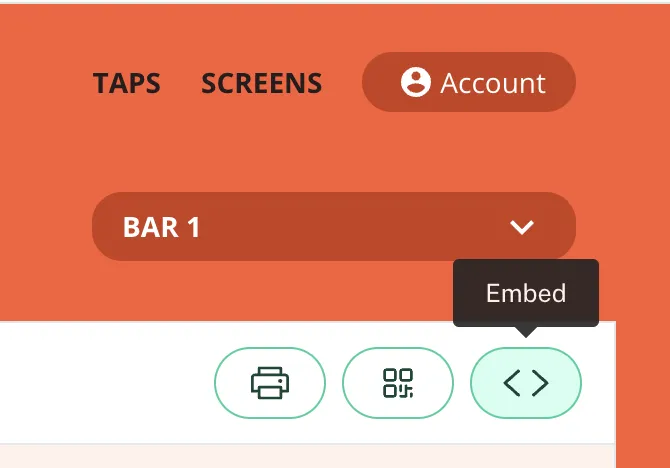
1. Click the Embedded Menu icon (top right).
2. Choose how to organize your menu:
- Sort by: Tap handle number, ABV%, style, category, brewery name, or beverage name.
- Group by: Brewery, category, style, or none.
3. Select the range of taps you want to include.
4. Customize the appearance:
- Set your background, text, and alt text colors.
- Choose your primary and secondary fonts.
- Adjust the text size to fit your site’s style.
5. In the Options section:
- Choose what information to show or hide on the menu. Check a box to show it, uncheck it to hide it.