When customers scan your QR code, they’ll see a digital version of your menu. You can customize how this page looks before printing or sharing the QR code.
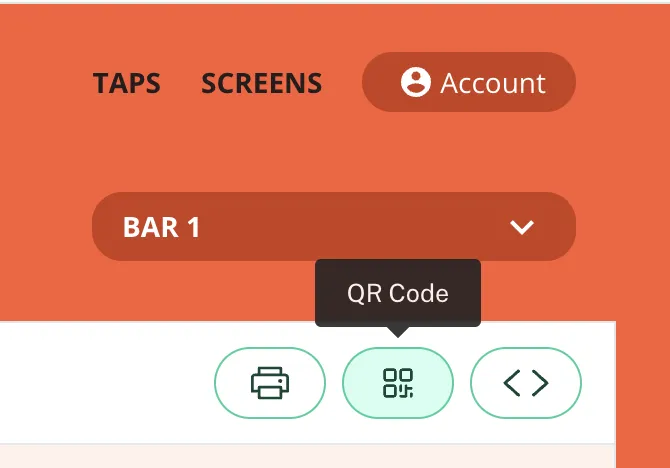
1. Click on the QR code icon (top right).
2. Use the customization panel to adjust your menu appearance:
- Sort by: Lets you choose how the drinks are listed: Tap handle number, ABV%, style, category, brewery name, or beverage name.
- Group by: Allows you to organize your drinks by brewery, category, style, or don’t divide your taps into groups.
- Colors: You can customize the background, text, and alt text colors.
- Fonts & Text:
- Choose the primary and secondary fonts.
- Adjust the text size to your preference.
- Options: Pick what information to show or hide on the menu. Check a box to show it, uncheck it to hide it.