If you're shopping for digital menu software, you'll quickly notice that every platform claims to do everything. Real-time updates, customizable templates, cloud management. The feature lists start to look identical.
The difference isn't how many boxes a platform checks. It's how well it fits into your day-to-day operations.
Here's what actually matters when choosing digital menu software for your bar, brewery, or restaurant.
Your Menu Should Never Be Out of Date
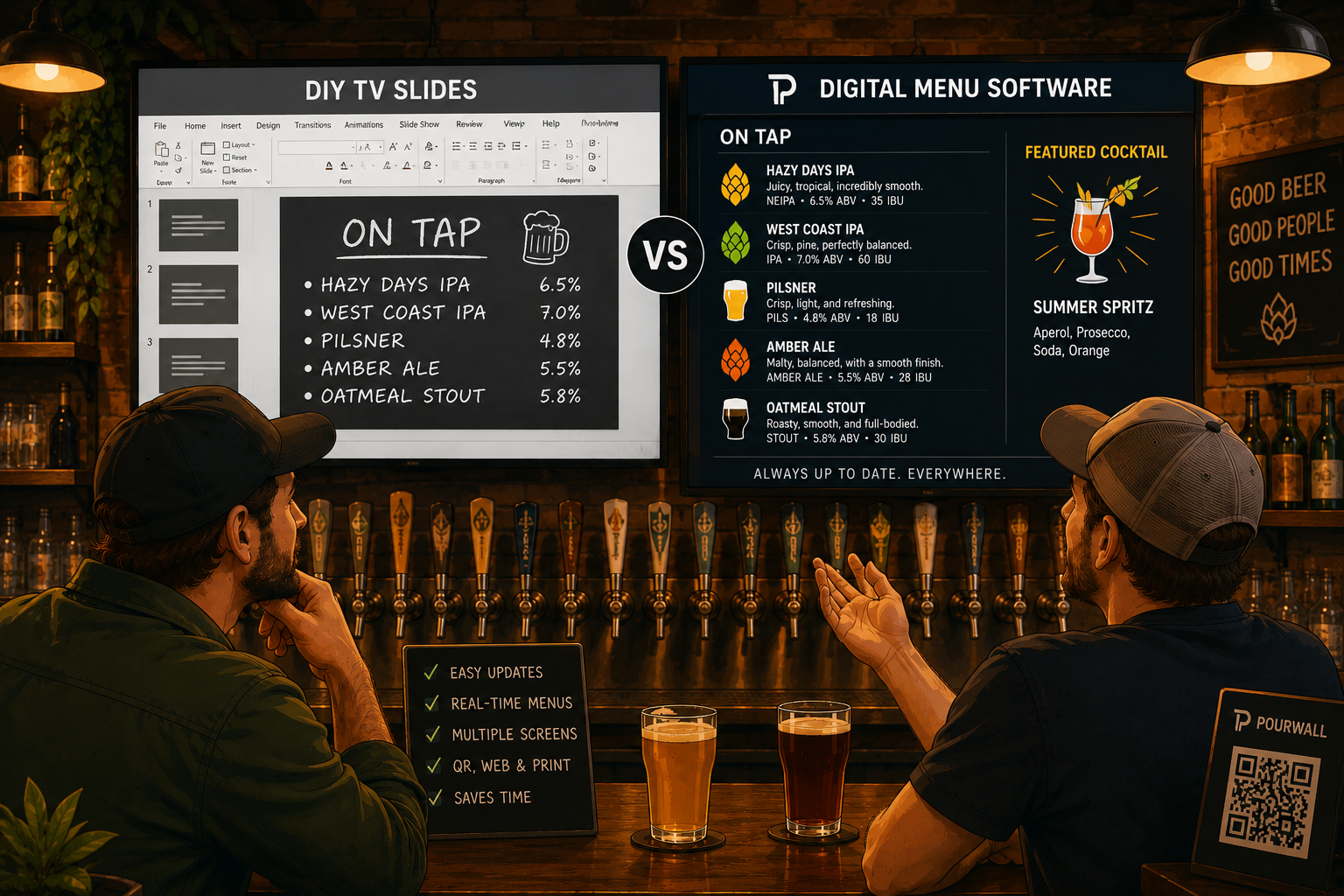
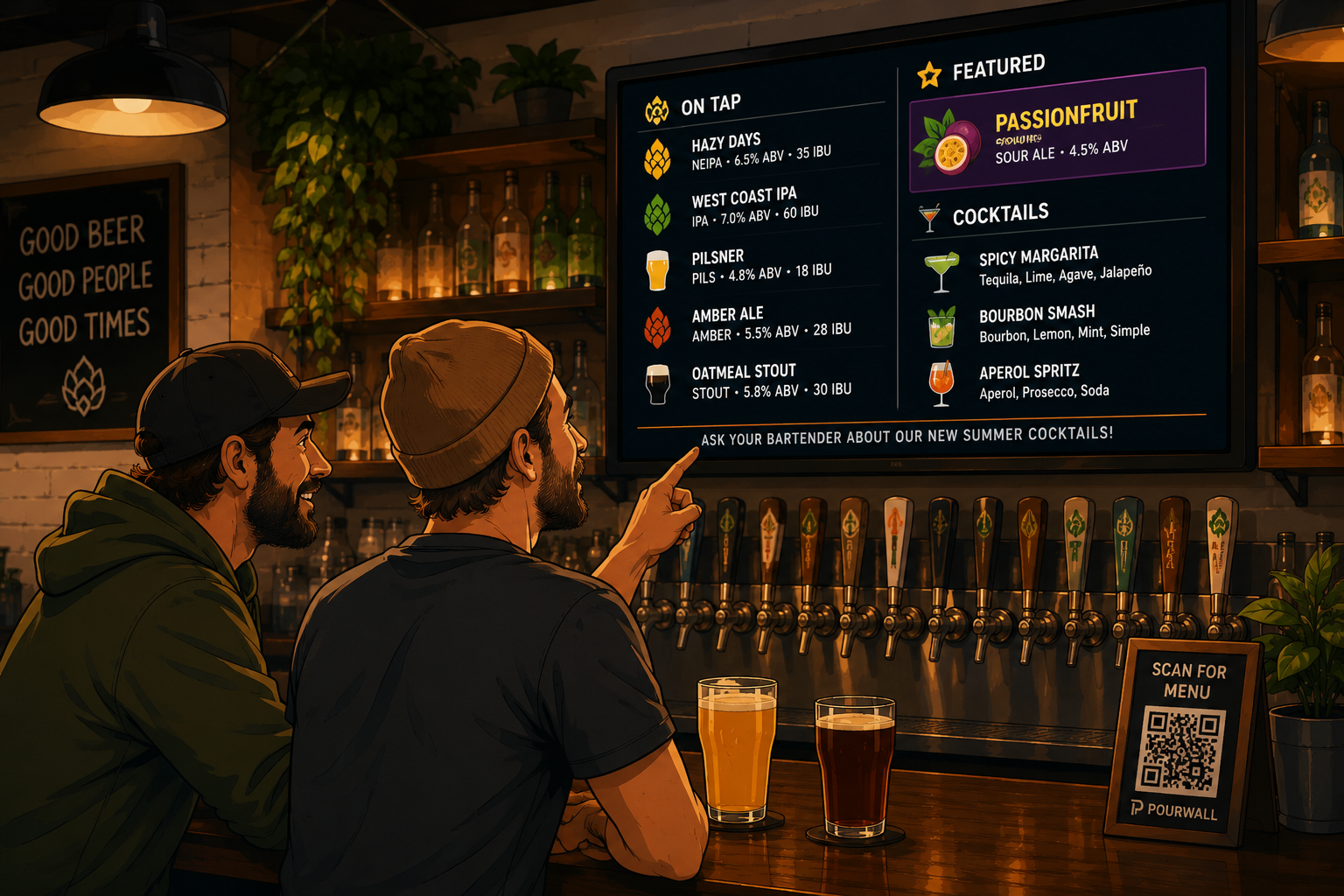
A great digital menu lets you make changes instantly. Whether you're updating a tap list, changing a cocktail price, or removing a sold-out item, your customers should always see the latest version.
Look for software that lets you edit an item once and automatically reflects the change everywhere it appears. This is especially valuable for rotating taps, seasonal cocktails, and limited-time specials.
Don't Pay to Replace Hardware You Already Own
Switching to digital menus shouldn't mean replacing perfectly good TVs or tablets.
The best platforms work with the hardware you already have, giving you the flexibility to upgrade only when it makes sense for your business.
Setup Should Take Minutes, Not Days
Digital menus are supposed to save time, not create more work.
Choose software that's easy to configure, simple to update, and accessible from any web browser. Your staff should be able to make routine menu changes without needing technical expertise.
Update Once, Publish Everywhere
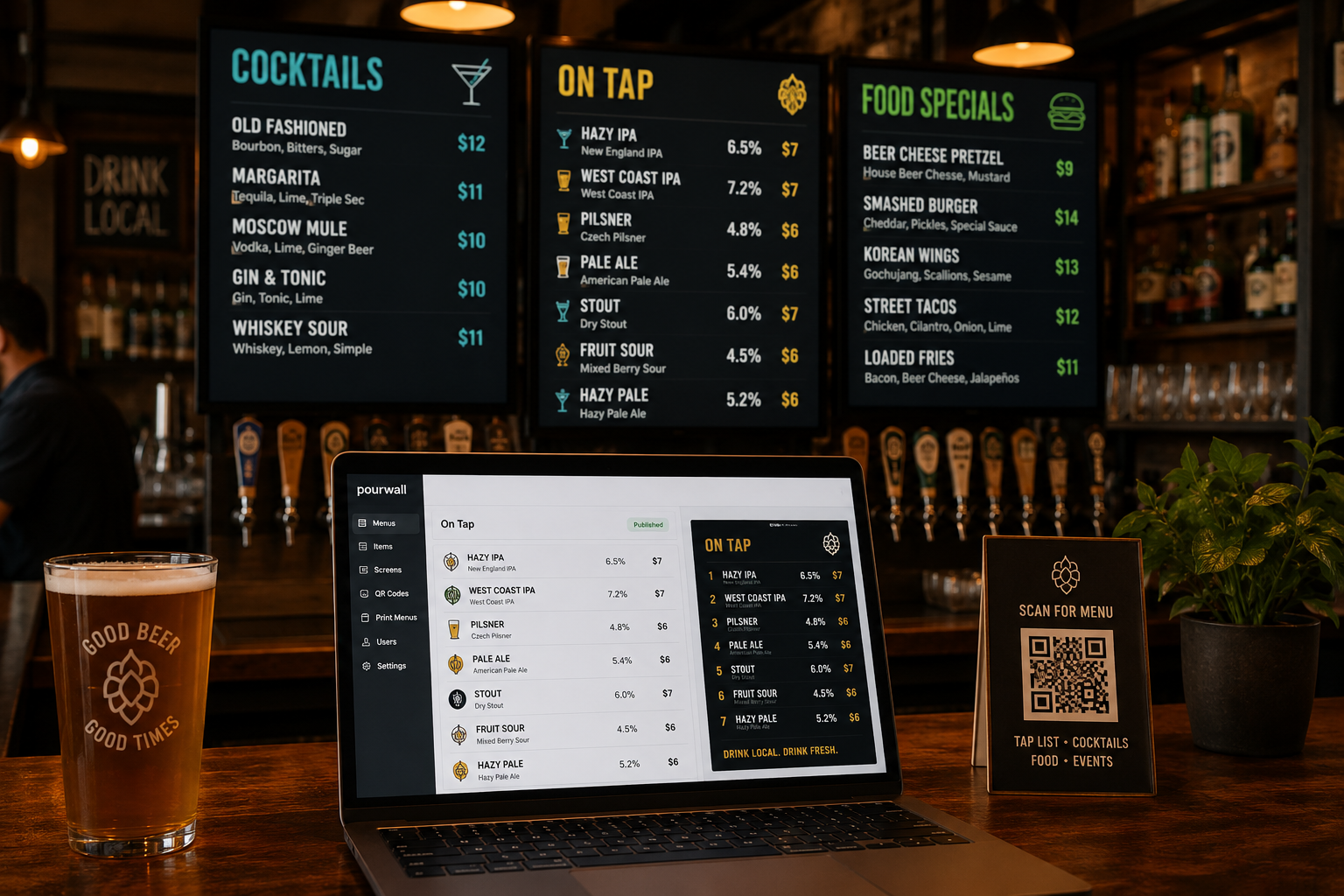
Many bars display the same products across TVs, QR menus, printed menus, and tablets.
Instead of maintaining each separately, choose software that lets you update a product once and automatically sync those changes everywhere it appears. This eliminates duplicate work and helps keep every menu consistent.
Your Menu Should Look Like Your Brand
Your menu is part of your customer experience.
Look for software that makes it easy to customize layouts, colors, fonts, logos, backgrounds, and promotional content without needing graphic design skills.
Give Your Team the Right Level of Access
If multiple employees manage menus, user permissions become important.
Role-based access allows managers, bartenders, and owners to make the changes they need while helping prevent accidental edits.
Think Beyond the Monthly Price
Price matters, but so does the time you'll save.
Compare what's included in each plan, including templates, updates, and customer support. Reliable support can be just as valuable as an extra feature when you need help before a busy weekend.
More Features Doesn't Mean Better Software
Most digital menu platforms offer similar core functionality.
What really separates them is how quickly you can update menus, how intuitive the software is to use, and how reliably it performs during service. The best platform is the one your team will actually enjoy using every day.
Why Bars, Breweries, and Restaurants Choose Pourwall
Pourwall is built specifically for hospitality businesses that need fast, reliable menu management.
With Pourwall, you can:
- Update menus in real time.
- Manage TVs, QR menus, tablets, and printed menus from one dashboard.
- Reuse products across multiple menus.
- Customize layouts to match your brand.
- Invite staff with role-based permissions.
- Use existing compatible hardware.
- Start with a free plan and upgrade as your business grows.
Instead of juggling multiple tools, Pourwall gives you one place to manage every customer-facing menu.
Choose Software That Makes Every Shift Easier
The best digital menu software isn't the one with the longest feature list. It's the one that saves your staff time, keeps your menus accurate, and makes updates effortless, whether you're changing one beer or an entire menu.
If you're comparing platforms, prioritize ease of use, real-time updates, centralized menu management, and responsive support. Those are the features you'll appreciate long after the demo is over.
Ready to simplify menu management? Try Pourwall for free and see how easy it is to manage TVs, QR menus, printed menus, and tablets from one dashboard.