If your bar's TV menu started as a PowerPoint presentation, a Canva design, or a Google Slides deck, you're not alone.
For many bars and breweries, DIY slides are the easiest way to get a menu on a screen. They're familiar, inexpensive, and quick to create.
But as your menu changes more often, those simple slides can become harder to manage.
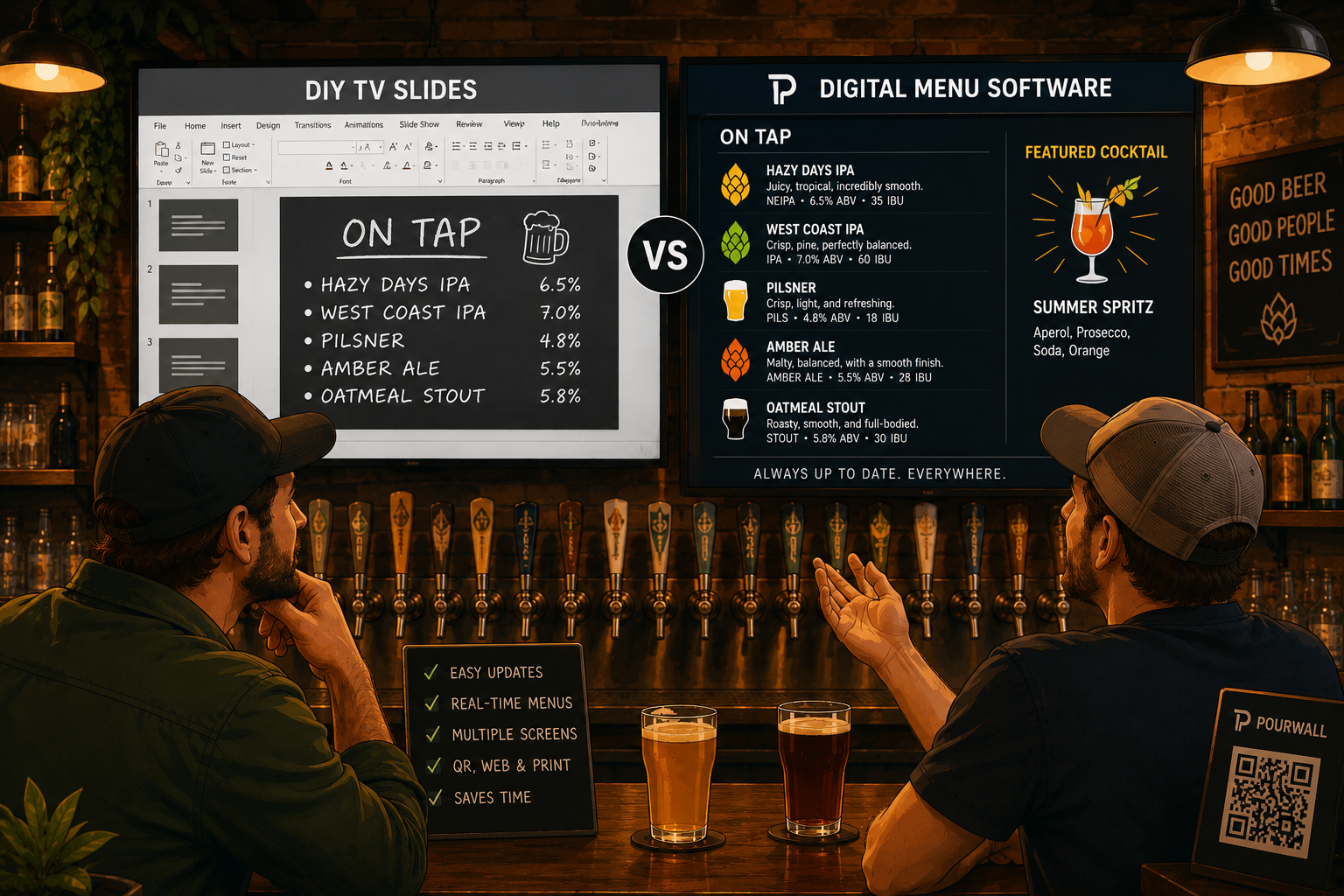
Here's how DIY TV slides compare with dedicated digital menu software.
DIY Slides Are Great for Getting Started
If your menu rarely changes, PowerPoint, Canva, or Google Slides may be all you need.
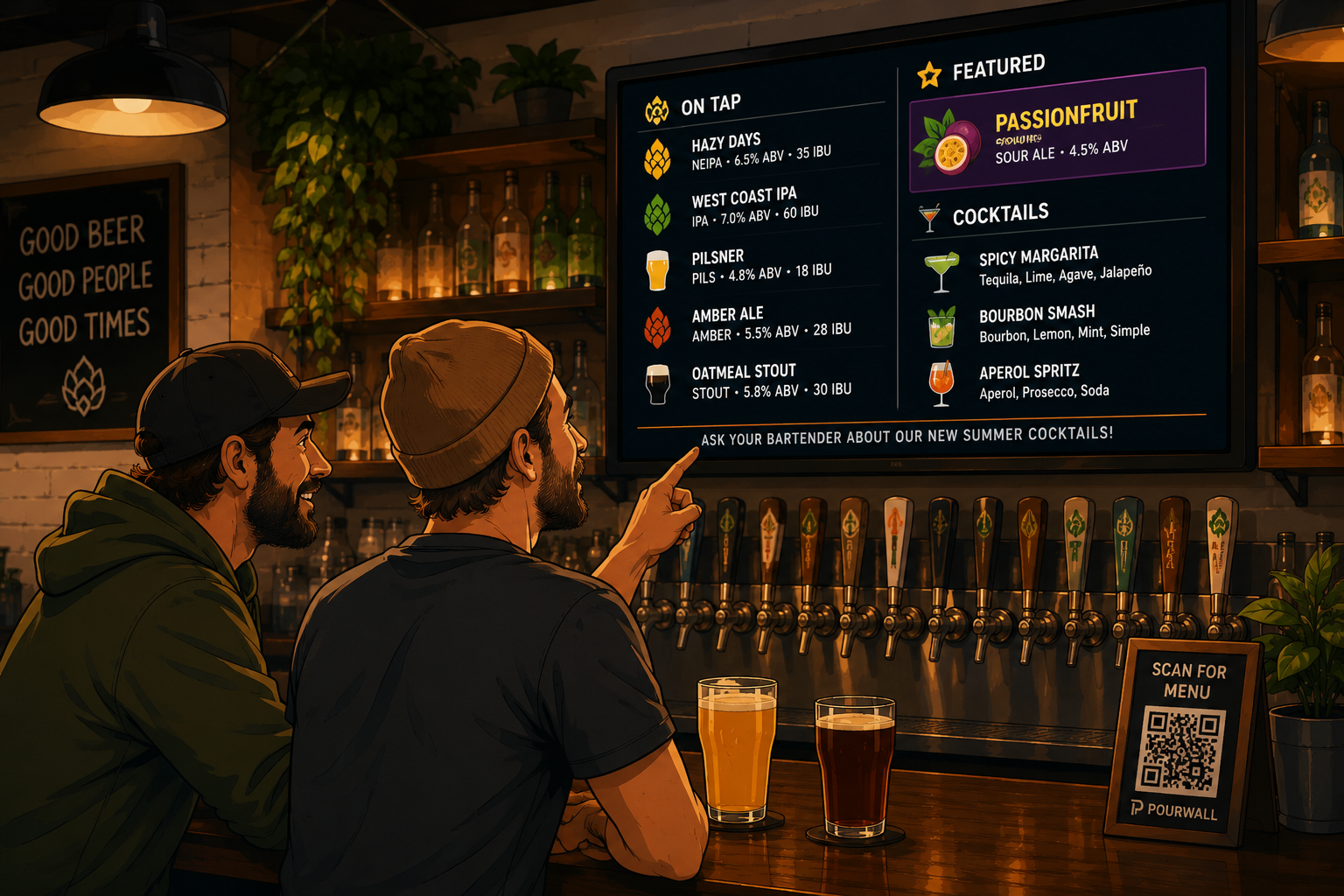
You can design attractive menus, display them on a TV, and update them whenever necessary.
For smaller venues with a static menu, that can be a perfectly reasonable solution.
The Challenge Comes With Frequent Updates
Things become more complicated when your menu changes every week, or every day.
A new beer arrives.
A seasonal cocktail replaces another.
A keg runs out.
Now someone has to:
- Edit the slide.
- Export or publish it.
- Replace the file on every screen.
- Double-check that every TV is showing the latest version.
The more screens you have, the more time those updates take.
Managing More Than One Menu
Most bars don't just have a TV menu anymore.
Many also have:
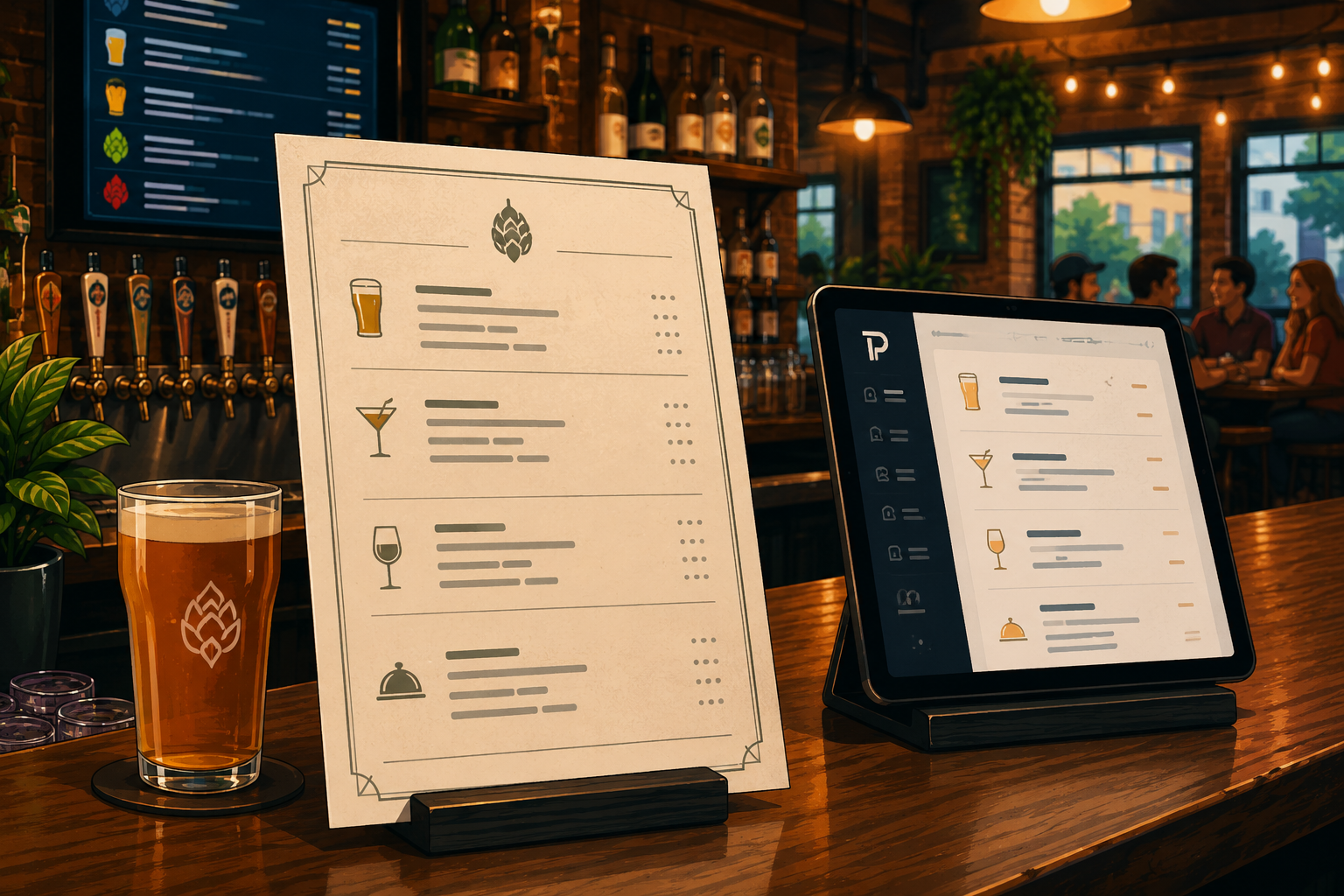
- QR menus
- Website menus
- Printed menus
With DIY tools, each of those often needs to be updated separately, increasing the chance that something gets missed.
When Dedicated Menu Software Makes Sense
Digital menu software is designed around one specific job: keeping menus current.
Instead of rebuilding slides every time something changes, you update your products in one place and publish those changes wherever your menu appears.
That can help reduce duplicate work while keeping customer-facing menus consistent.
A Quick Comparison
| DIY TV Slides | Digital Menu Software |
|---|---|
| Manual slide edits | Product-based updates |
| Separate files for each menu | One place to manage menu data |
| Best for infrequent changes | Built for frequent updates |
| General design tools | Designed specifically for bars, breweries, and restaurants |
| Manual publishing | Publish updates across supported menu formats |
Neither approach is right for every business.
The best choice depends on how often your menu changes and how much time your team spends maintaining it.
Why Many Bars Switch
Many operators start with PowerPoint or Canva because they're familiar.
As beverage programs grow and menus change more frequently, maintaining multiple files becomes more time-consuming than the software itself.
That's often when dedicated menu software starts to provide real value.
Where Pourwall Fits
Pourwall was built specifically for bars, breweries, and restaurants.
Instead of managing individual slide files, you manage your products in one place and publish them across TV menus, QR menus, website embeds, and printed menus. It also works with popular streaming devices, making it easy to display menus on existing TVs. These capabilities help reduce duplicate work and keep customer-facing menus consistent.
The Bottom Line
PowerPoint, Canva, and Google Slides are excellent tools for creating visual content, and they're a great place to start if your menu changes only occasionally.
But if you're spending more time updating menus than running your business, it may be time to consider software built specifically for hospitality.
The right solution isn't the one with the most features. It's the one that makes keeping your menu up to date as simple as possible.