Beer flights give guests a chance to explore your tap list without committing to a full pint. They're especially useful for breweries and taprooms with rotating beers, seasonal releases, or a long list of styles to choose from.
But ordering a flight shouldn't require a five-minute explanation from your bartender.
How many beers are included? How big are the pours? Can guests choose their own beers? What does the flight cost?
If your menu doesn't answer those questions, your staff will have to.
Here's how to build a beer flight menu that makes choosing and ordering easier.
1. Start with the basics: flight size, pours, and price
Before listing individual beers, make sure guests understand what they're ordering.
Every beer flight menu should clearly explain:
- Number of beers: How many samples come with each flight.
- Pour size: How many ounces are served per sample.
- Price: The total cost of the flight.
- Selection rules: Whether guests choose their beers or order a preset selection.
For example:
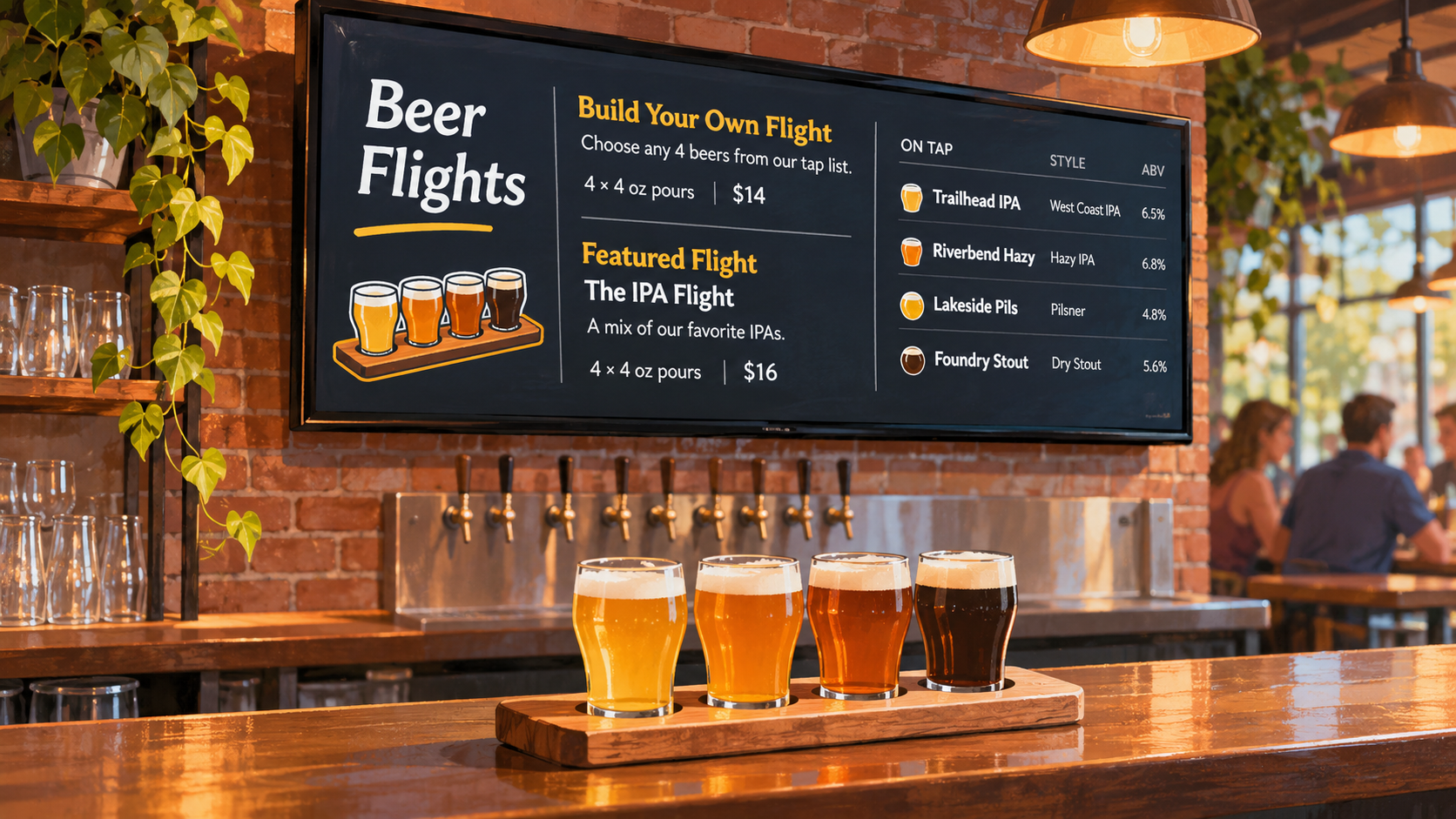
Build Your Own Beer Flight
Choose any four eligible beers from our tap list.
4 beers | 4 oz each | $14
That's just an example, not a suggested price. Your actual pricing should reflect your beer costs and margins.
The point is to make the offer clear enough that someone can order without asking three follow-up questions.
2. Show enough beer information to help guests choose
If you're offering build-your-own flights, guests need to know what they're choosing from.
A beer name alone doesn't always tell them much, especially if they're unfamiliar with the brewery.
For each beer, consider including:
- Beer name: The name of the beer.
- Brewery: Who makes it, particularly if you serve guest taps.
- Style: IPA, pilsner, stout, sour, or another recognizable category.
- ABV: The alcohol percentage.
- Short description: A few words about flavor, when useful.
For example:
Trailhead IPA
West Coast IPA | 6.5% ABV
Citrusy, piney, crisp finish.
That's enough information for most guests to decide whether they want to try it.
You don't need a paragraph explaining the hop varieties, brewing process, and history of the beer. Save the longer conversation for guests who want it.
3. Choose between preset and build-your-own flights
There are two common ways to organize a beer flight menu, and both have their advantages.
Preset beer flights
With preset flights, your brewery chooses which beers are included.
You might offer something like:
The IPA Flight
- West Coast IPA
- Hazy IPA
- Session IPA
- Double IPA
This approach works well when you want guests to compare different styles, explore seasonal releases, or discover beers they might not order individually.
It also makes ordering straightforward. Guests choose the flight, and your bartender knows exactly what to pour.
Build-your-own beer flights
With build-your-own flights, guests select their own beers from your available tap list.
This gives them more flexibility, particularly if your brewery has a large selection.
But it also means your menu needs to make the rules clear.
Are all beers eligible? Are certain high-ABV or specialty beers excluded? Do premium selections cost extra?
Put that information where guests can see it before ordering.
Nobody enjoys choosing four beers and finding out at the bar that two of them don't count.
4. Keep beer flight pricing simple
Flight pricing can get complicated when the beers on your tap list have different costs.
A light lager and a barrel-aged imperial stout might not make sense at the same sample price.
There are several ways to approach pricing.
Flat pricing
Charge one price for a fixed number of eligible samples.
This is simple for guests to understand and easy for staff to explain.
Tiered pricing
Offer standard and premium flight options, or charge an additional amount for certain specialty beers.
If you use this approach, clearly identify which beers have an extra charge.
Individual sample pricing
Price each sample separately and let guests build their flight based on their selections.
This gives you more control over pricing but requires guests to calculate or review the total.
Whichever approach you choose, make the rules obvious.
Your menu should explain the price before your bartender has to.
5. Organize beers by style to make selection easier
A long tap list can be overwhelming when someone is trying to choose four different beers.
Organizing your menu by style gives guests a useful starting point.
For example:
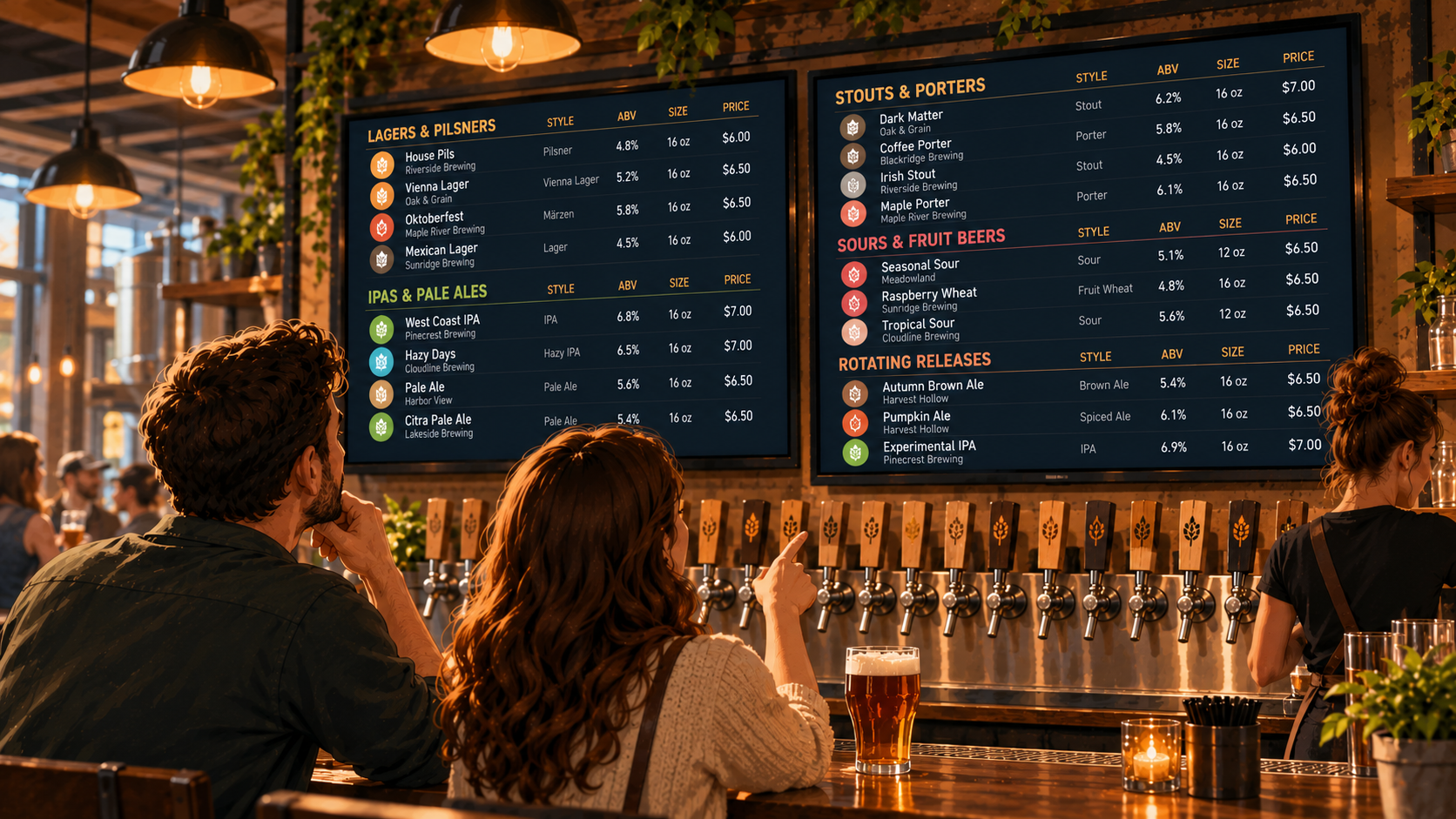
- Light & Crisp: Pilsners, lagers, blonde ales.
- Hoppy: Pale ales, West Coast IPAs, hazy IPAs.
- Malty & Dark: Amber ales, porters, stouts.
- Sour & Fruity: Fruited sours, gose, other tart styles.
Guests can start with what they usually enjoy and branch out from there.
If you offer preset flights, you can also group them by theme.
A light beer flight might introduce guests to different lagers. A seasonal flight could highlight your latest releases.
The goal isn't to create a complicated tasting guide. It's to make the choices easier to understand.
6. Make the flight menu readable from wherever guests order
Where guests read your menu matters.
A printed menu at the table gives you room to explain flight options and selection rules.
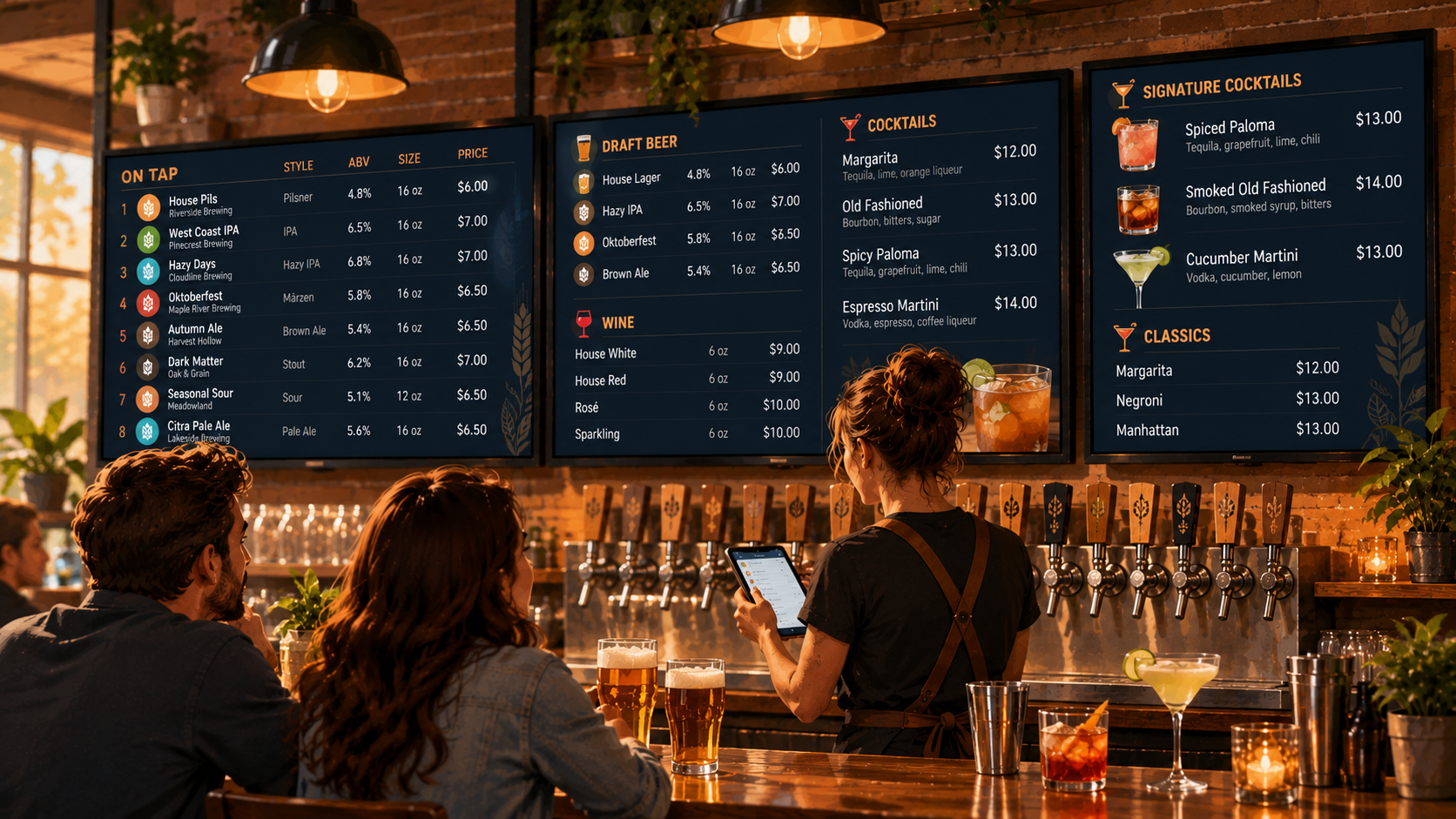
A TV menu behind the bar needs to be more concise. Guests may be reading it from several feet away, often while other people are standing in front of it.
A QR menu gives guests another way to browse the available beers from their phones.
Each format has a different purpose, but the important information should stay consistent.
For a TV menu, prioritize readable beer names, styles, ABV, and prices. Keep the flight instructions short enough to scan.
For printed or QR menus, you can provide more detail about which beers are eligible and how pricing works.
Don't try to squeeze every explanation onto one screen.
7. Keep your flight menu updated as beers rotate
Beer flights are especially popular in places where the tap list changes regularly.
Unfortunately, that also means your flight menu can become outdated pretty quickly.
A keg kicks. A seasonal release sells out. A new IPA replaces the one you featured in your preset flight.
If the menu still lists the old beer, your bartender has to explain the change.
For preset flights, review the selection whenever one of the included beers becomes unavailable.
For build-your-own flights, make sure guests are choosing from your current tap list.
This becomes more important when your beer menu appears in several places.
If your TV, printed menu, and QR menu show different selections, guests don't know which one to trust.
8. How Pourwall can help keep your beer menu current
If your brewery offers beer flights alongside regular draft pours, keeping your tap list accurate makes the ordering process easier.
Pourwall lets bars and breweries manage their beverage menus and display them on TV screens.
You can update your tap list from your phone or computer, including beer information such as names, styles, and ABV.
Pourwall also supports serving sizes and beverage details, so you can present useful information about your available beers.
When your tap list changes, you can update the information displayed on your digital menu instead of manually rebuilding a TV slide.
Pourwall also offers QR code menus and printed menu options, helping you manage beverage information across different formats.
It's worth noting that Pourwall isn't a dedicated beer flight ordering system. It doesn't automatically create flight combinations or calculate custom flight prices.
You'll still decide how your flights work, which beers are eligible, and what they cost.
What Pourwall helps with is keeping the underlying beer menu current, so guests can see what's available before choosing their samples.
A good beer flight menu makes ordering easier
Beer flights should make it easier for guests to discover new beers, not harder to place an order.
Keep the basics clear. Show how many samples are included, how big the pours are, and what they cost.
Give guests enough information to choose confidently. Organize your beers in a way that makes sense. And make sure the menu reflects what's actually on tap.
A little clarity on the menu saves a lot of explaining behind the bar.
If you're looking for a simpler way to keep your brewery's beer menu updated, explore Pourwall.