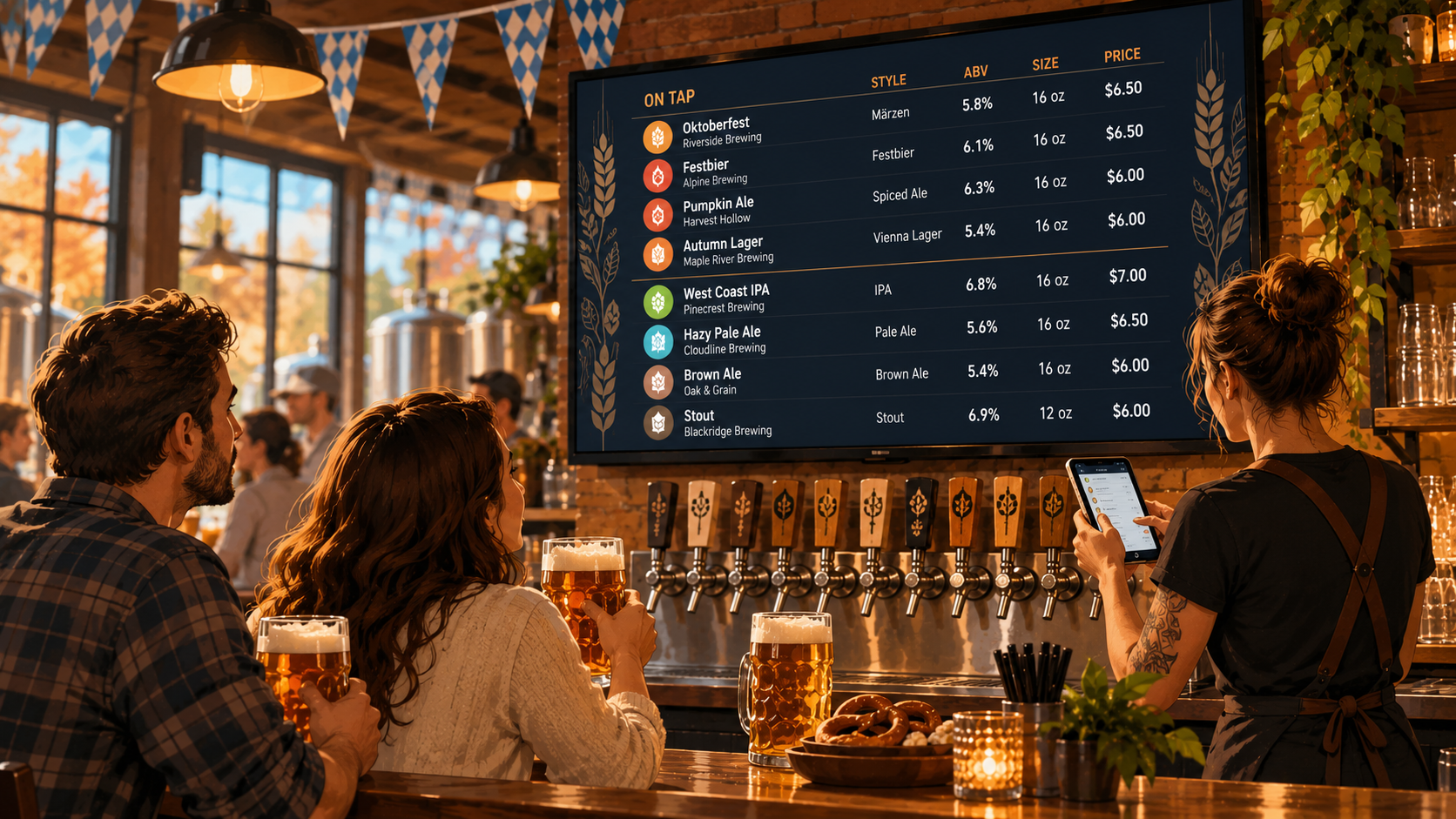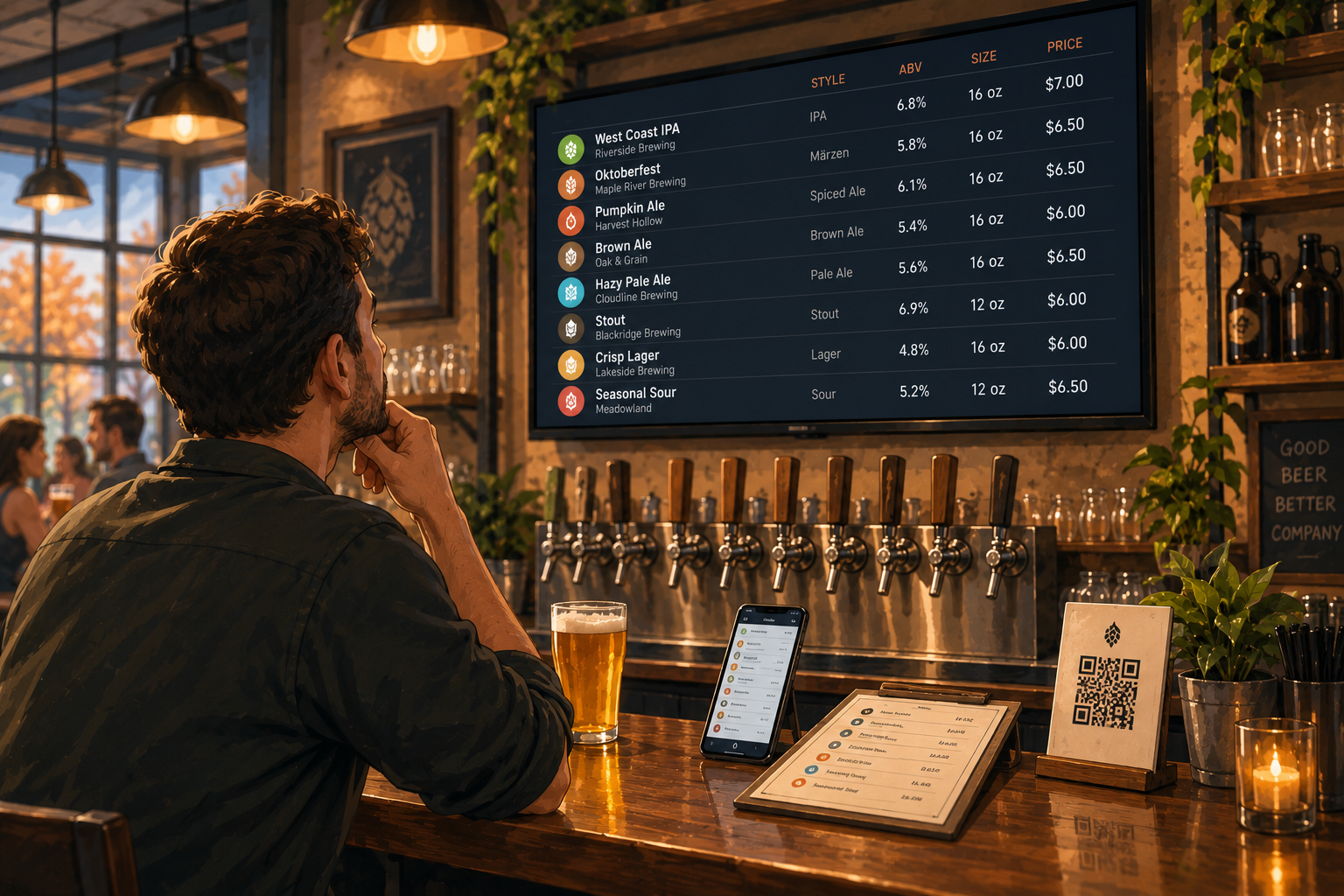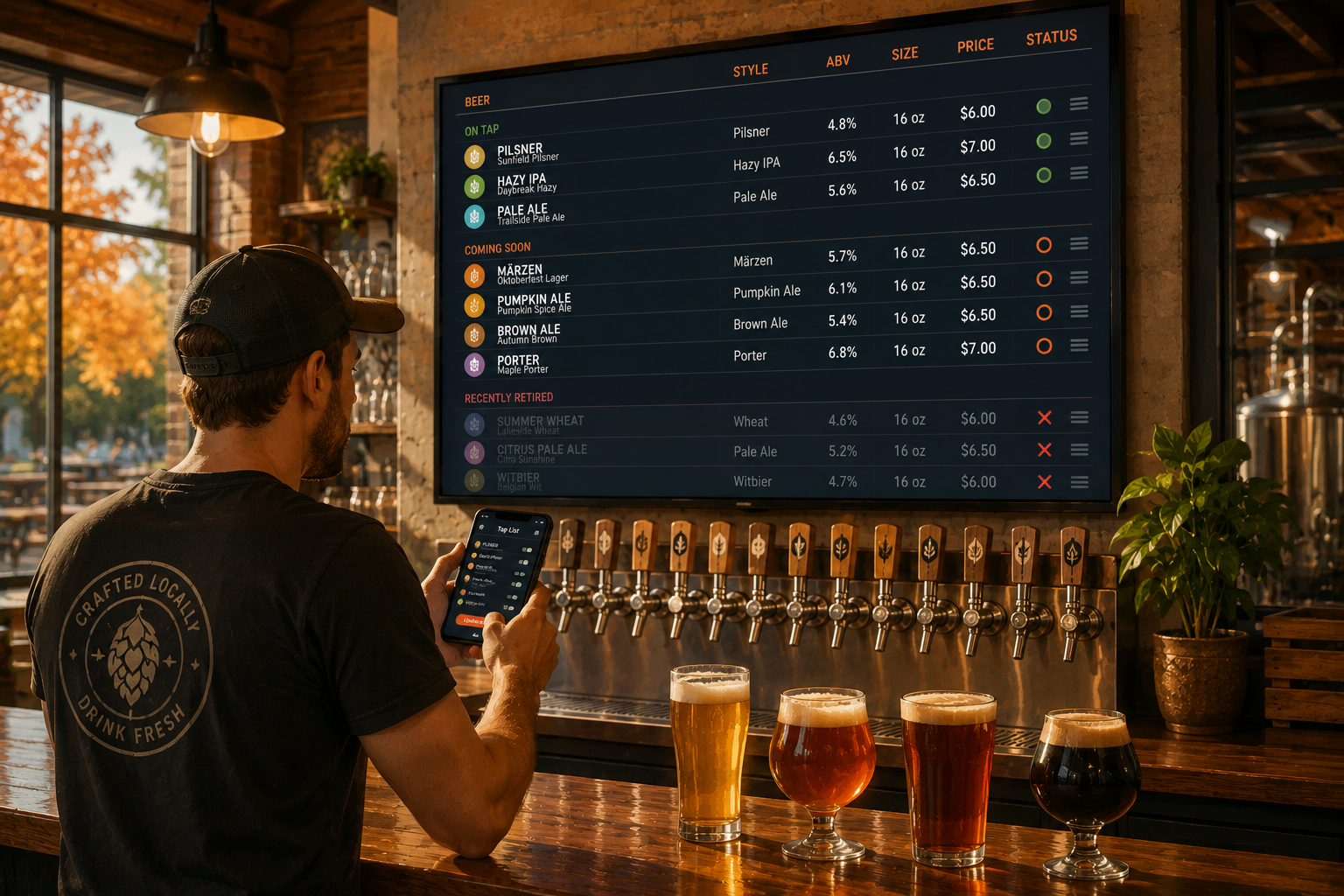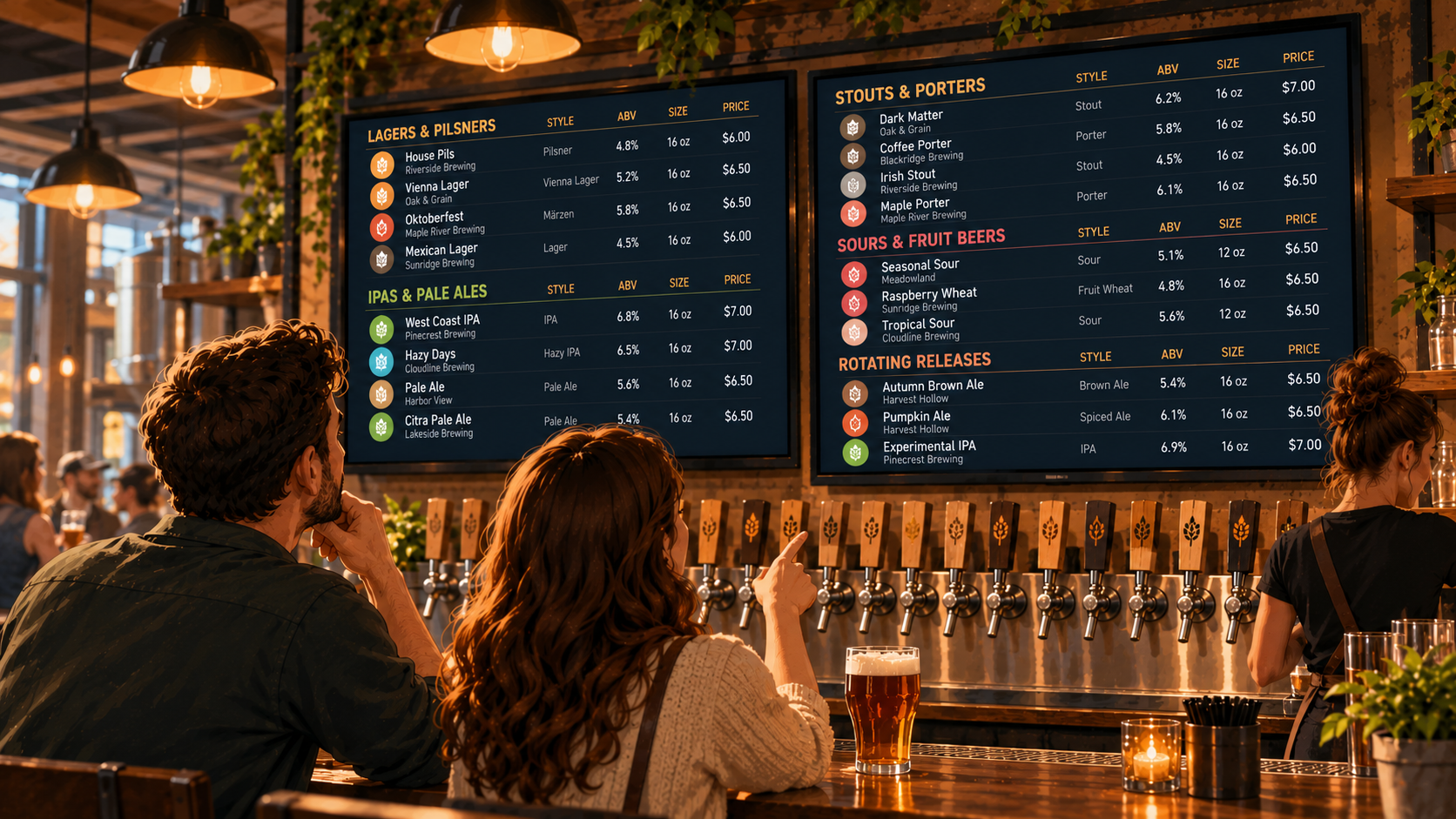
A bar with eight taps can usually fit its beer list on one screen without much trouble.
A bar with 24 taps? Different story.
Add brewery names, beer styles, ABV, serving sizes, and prices, and suddenly your digital menu looks more like a spreadsheet than something people can order from.
The problem isn't having too many beers.
It's making guests work too hard to find one.
A large beer list should give people more choices, not make choosing harder. Here's how to organize your tap list so customers can find what they want without standing at the bar trying to read 30 lines of text.
1. Choose an Organization System That Makes Sense
Before worrying about fonts or screen sizes, decide how your beer list should be organized.
There are three common approaches.
Organize by Tap Number
If your bar has numbered taps, organizing the menu in the same order can make service easier.
A guest sees a beer on tap 12.
They order tap 12.
Your bartender knows exactly what they mean.
This works particularly well for breweries and taprooms where the physical tap numbers are visible.
The downside? Guests looking for a particular style may need to scan the entire list.
Organize by Beer Style
For craft beer bars with a large variety of styles, grouping beers can make the menu easier to navigate.
For example:
LAGERS & PILSNERS
- House Pilsner
- Vienna Lager
- Mexican Lager
IPAS & PALE ALES
- West Coast IPA
- Hazy IPA
- American Pale Ale
DARK BEERS
- Dry Stout
- Coffee Porter
- Brown Ale
Now someone looking for a lager knows exactly where to start.
This is especially helpful when guests recognize beer styles more easily than individual beer names.
Organize by Beverage Category
If your bar serves more than beer, separate the different types of drinks.
Draft beer, bottled beer, wine, cocktails, and non-alcoholic options shouldn't all compete for space in one long list.
Give each category a clear place.
The right approach depends on your venue. What's important is choosing a system that guests can understand quickly and using it consistently.
2. Don't Give Every Beer the Same Amount of Attention
A large beer menu doesn't need to treat every piece of information equally.
The beer name should be the easiest thing to find.
After that, guests typically need the style, ABV, serving size, and price.
Brewery names are also useful, particularly if you serve beers from several producers.
Other information can be secondary.
For example:
HAZY DAYS Cloudline Brewing
Hazy IPA · 6.8% ABV
16 oz · $7
That's enough information for someone to understand what they're ordering.
You probably don't need another three lines explaining the hop varieties, brewing process, and tasting notes.
Those details might be interesting, but on a crowded TV menu, they compete with the information guests actually need.
When space is limited, prioritize the details that help someone make a decision.
3. Break Large Beer Lists Into Smaller Groups
A list of 30 beers is difficult to scan when everything looks the same.
Smaller groups make the information easier to navigate.
Instead of showing one uninterrupted list, consider dividing it into sections.
For example, a 24-tap brewery might use:
- Taps 1–6: Lagers and lighter beers
- Taps 7–12: IPAs and pale ales
- Taps 13–18: Stouts, porters, and darker beers
- Taps 19–24: Sours and rotating releases
This is just an example. Your actual categories should reflect what you serve.
The important part is giving guests a starting point.
Someone who wants a pilsner shouldn't have to read every stout, sour, and double IPA before finding one.
Clear groups reduce the amount of information people need to process at once.
4. Know When One Screen Isn't Enough
There's a point where fitting more beers onto one TV stops being useful.
You can reduce the font size.
You can tighten the spacing.
You can remove descriptions.
But eventually, the menu becomes difficult to read from across the room.
If you have a large tap list, consider splitting it across multiple screens instead of squeezing everything onto one.
For example:
SCREEN 1: TAPS 1–12
Lagers, pilsners, pale ales, and IPAs.
SCREEN 2: TAPS 13–24
Stouts, porters, sours, and seasonal releases.
Each screen has fewer beers, which gives the important information more room.
Just make sure the division is clear.
Guests should be able to understand where to look without asking which TV has the beer they want.
Pourwall Premium supports unlimited TV screens, which can be useful for venues managing larger beverage lists.
The goal isn't to have more screens.
It's to make the menu readable.
5. Keep Prices and Serving Sizes Easy to Compare
Large beer menus can get confusing when different beers come in different serving sizes.
Maybe your house lager is available in a 16 oz pint.
Your imperial stout comes in a 10 oz pour.
A seasonal release has two serving options.
If the menu only shows prices, guests are left guessing what they're paying for.
Keep serving sizes and prices together.
For example:
| Beer | ABV | 10 oz | 16 oz |
|---|---|---|---|
| House Pilsner | 4.8% | $5 | $7 |
| West Coast IPA | 6.5% | $6 | $8 |
| Imperial Stout | 9.2% | $8 | — |
Illustrative prices and serving sizes.
This makes comparisons easier.
Guests can see what they're getting without asking the bartender to explain every price.
You don't necessarily need a table like this on your TV. The point is to present serving sizes and prices consistently.
And if a beer isn't available in a particular size, don't make it look like it is.
6. Make the Menu Readable From Where Guests Actually Stand
A beer menu can look perfectly readable on your laptop.
That doesn't mean anyone can read it from 15 feet away.
Large tap lists often become difficult to read because too much information is squeezed into too little space.
Before settling on a layout, look at your menu from the places where guests actually order.
Can you read the beer names?
Are the prices clear?
Can you tell where one category ends and another begins?
If you have to squint, your guests probably do too.
Keep the most important information prominent.
Use enough contrast between the text and background.
And avoid filling every available inch of the screen.
A little empty space is useful when it helps separate beers and categories.
If your list is too crowded, removing unnecessary information or using another screen is usually more helpful than making everything smaller.
7. Make Rotating Beers Easy to Find
Large beer lists often include a mix of permanent and rotating taps.
Your regular customers may come in looking for the same house lager every week.
Others want to know what's new.
You can help both groups by keeping the structure consistent.
For example, consider separating your regular lineup from rotating releases:
CORE BEERS
- House Lager
- Flagship IPA
- Dry Stout
ROTATING TAPS
- Seasonal Märzen
- Limited Hazy IPA
- Guest Sour
This makes it easier for guests to find familiar favorites while still noticing new options.
It also helps when the lineup changes.
Instead of reorganizing the entire menu every time a keg kicks, you can update the rotating section while keeping the rest of the list familiar.
Not every brewery needs separate sections for core and seasonal beers.
But if your tap list changes frequently, it's worth considering.
8. Don't Let an Outdated Beer List Undo the Organization
You can organize your menu perfectly.
But if half the beers aren't available anymore, the layout isn't going to help much.
Large tap lists create more opportunities for information to fall behind.
One keg kicks.
Another beer goes on.
A seasonal release changes price.
A bartender updates the TV but forgets the printed menu.
Now your staff has to explain which version is correct.
Keeping the menu accurate is part of keeping it useful.
With Pourwall, you can manage your tap list from your phone, tablet, or computer. When you make changes to your digital menu, they appear on connected TV screens in real time.
Pourwall Premium also supports QR menus, printed menus, and website embeds using the same beverage information.
That helps reduce the need to maintain separate versions of your beer list in different tools.
Printed copies still need to be replaced when their information changes, but you don't have to recreate the product details from scratch.
For bars with frequent rotations, that matters.
9. Test Your Menu With Someone Who Doesn't Know Your Beer List
You know your tap list.
Your regulars probably know a good part of it too.
But someone visiting for the first time doesn't.
That's why it's worth testing your menu with someone who isn't familiar with your lineup.
Ask them to find:
- A light beer
- An IPA under 6% ABV
- Your most affordable draft option
- A seasonal release
- A beer available in a smaller pour
Can they find those options quickly?
Or do they need you to explain where everything is?
If they struggle, you may need clearer categories, a different order, or less information on each listing.
This is a useful test because it focuses on how people actually use the menu.
Not just how it looks.
More Beers Shouldn't Mean More Confusion
Having a large beer selection is a good thing.
It gives guests more styles to explore, more breweries to try, and more reasons to come back.
But a bigger tap list needs a little more structure.
Group beers in a way that makes sense.
Make names, styles, ABV, serving sizes, and prices easy to find.
Use multiple screens when one isn't enough.
Keep rotating beers organized.
And make sure the menu matches what's actually pouring.
Pourwall helps bars and breweries manage changing beverage lists without rebuilding their TV menus every time a beer changes.
Because a guest looking for a pilsner shouldn't have to study your entire tap list to find one.