If you're searching for an Untappd for Business alternative, you probably don't need another list of software names.
You need to know what to compare.
Digital menu platforms can look pretty similar from a distance. They put your beer list on a screen. They let you make changes. They give you ways to customize how the menu looks.
The differences become clearer when you think about how your bar or brewery actually operates.
How often does your tap list change?
Where do guests see it?
Who updates it?
What hardware do you already have?
And how much menu management do you actually want to do?
Before switching platforms, here are the questions worth asking.
1. How Easy Is It to Update Your Tap List?
Start with the task you'll probably do most often.
Changing the menu.
A keg kicks. A seasonal release goes on. A price changes. Something you expected to last through the weekend is gone by Friday night.
How many steps does it take to make that change?
A digital menu system should make routine updates simple enough that they can happen during a normal shift.
Look at whether you can make changes from the devices you already use and how quickly those changes reach your screens.
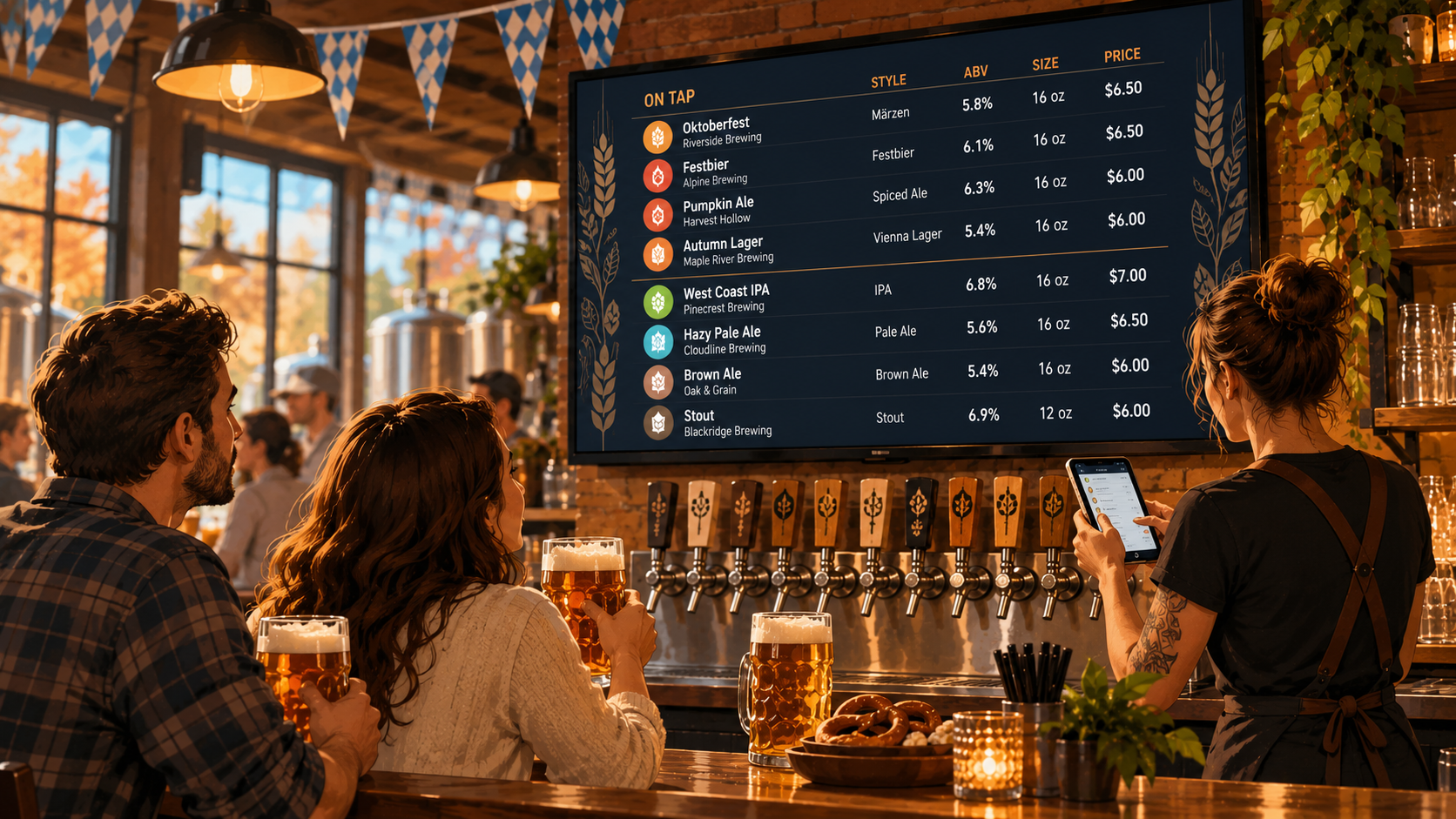
With Pourwall, for example, menus can be managed from a phone, tablet, or computer, and changes to the digital menu are pushed to connected TV screens in real time.
That's the kind of everyday workflow worth comparing.
2. Does It Handle More Than TV Menus?
The TV behind the bar may be the most visible version of your menu.
It's probably not the only one.
Many bars and breweries also use some combination of:
- QR menus
- Printed menus
- Website tap lists
- Multiple TV screens
If those formats matter to your business, find out whether the platform supports them and how they work together.
The important question isn't just:
"Does it have QR menus?"
It's:
"Do I have to manage that QR menu separately?"
Maintaining four versions of the same tap list isn't much of an improvement over maintaining three.
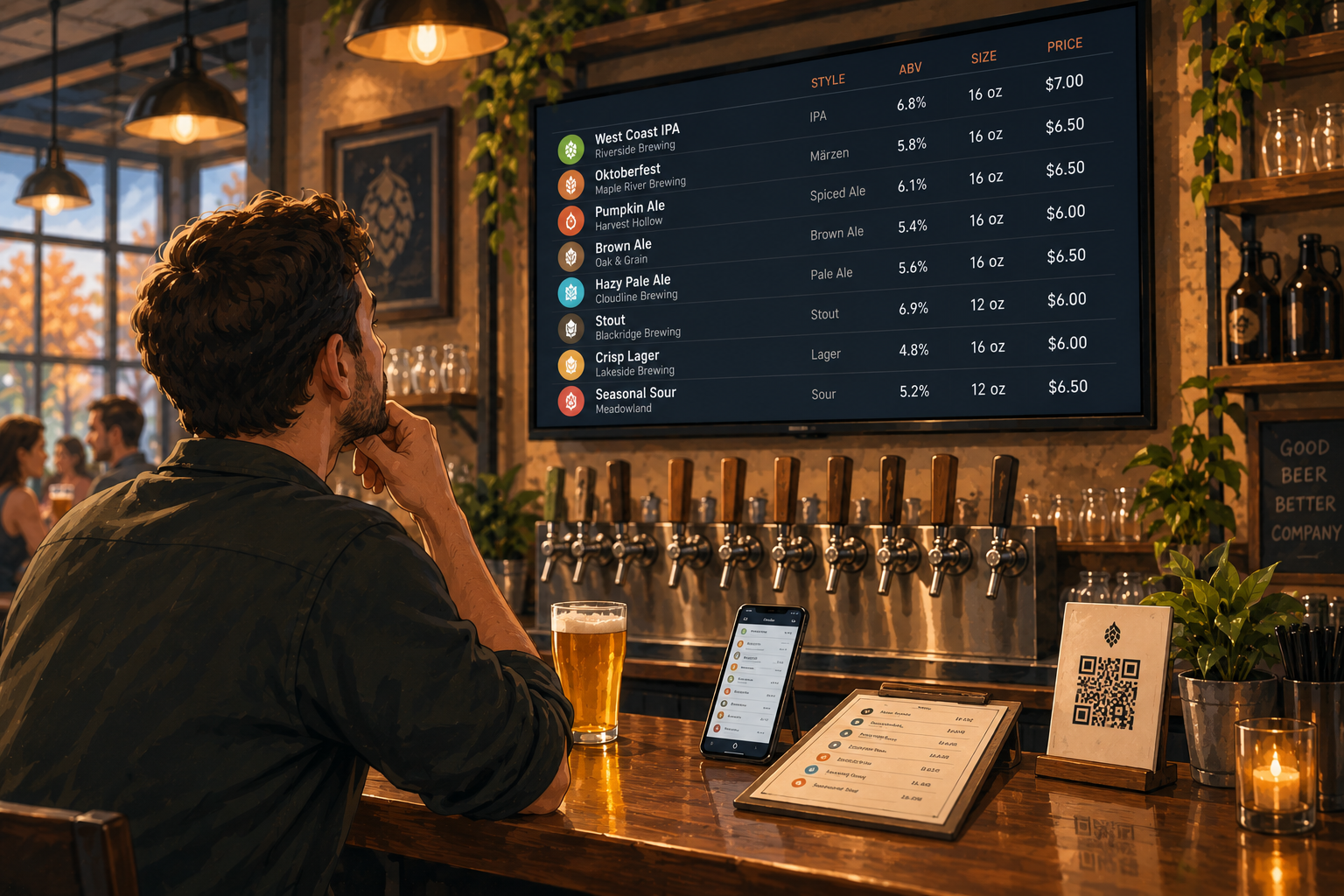
Pourwall Premium supports TV screens, QR menus, printed menus, and website embeds, so the same product information can be used across different places guests see your menu.
When comparing alternatives, think about the entire menu workflow rather than one screen.
3. Will It Work With the Hardware You Already Have?
Software cost isn't the only cost of changing platforms.
Hardware matters too.
Before choosing a digital menu system, check what you'll need to get it onto your TVs.
Do you need proprietary hardware?
Can you use devices you already own?
Will you need to replace anything?
Pourwall works with Fire TV and Chromecast devices, along with devices running Google TV or Android TV.
That means a bar or brewery may be able to use TVs and streaming hardware it already has instead of building a new setup around the software.
Whatever platform you're considering, check the hardware requirements before you get too far into the comparison.
4. How Does Pricing Work as You Grow?
A plan that works for one TV may look very different once you add more screens or locations.
Before comparing prices, figure out what you're actually paying for.
Look at things like:
- Number of screens
- Number of locations
- QR menus
- Printed menus
- Website embeds
- Team access
- Branding options
Some features may be included at one level and paid at another.
Pourwall has a free Basic plan for a single screen, including a digital draft menu with real-time updates and unlimited taps.
Pourwall Premium adds unlimited screens, On Deck, QR menus, printed menus, website embeds, multiple locations, team members, and the option to remove Pourwall branding from screens.
The point isn't to choose whichever number looks lowest.
It's to compare what your venue actually needs against what each plan includes.
5. Can Your Staff Actually Use It?
This gets overlooked in software comparisons.
The person researching the platform may not be the person updating the tap list on Saturday night.
If your bartenders or managers need to make changes, the system has to make sense to them too.
Ask:
Can someone learn the basic workflow quickly?
Can they update the menu from a phone or tablet?
Do you need one person to handle every change?
Can multiple team members have access?
A feature isn't particularly useful if nobody wants to use it.
For larger teams, Pourwall Premium lets you invite team members to help manage menus.
That's worth considering if menu updates aren't always handled by the same person.
6. Does It Fit the Way Your Beer List Changes?
Not every venue manages beverages the same way.
A neighborhood bar with ten mostly permanent taps has different needs from a brewery rotating releases every week.
Think about your actual turnover.
If beers move on and off your tap list frequently, look for tools built around that workflow rather than treating every menu change like a redesign.
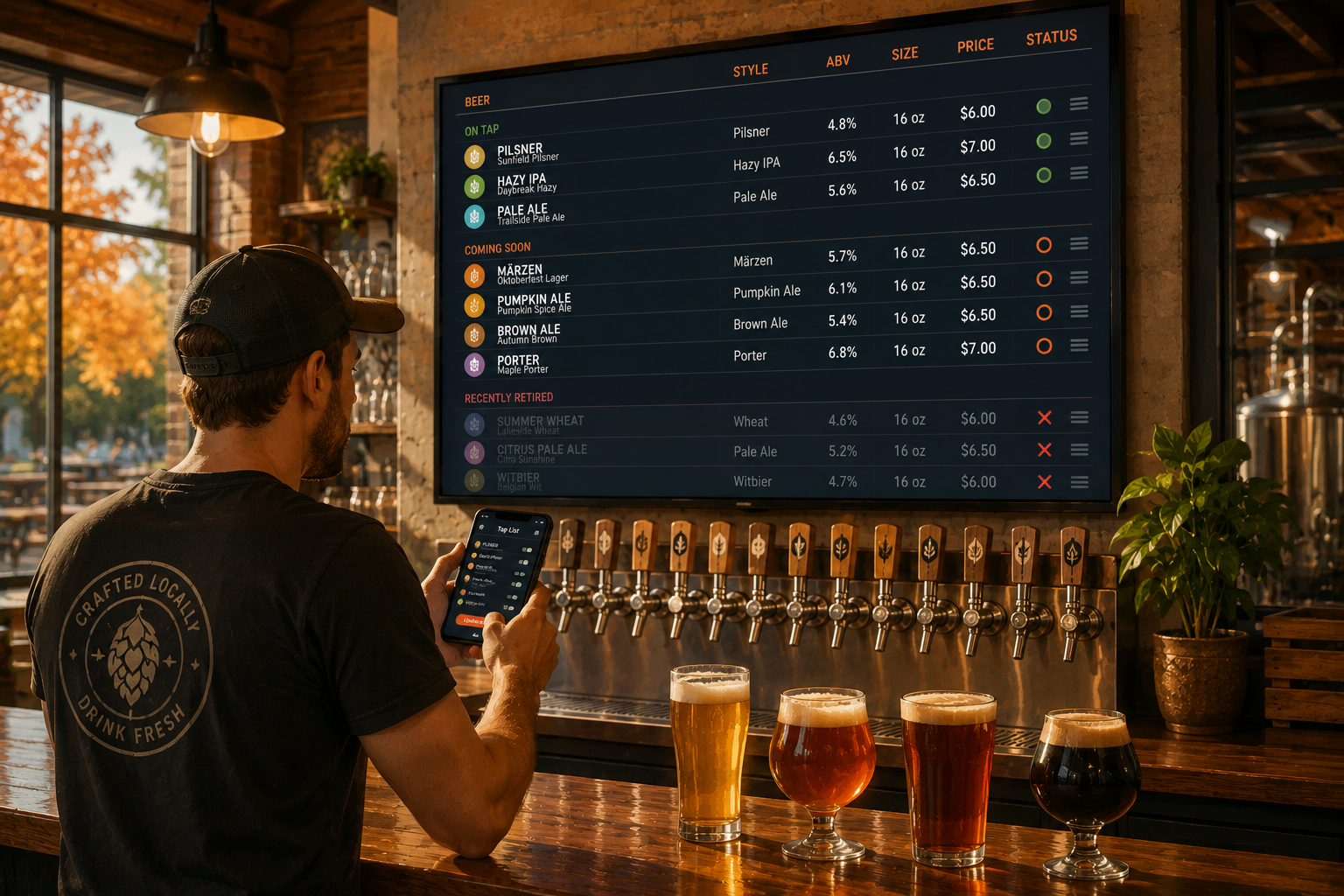
Features for managing what's available now and what's coming next can be particularly useful for breweries.
Pourwall Premium, for example, includes On Deck for the tap list, giving operators a way to manage upcoming products alongside the current lineup.
Your software should fit your rotation schedule, not make the rotation harder.
7. How Much Control Do You Have Over the Menu?
A digital menu is still your menu.
It should feel like it belongs in your bar or brewery.
When evaluating platforms, look at how much control you have over the presentation of your beverage list.
Can you customize the menu to better fit your brand?
Can you organize products in a way that makes sense for your guests?
Does the screen stay readable from across the room?
Pourwall includes options to personalize beverage lists, and Premium customers can remove the Pourwall logo from their screens.
The goal isn't to spend hours designing a TV slide.
It's to have enough control that your menu looks like part of your venue.
8. Are You Paying for Features You Actually Need?
This may be the most important question.
More features don't automatically make a platform better for your business.
Maybe you need sophisticated beer discovery features.
Maybe you don't.
Maybe your real problem is much simpler:
You want to update your tap list quickly, put it on the TVs you already own, give guests a QR option, and stop updating your website separately.
Start with the problems you're trying to solve.
Then compare platforms based on those problems.
A long feature checklist can make software look impressive while telling you very little about whether it'll make Tuesday afternoon easier.
Choosing an Untappd for Business Alternative
There isn't one feature that determines whether a digital menu platform is the right choice.
For most bars and breweries, the useful questions are practical:
How quickly can we update the menu?
Can we use our existing TVs?
Can we manage the places our menu appears without duplicating work?
Can our staff use it?
What will it cost for the number of screens and locations we actually have?
Those questions will tell you more than a feature count.
If your priority is straightforward beverage menu management across TVs and other menu formats, Pourwall is one option worth comparing.
You can start with the free Basic plan without a credit card and see how the workflow fits your venue before deciding whether you need Premium.
Because the best Untappd for Business alternative isn't necessarily the platform that does the most.
It's the one that does what your bar actually needs.