7 Practical Ways to Fix Your TV Tap List
A crowded TV tap list drives people away. If nobody can read it, they order whatever beer is easiest to say. If you keep beers on the screen that kicked last night, your regulars roll their eyes. A well-structured tap list helps guests choose without guessing, squinting, or flagging you down every time. This means faster orders, fewer questions, and actually selling what’s available. Here are 7 practical ways to fix your TV tap list so your bar and your guests both win.
1. Know Your Audience
A good tap list starts with knowing who you’re pouring for. Office crowds and college bars want different options. Pay attention to what people actually order instead of what distributors pitch. If sours never move, skip them. Always have lagers, make space for popular IPAs, and keep a few unique beers for the curious regulars. Your board just needs to cover the essentials. Every guest should see at least one beer they want right away.
2. Prioritize Readability
If people can’t read your tap list, you’ll sell less. Avoid small or fancy fonts. Go for bold, high-contrast text that you can see in low light. Mixed case is easier from a distance. All caps lose people quickly. This is a bar, not a gallery—function over form. Put the TV somewhere visible. If customers have to move to read the menu, you’re missing orders.
3. Organize by Category
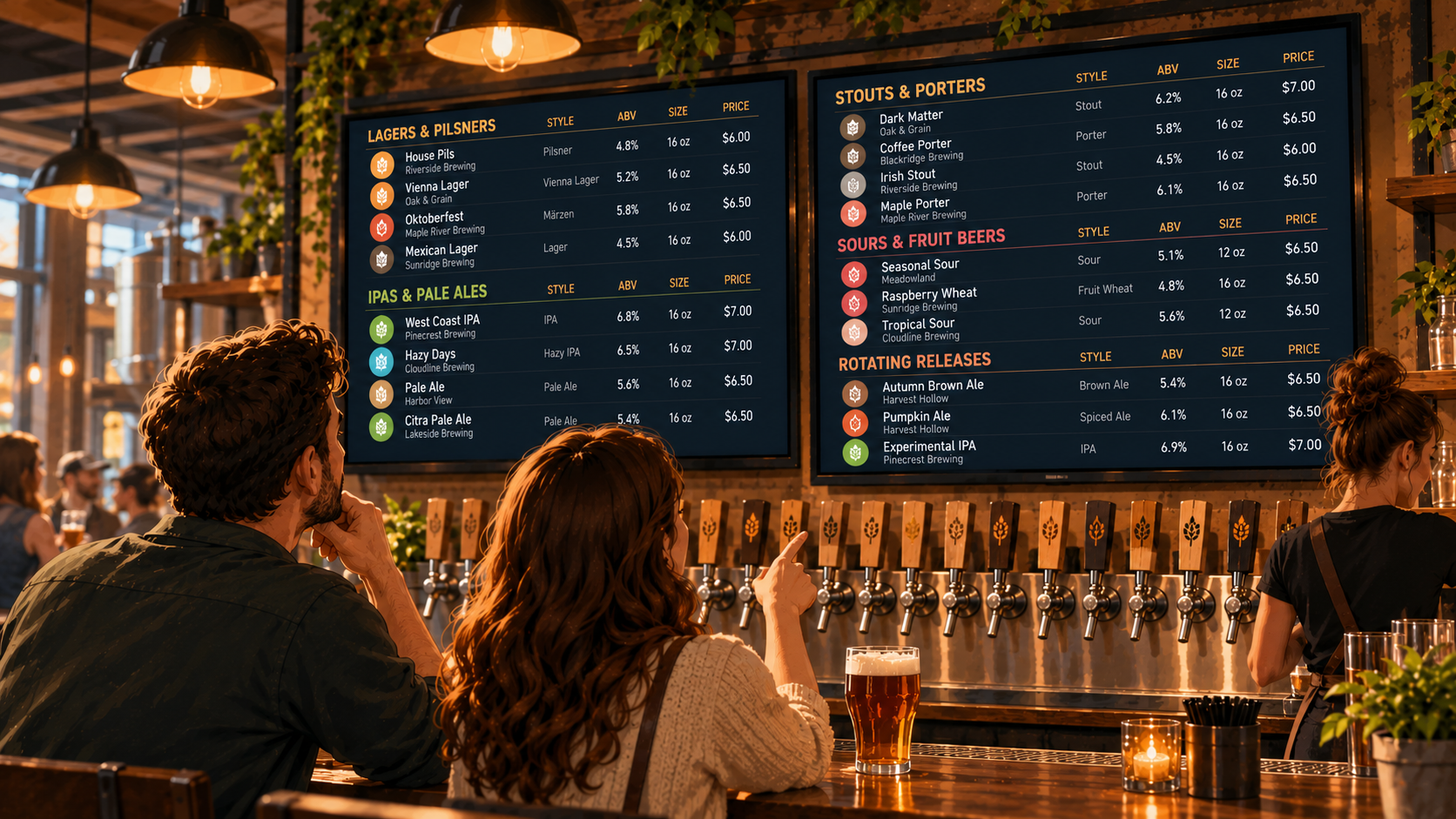
A messy tap list slows things down. Sort beers by style, or by taste if that’s clearer for your place. Lagers with lagers. IPAs with IPA lookalikes. Stouts with stouts. If you want to highlight local beer, fruit beer, or hazy options, call them out up top. Make it obvious for anyone to find their drink without extra help.
4. Highlight Key Information
Never hide the basics. Show the beer name, style, ABV, pour size, and price right up front. Use bold or strong contrast so everything’s easy to see at a glance. Don’t tuck prices somewhere small. Pour size and ABV should be listed for every beer. Leaving these off just creates more questions for your staff and your guests.
5. Keep It Updated
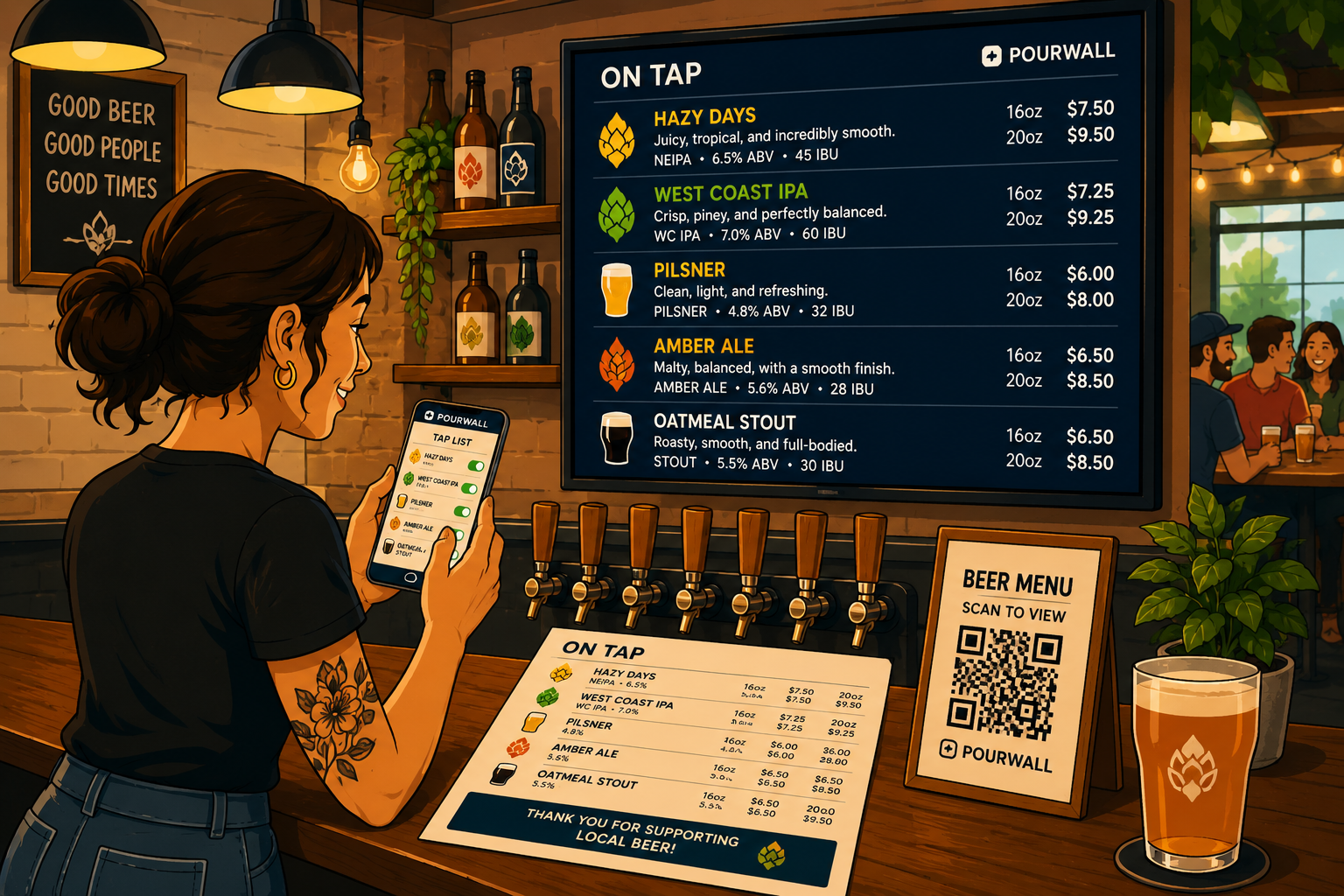
If a beer kicks, it shouldn’t stay on the menu. Update your menu the moment a keg blows. No sticky notes or scratched-out lines. Anything slower costs sales and makes your bar look sloppy. A tap list that matches what’s actually pouring builds trust with your customers. When there’s a mismatch, people get frustrated. With Pourwall, you can update from your laptop or phone, and changes show on your TV menu immediately.
6. Incorporate Visuals
People recognize beer brands and categories faster with images than with names alone. Brewery logos or clear icons help both new and returning guests spot what they want. If a customer knows a brewery by its label, put that logo next to the beer—it saves everyone time.
7. Utilize Digital Displays for Compelling Visuals
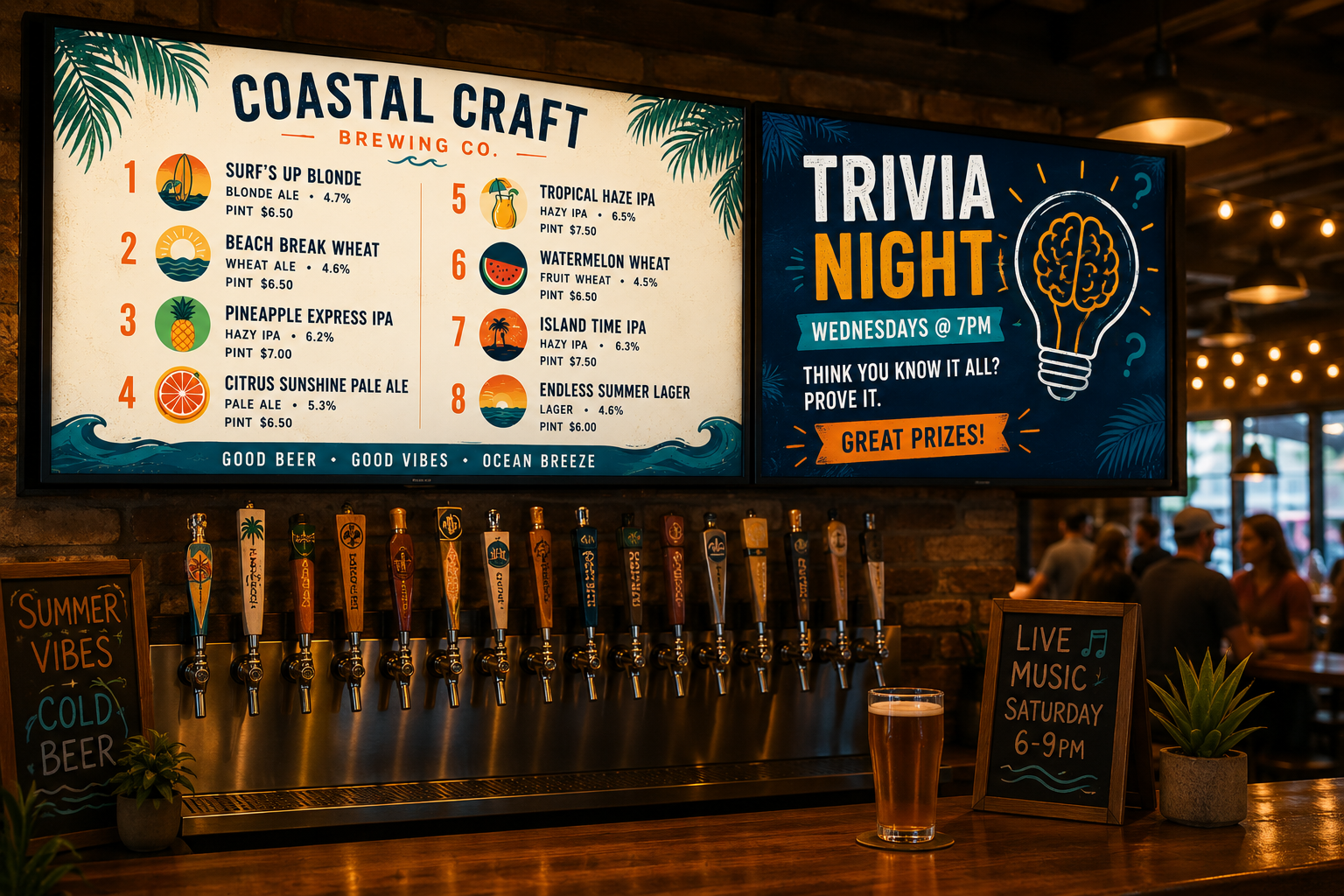
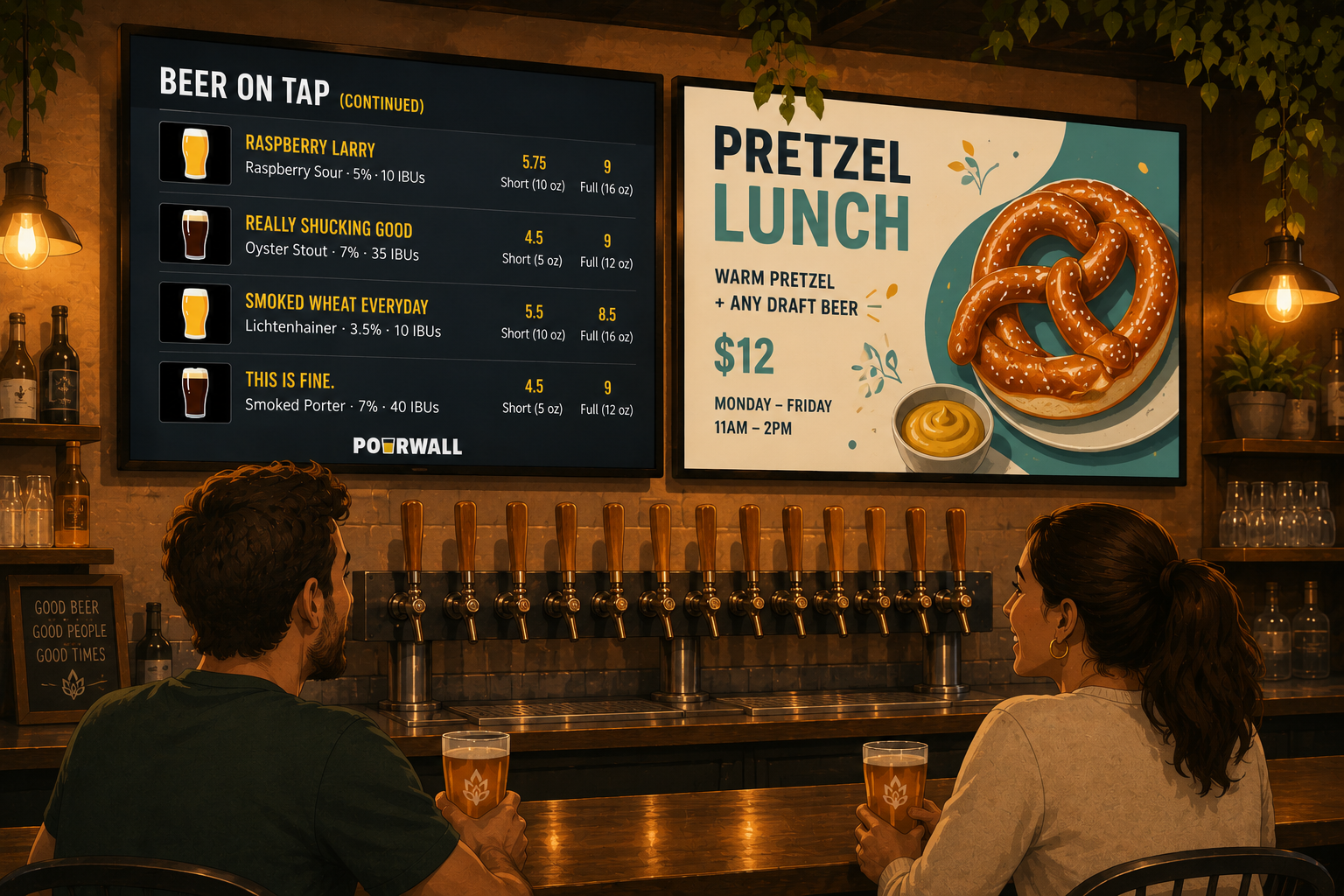
Digital TV menus let you add images and banners to your display for specials, events, or limited-release beers. Using visuals draws eyes to promotions and highlights what matters most. You can schedule images to promote an upcoming trivia night, a new cocktail, or staff picks without reprinting anything. With Pourwall, you can upload and schedule these images right from your laptop or phone. They display on your TV in real time, using the hardware you already own.
Conclusion
Your TV tap list is your silent salesperson. Get it right, and guests order faster and come back more often. Get it wrong, and you spend all night answering the same questions or apologizing for beers that ran out yesterday. Use these 7 tips so your menu sells beer for you, not against you. If you want no-nonsense updates, fewer menu headaches, and peace of mind that your menu matches your cooler, Pourwall lets you update from your laptop or phone and syncs instantly with your TV. It’s free to start and designed for bar staff—no learning curve needed.