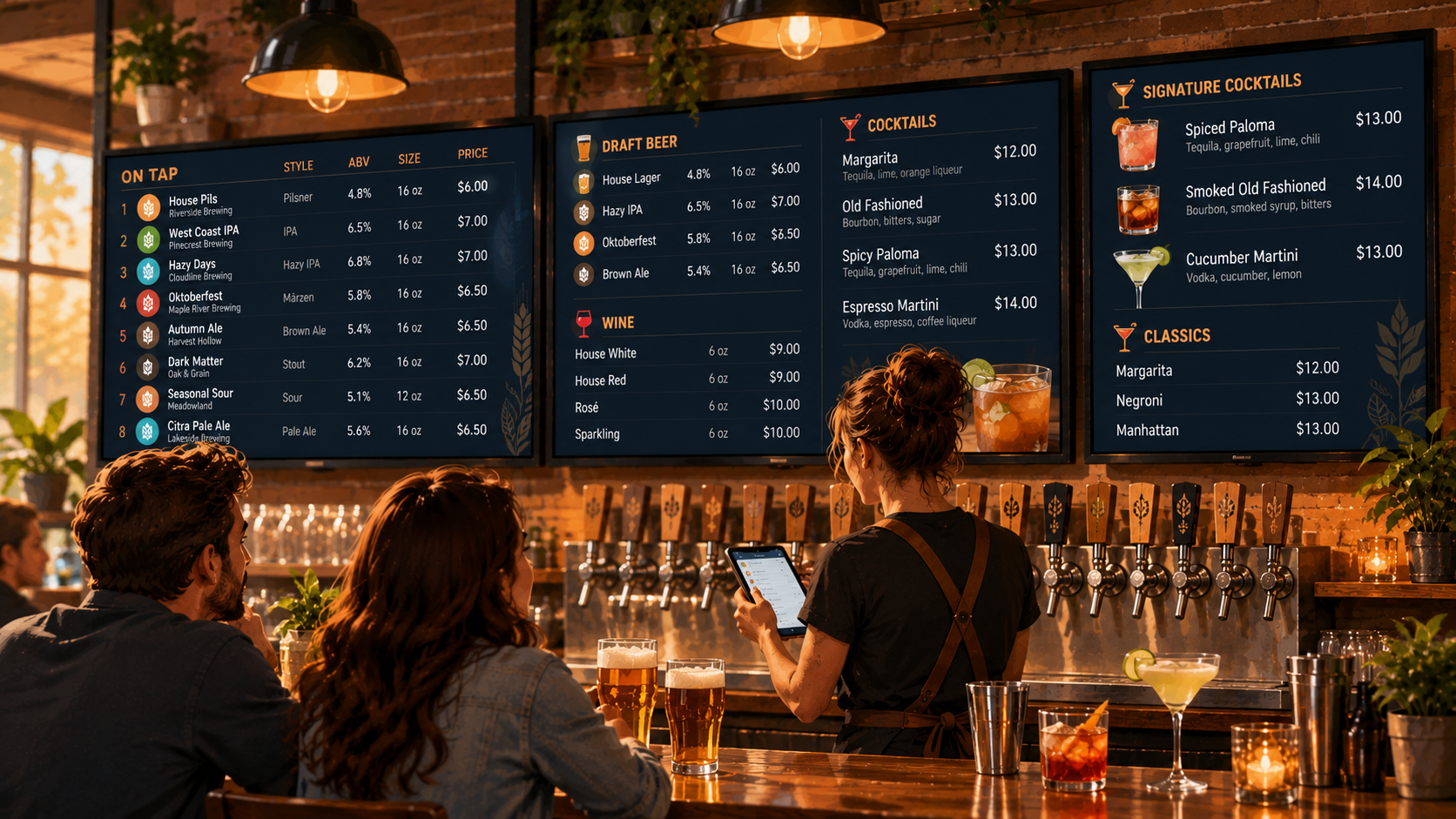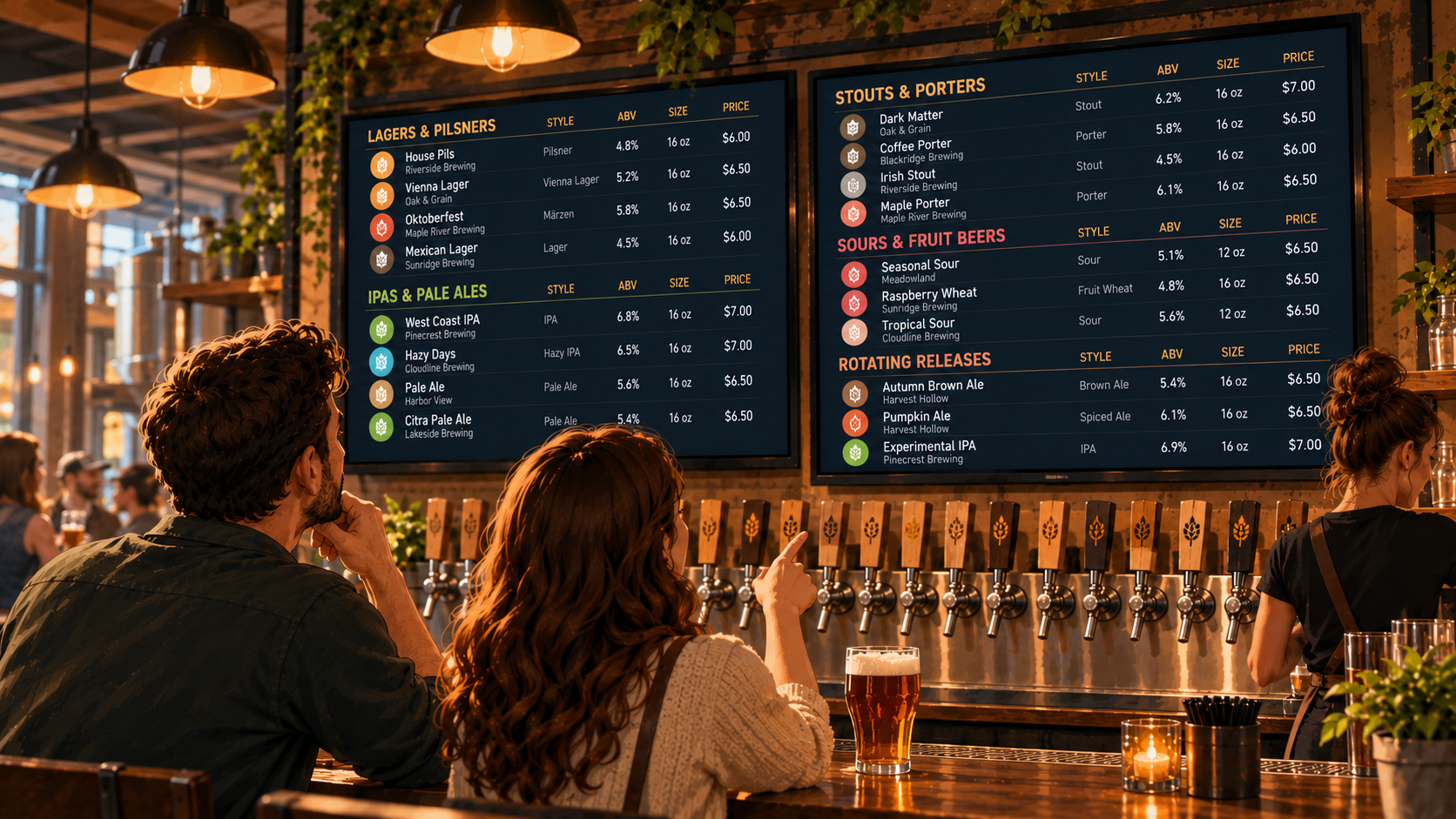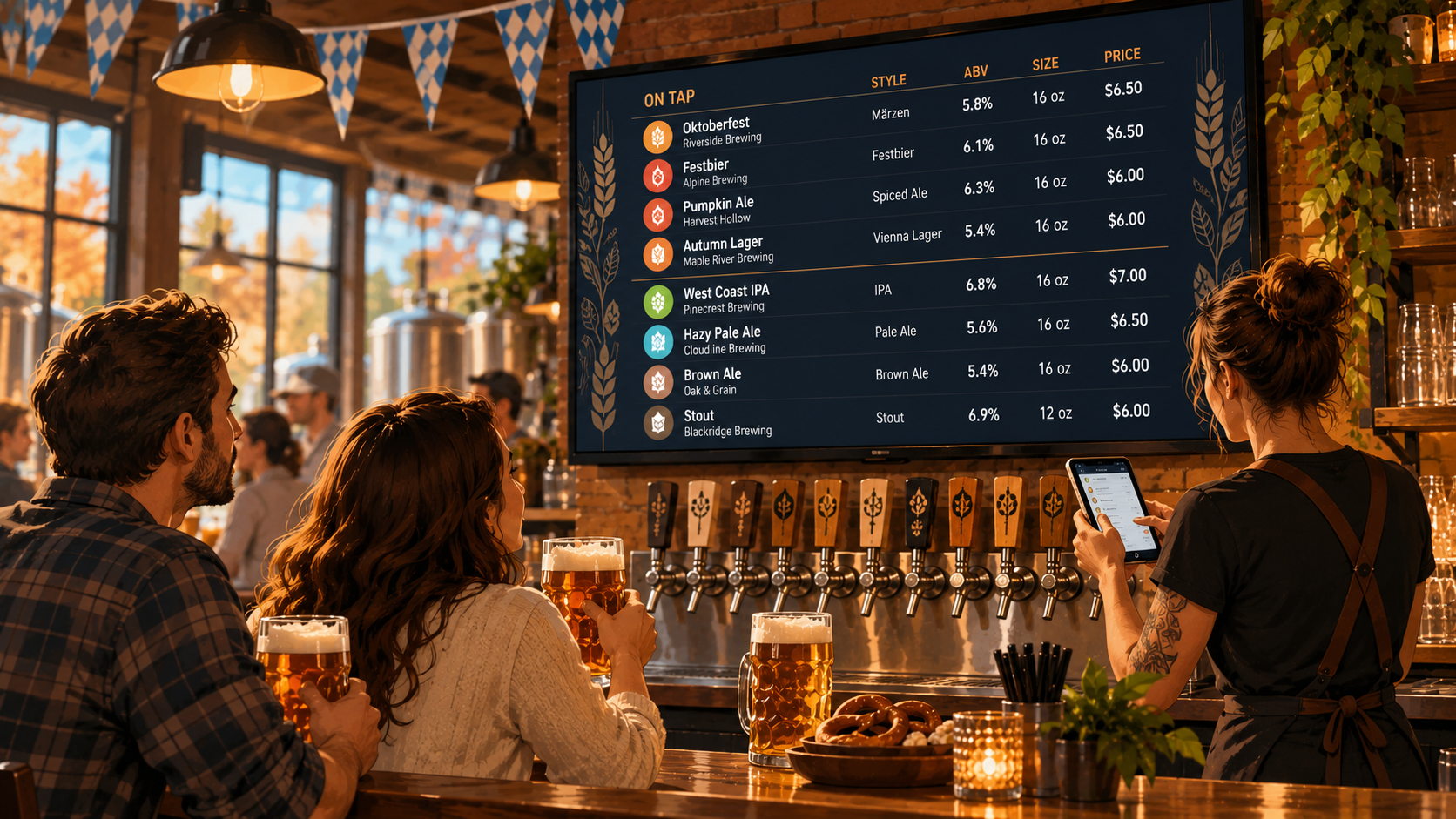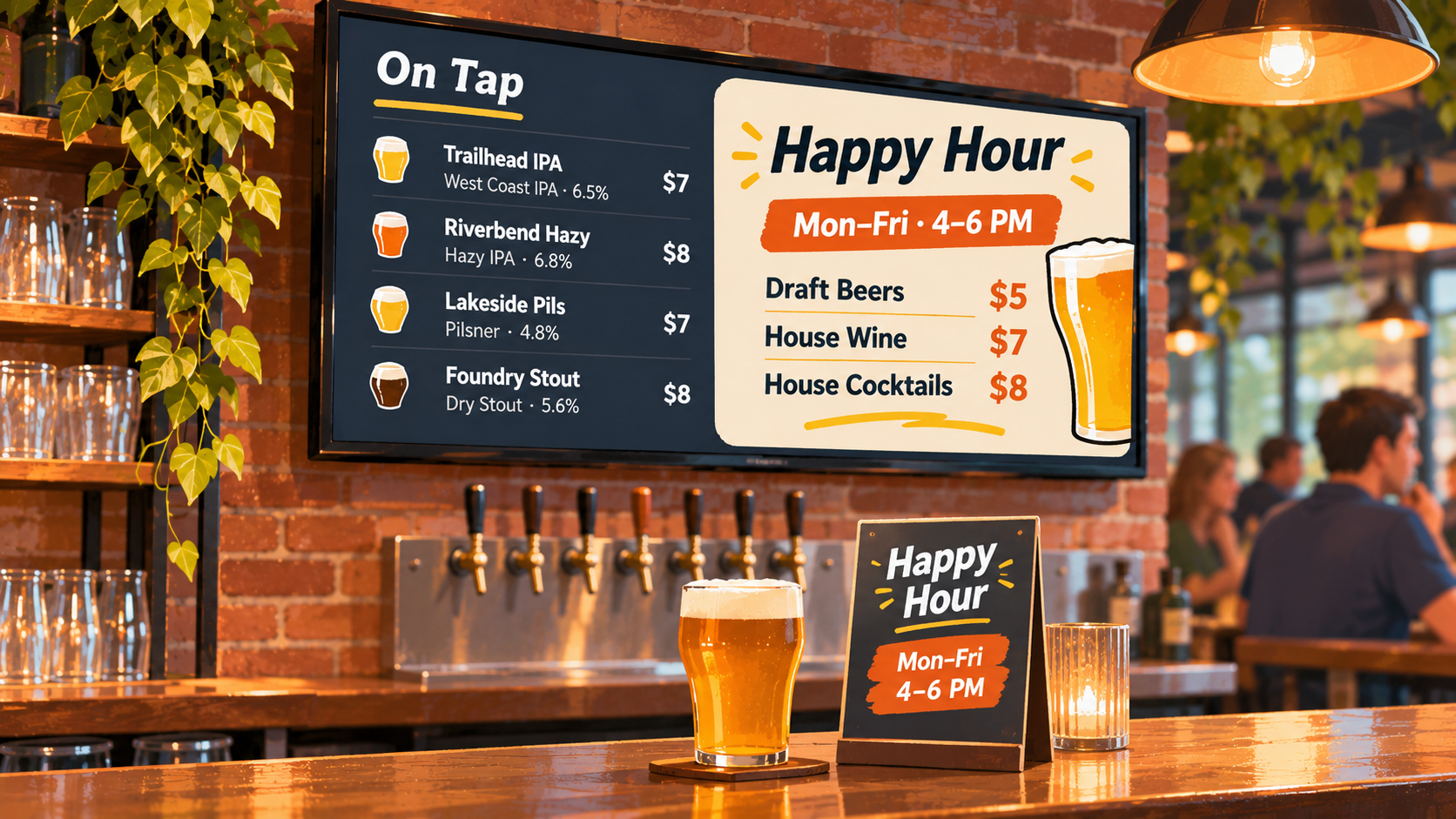
Happy hour is supposed to bring people in, not create more work for your bartenders.
But when your regular drink menu says one price and your happy hour sign says another, things can get confusing.
A guest orders a cocktail expecting the discounted price. The bartender explains that happy hour ended ten minutes ago. Someone else points to a TV that still shows the special.
Now your staff is explaining prices instead of making drinks.
The problem usually isn't the promotion itself. It's how the prices are displayed.
Here's how to make happy hour pricing clear without turning your regular drink menu into a mess.
1. Keep your regular drink prices easy to find
Your regular menu should always make it clear what drinks cost outside happy hour.
That might sound obvious, but temporary promotions can make a menu harder to understand when the discounted price gets more attention than the regular one.
For example, imagine your regular cocktail menu lists:
House Margarita | $12
During happy hour, that same cocktail costs $9.
If you replace the regular price with $9 everywhere, guests might assume that's the standard price. Once happy hour ends, your staff has to explain why the drink costs more.
A clearer approach is to keep the regular price visible and show the discount separately.
For example:
House Margarita | $12
Happy Hour: $9 | Mon–Fri, 4–6 PM
This works especially well on printed menus and QR menus where guests have room to read the details.
On TV menus, where space is more limited, a separate happy hour section may be easier to understand.
The goal is simple: guests should know the regular price and when the discount applies.
2. Make happy hour times impossible to miss
A discounted price without a time attached is an invitation for confusion.
If your menu says "$5 Draft Beers" but doesn't explain when the offer applies, guests may assume the price is available all day.
Every happy hour promotion should clearly communicate:
- Days: Monday through Friday, weekends, or specific days.
- Start time: When discounted pricing begins.
- End time: When regular pricing returns.
- Eligible drinks: Which beers, cocktails, or wines are included.
For example:
HAPPY HOUR
Monday–Friday | 4–6 PM
$5 Select Draft Beers
$8 House Cocktails
Available on selected drinks only.
If your bar has different happy hour schedules on different days, don't squeeze everything into one complicated sentence.
Separate the schedules so guests can understand them quickly.
And if happy hour applies only in certain areas, such as the bar rather than the dining room, make that clear too.
3. Decide whether to show two prices or use a separate happy hour menu
There are two practical ways to display regular and promotional prices.
The right choice depends on how many drinks are included in your promotion.
Option 1: Show both prices together
If you only discount a few drinks, showing both prices can work well.
For example:
Pilsner | $7
Happy Hour: $5
House Red Wine | $10
Happy Hour: $8
This makes the discount easy to compare with the regular price.
However, it can become difficult to read if every drink has two prices, especially on a TV screen.
Option 2: Create a separate happy hour section
If your promotion includes several drinks, a dedicated section is usually cleaner.
Your regular menu keeps its standard prices.
Your happy hour section lists the discounted options, along with the applicable days and times.
For example:
HAPPY HOUR | MON–FRI, 4–6 PM
- Select Draft Beers | $5
- House Wine | $7
- House Cocktails | $8
This approach works particularly well for digital menu boards because it gives the promotion its own space without crowding the regular tap list.
Neither approach is automatically better. The important thing is to make the distinction between regular and temporary pricing obvious.
4. Avoid displaying different prices on different menus
This is where happy hour pricing becomes an operational headache.
Your TV says one thing. Your printed menu says another. Your QR menu still has last month's promotion.
And the bartender is left explaining which price is correct.
It happens easily when each menu is managed separately.
Someone updates the TV slide but forgets the QR menu. A printed happy hour insert stays on the table after the promotion changes. The website still lists a discount that ended last week.
To avoid this, decide which menu information needs to be updated whenever your happy hour changes.
That usually includes:
- Regular drink prices, if they've changed.
- Promotional prices and eligible drinks.
- Happy hour days and times.
- Any restrictions or exclusions.
- Printed signs or table inserts that mention the offer.
If you're using digital menus, keeping your beverage information in one place can reduce the amount of repeated editing.
But don't assume every promotional display will update automatically just because your regular drink menu does.
Check each place where guests can see the offer.
5. Make sure guests know when happy hour has ended
One of the most common sources of confusion is a happy hour promotion that stays visible after the discount is no longer available.
A guest walks in at 6:15 PM.
Your happy hour ended at 6 PM.
But the TV behind the bar still says "$5 Draft Beers."
Even if the sign includes the correct hours, the promotion can create the impression that the special is currently available.
There are a few ways to handle this.
Keep the schedule visible. If you display happy hour information throughout the day, always include the applicable times.
Remove temporary promotional displays when the offer ends. If you use a separate TV slide or sign for happy hour, take it down or replace it when the promotion is over.
Make someone responsible for checking the menu. Whether it's the opening bartender or shift manager, someone should confirm that the displayed specials match what's actually available.
Don't rely on guests noticing the small print.
If a promotion isn't currently active, the menu shouldn't make it look like it is.
6. Keep happy hour menus readable on TV screens
TV menus are useful for showing drink specials, but they come with one important limitation.
People are often reading them from across the room.
A menu that looks perfectly readable on your laptop might be difficult to understand from the other side of the bar.
For happy hour pricing, prioritize the information guests need most:
- The name of the promotion.
- The days and hours.
- The eligible drinks.
- The discounted prices.
Avoid squeezing long terms, multiple price columns, and detailed descriptions onto the same screen.
If you need to explain more complicated restrictions, use a printed or QR menu where guests can read the details more comfortably.
A TV menu should help someone recognize the offer quickly.
It shouldn't require them to stand at the bar and study a paragraph.
7. Make happy hour changes part of your opening and closing routine
Happy hour pricing is easier to manage when it becomes part of the same routine as checking your tap list.
Before the promotion starts, confirm that:
- The advertised drinks are available.
- The displayed prices match the prices staff will charge.
- The days and times are correct.
- Any printed signs or QR menus show the current offer.
When happy hour ends, check that any time-specific promotional displays have been removed or updated.
This becomes especially important if your specials change regularly.
Maybe you offer discounted drafts on weekdays, cocktail specials on Thursdays, and different promotions during sporting events.
The more variations you have, the easier it is for an old price to stay somewhere it shouldn't.
A simple routine prevents a lot of unnecessary explanations during service.
8. How Pourwall can help manage your drink menus
If your bar uses TV menus, keeping your regular drink information current is an important part of managing happy hour promotions.
Pourwall lets bars, breweries, and restaurants create and manage digital beverage menus displayed on TV screens.
You can update your beverage list from your phone or computer, including drink information and pricing.
That means you don't have to rebuild a presentation every time something changes on your regular drink menu.
Pourwall also supports different menu formats, including QR code menus, printed menus, and website embeds.
For bars that regularly change their drink selection or prices, managing beverage information through one system can make those updates easier.
You can also use Pourwall's promotional display options to present happy hour information separately from your regular beverage menu.
However, there's an important distinction: managing a digital menu doesn't automatically mean happy hour prices will change at a scheduled time.
You should still confirm that your promotional prices, displayed hours, and actual checkout prices match. Don't assume a menu update changes the prices in your POS system.
The goal isn't to make happy hour more complicated.
It's to keep the information guests see accurate and easy to understand.
Happy hour pricing should be clear before anyone orders
A good happy hour menu doesn't need elaborate graphics or complicated pricing tables.
It needs to answer a few basic questions.
What's discounted? How much does it cost? When is the offer available?
Keep your regular prices clear. Give temporary promotions their own space when needed. Make sure every menu displays the correct information.
And when happy hour ends, don't leave your bartender explaining a discount that's still on the screen.
If you're looking for an easier way to manage your bar's digital beverage menus, explore Pourwall.