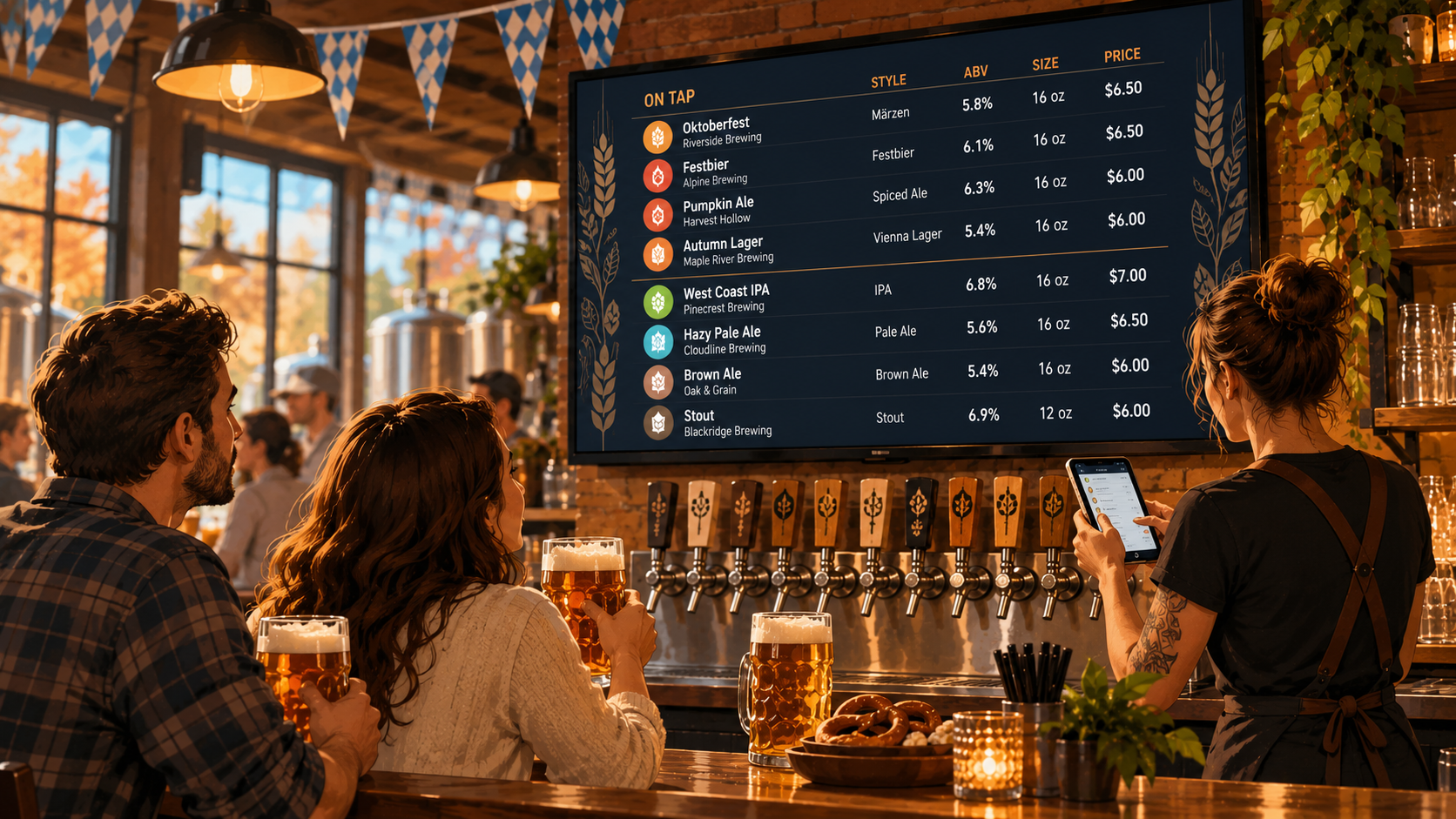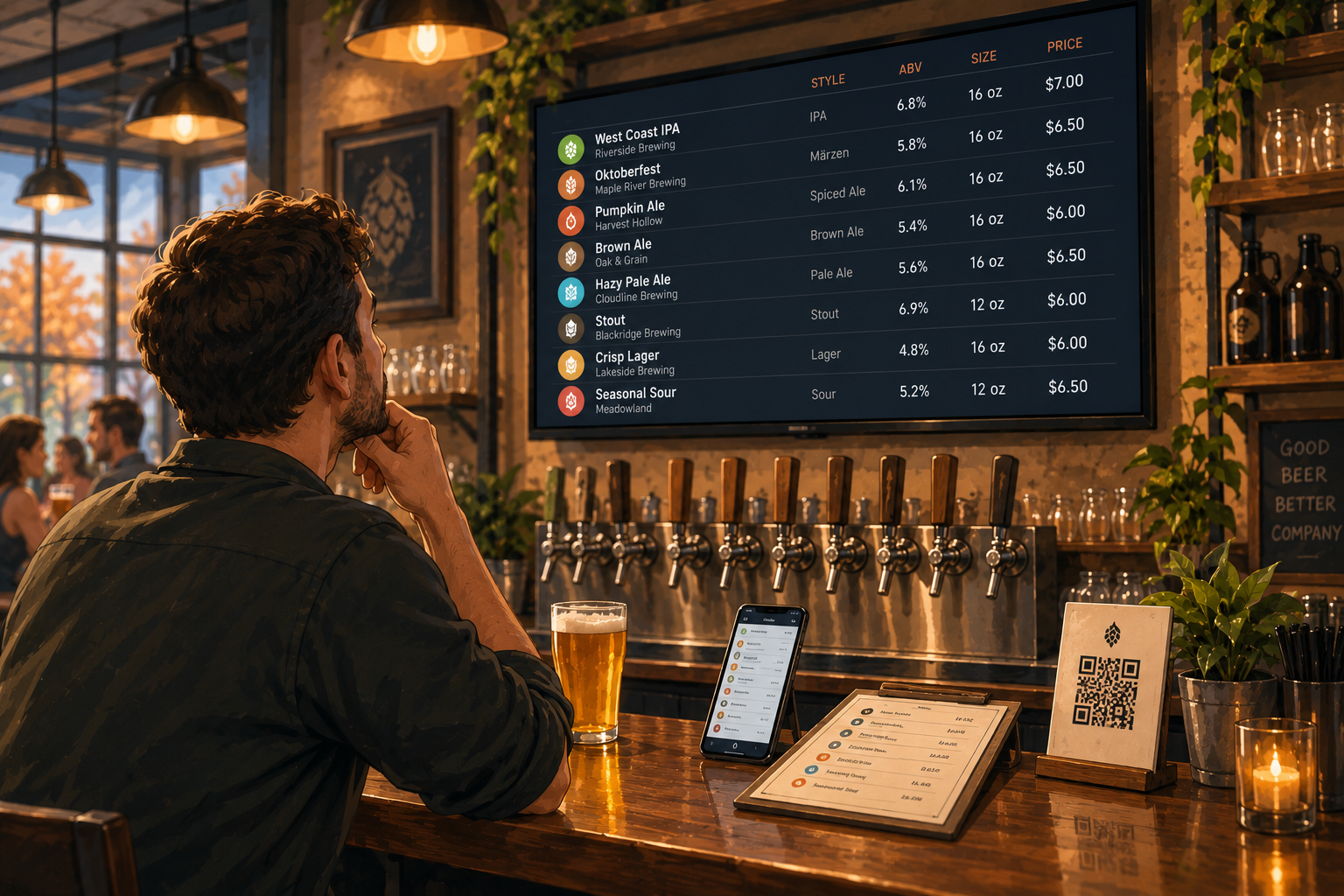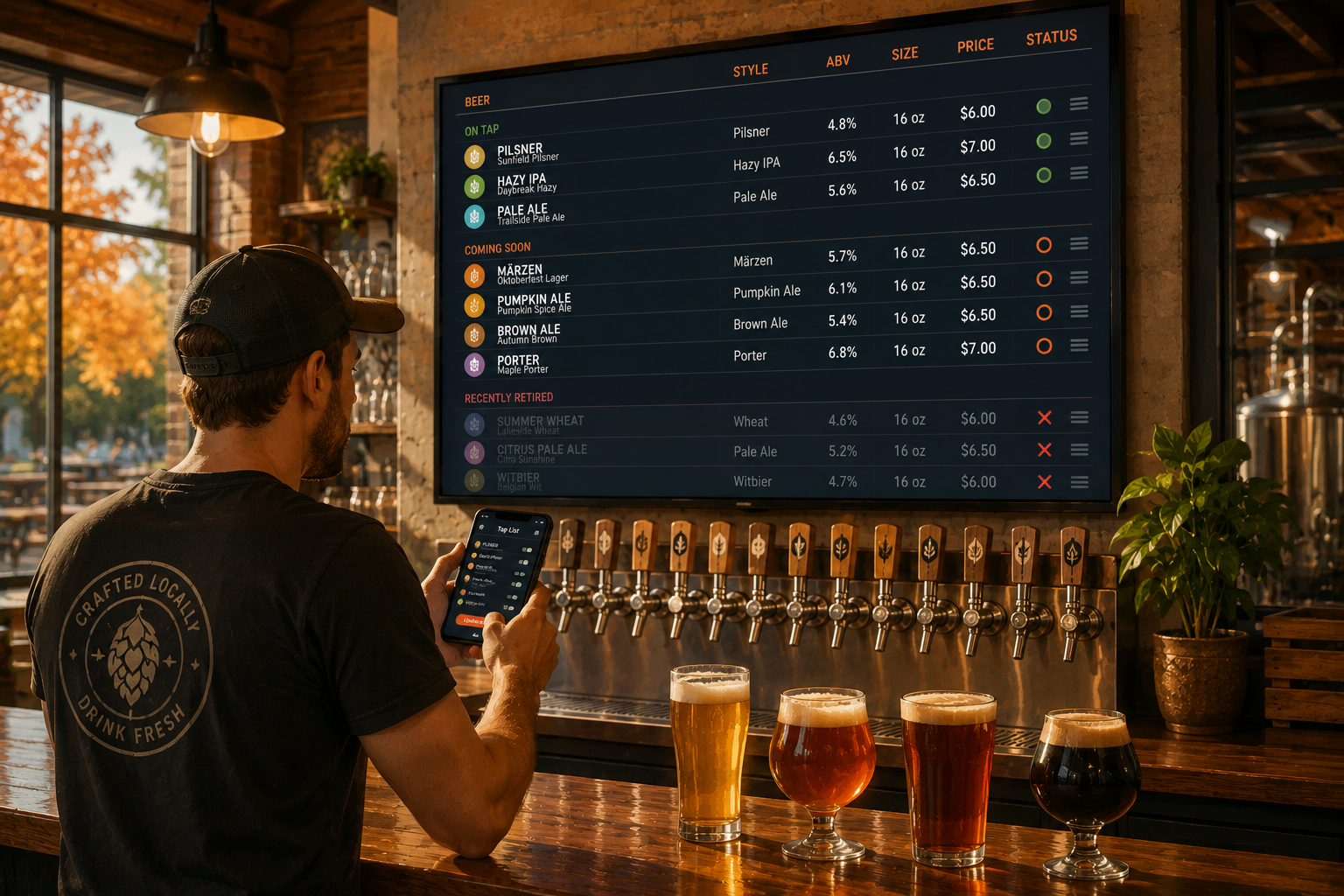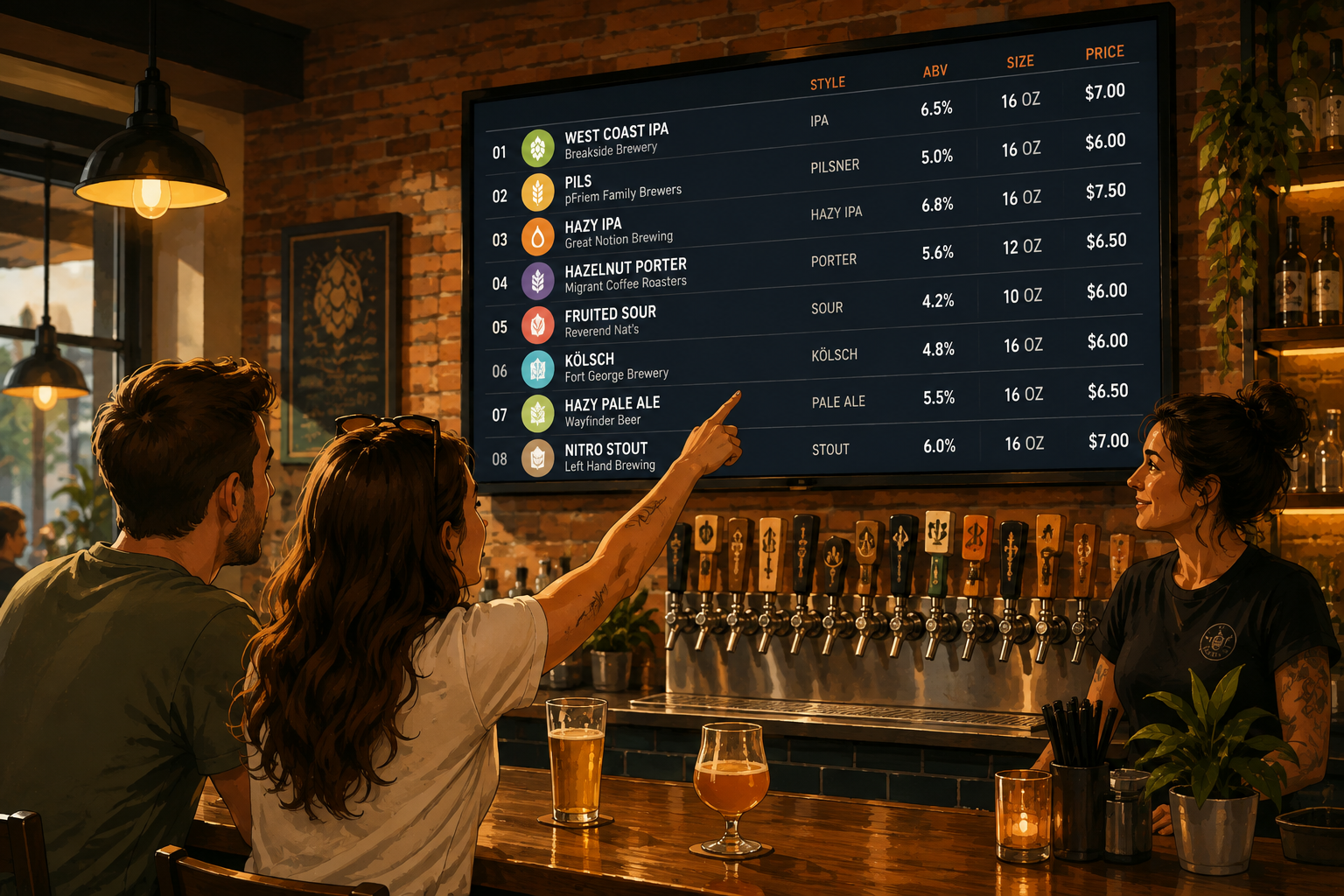
A digital beer menu can hold a lot of information.
That doesn't mean it should.
When someone looks up at your tap list, they're usually trying to answer a few simple questions:
What is it?
What kind of beer is it?
How strong is it?
How much does it cost?
A useful digital beer menu gives them those answers quickly. Everything else is secondary.
So, what information actually belongs on your beer menu?
1. Beer Name
Start with the obvious one.
Every beer should have a clear, recognizable name. It sounds basic, but the beer name is usually the first thing guests look for, especially if they already know what they want.
Keep it easy to spot and separate it clearly from the brewery name.
For example:
Two Hearted Ale
Bell's Brewery
is easier to understand at a glance than putting every detail on the same line.
2. Brewery Name
The brewery matters.
Some guests order based on breweries they already know. Others may want to try something local or recognize a brewery they've enjoyed before.
Including the brewery name also helps distinguish beers with similar names or styles.
This is especially useful for beer bars and taprooms carrying products from multiple breweries.
If you're a brewery serving only your own beer, repeating the brewery name on every single item may not be necessary. Use the space for information your guests actually need.
3. Beer Style
IPA. Pilsner. Stout. Hefeweizen. Sour.
For plenty of guests, the style tells them more than the beer name does.
Someone may have never heard of a particular beer, but if they know it's a West Coast IPA, they already have a much better idea of what they're ordering.
Beer style is particularly important when your tap list includes unfamiliar, local, or rotating beers.
It gives guests a useful shortcut.
4. ABV
Alcohol by volume is one of the most useful pieces of information on a beer menu.
A 4.5% lager and a 10% imperial stout are very different decisions.
Showing the ABV lets guests make that decision themselves without having to ask your bartender.
It also doesn't need much space.
6.2% ABV tells them everything they need to know.
5. Serving Size
If you offer different serving sizes, make them clear.
Maybe the same beer is available as a 5 oz taster, 10 oz pour, or 16 oz pint. Maybe certain high-ABV beers are only served in smaller pours.
Whatever your setup is, guests should know what they're getting before they order.
Serving size becomes even more important when it appears next to the price.
A "$7 beer" doesn't tell the whole story if one pour is 16 oz and another is 10 oz.
6. Price
Don't make people guess what a beer costs.
Price should be easy to find and clearly connected to the correct serving size.
If you have multiple sizes, show the relationship clearly:
10 oz — $6
16 oz — $8
Guests shouldn't need your bartender to decode the menu.
Clear pricing makes ordering easier for everyone.
7. A Short Description, When It Actually Helps
Not every beer needs a paragraph.
For some beers, the name, brewery, style, and ABV tell guests enough.
But a short description can help when a beer has flavors or ingredients that aren't obvious from the style.
Think:
Citrusy, dry, and pine-forward
rather than:
A beautifully crafted and exceptionally refreshing beer featuring an unforgettable combination of carefully selected ingredients.
The first one tells you something.
The second one takes up space.
If you're adding descriptions, keep them short and useful.
8. Useful Dietary or Ingredient Information
Some additional details can be worth including when they're relevant to the beer and your guests.
For example, you may want to identify non-alcoholic options or call attention to ingredients that meaningfully affect what someone is ordering.
The key is relevance.
Your digital beer menu isn't a database dump. Information should be there because it helps someone make a decision.
What Doesn't Need to Be on Every Beer Listing?
This is where digital beer menus can get crowded.
You may have plenty of information about a beer, but your guests probably don't need all of it while they're standing at the bar.
Long tasting notes, brewery histories, production details, awards, and other background information can quickly turn a useful tap list into a wall of text.
More information isn't automatically better.
A guest should be able to look at your menu from a reasonable distance and understand their options without reading a biography of every beer.
Think About the Order of Information Too
What you include matters, but so does the order.
A practical beer listing might look something like this:
Two Hearted Ale
Bell's Brewery
American IPA · 7% ABV
16 oz · $7
That's enough information for most guests to understand what they're looking at and decide whether they want it.
You can add a short description when it helps, but the essential information should remain easy to find.
Your Tap List Should Help Guests Decide
The job of a digital beer menu isn't to show how much information you have.
It's to help someone choose a drink.
For most bars and breweries, that means prioritizing:
- Beer name
- Brewery
- Beer style
- ABV
- Serving size
- Price
Then add descriptions or other useful details where they genuinely help.
Pourwall is built around beverage information like products, serving sizes, and prices, so you can create a tap list that's useful without turning your TV into a spreadsheet.
And when your beer list changes, keeping that information current matters just as much as deciding what to include in the first place.
A good digital beer menu answers the important questions quickly.
Then your bartender can get back to pouring.